
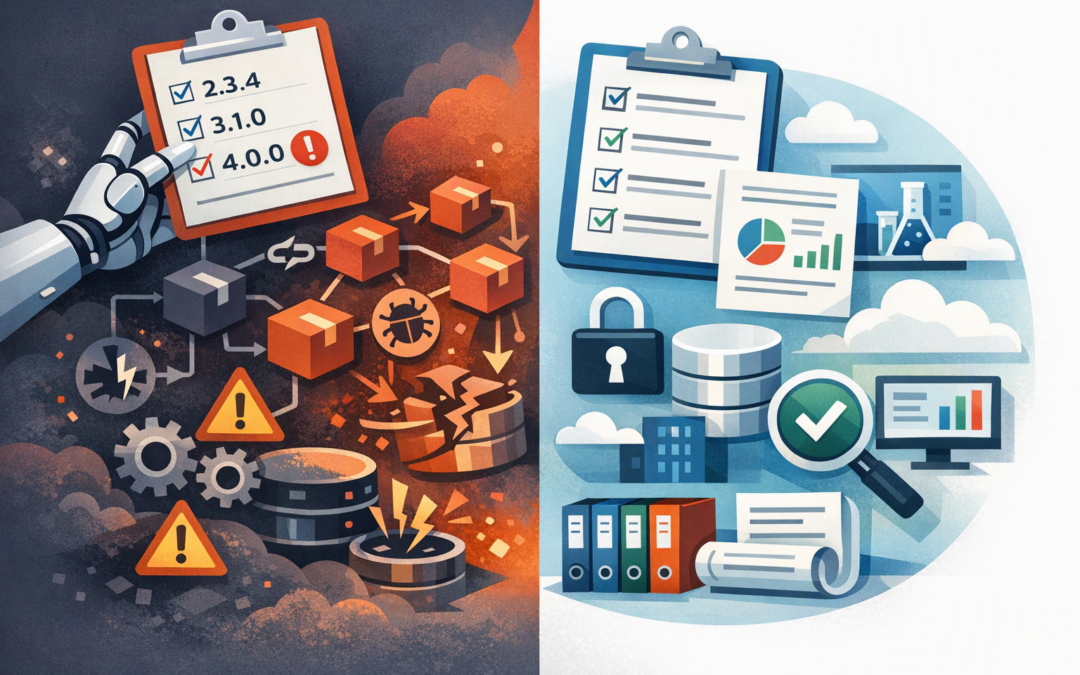
In this blog post Do AI Coding Agents Respect SemVer in Azure Upgrade Policies we will explain why an AI-generated dependency update can look safe, pass its initial tests and still cause expensive problems in production.
AI coding agents can inspect a repository, edit application code, update software packages and submit a pull request for review. They can save developers hours, but they do not automatically understand your business risk, compliance obligations or tolerance for downtime.
The short answer is that AI coding agents can follow Semantic Versioning, or SemVer, when instructed to do so. However, they do not inherently enforce it, and SemVer itself is not a guarantee that an upgrade will be harmless.
What SemVer actually tells you
Semantic Versioning is a common way of numbering software releases. A version such as 3.4.2 contains three parts:
CPI Consulting helps organisations design, build and secure Azure AI solutions, from Azure OpenAI and Microsoft Foundry to agents, governance and production deployment.
Visit CPI Consulting- 3 is the major version. A change here may break compatibility and require application changes.
- 4 is the minor version. This normally adds features without intentionally breaking existing behaviour.
- 2 is the patch version. This normally contains compatible bug or security fixes.
The important word is normally. SemVer describes what a package publisher intends to communicate. It cannot prevent a publisher from misclassifying a release, overlooking a side effect or introducing a problem through another package that their software depends on.
Your package configuration also affects what happens. In a JavaScript application, for example, these settings produce different upgrade behaviour:
{
 "dependencies": {
 "fixed-example": "3.4.2",
 "patch-example": "~3.4.2",
 "minor-example": "^3.4.2"
 }
}
The fixed version stays on one release. The tilde usually permits patch updates, while the caret usually permits minor and patch updates within the same major version. NuGet for .NET and Python packaging tools have their own version-range rules, so one policy cannot simply assume every software ecosystem behaves identically.
Why an AI agent may cross the line
An AI coding agent is working towards the goal it was given. If the instruction says “update all dependencies to the latest versions”, the agent may reasonably conclude that major-version upgrades are allowed.
It might also change a version range, replace a package, regenerate a lock file or rewrite application code so the new dependency compiles. That can be useful, but it is more than routine maintenance.
The agent may respect the visible SemVer numbers while missing the operational impact. An authentication library, database driver or payment component can pass unit tests but behave differently under production load, with real customer data or when connecting to another system.
This is why the principles in our guide to using AI coding agents without losing code quality also apply to dependency management. The agent should propose and test changes, but your controls should decide what reaches production.
The business risks hidden inside a simple upgrade
Unexpected downtime
A package update can change how an application starts, stores data or communicates with Azure services. If the problem is discovered after deployment, the cost includes lost staff time, interrupted customer service and an emergency rollback.
Security fixes that move too slowly
Being overly cautious creates a different problem. If every small security patch waits for a quarterly project, known vulnerabilities can remain exposed for weeks.
This matters in Australia because patching applications is part of the Essential Eight, the Australian Government’s cybersecurity framework that many organisations use for risk and compliance planning. A good upgrade policy must support fast action when a vulnerability is critical while still preserving evidence, testing and approval.
Unclear accountability
When an agent changes 30 packages in one pull request, reviewers may approve it because the build is green rather than because they understand the risk. A passing build is useful evidence, but it is not proof that every business workflow still works.
Loss of a repeatable build
Lock files record the exact package versions used to build an application. If an agent deletes, ignores or incorrectly regenerates them, the software tested today may not contain the same components when rebuilt next month.
That makes incident investigation, audit reporting and rollback much harder.
A practical Azure dependency and upgrade policy
An Azure upgrade policy is not a single Microsoft setting. It is a set of rules covering your repositories, Azure DevOps pipelines, testing environments, approvals and production releases.
- Classify dependencies by business impact. Treat user-interface libraries differently from identity, security, database, payment and infrastructure components. High-impact dependencies should receive deeper review.
- Use approved version ranges and lock files. Decide when exact, patch-only or minor-version movement is permitted. Commit lock files so builds remain repeatable.
- Separate upgrades by risk. Security patches, routine minor updates and major upgrades should not be bundled into one large change. Smaller pull requests are easier to test, review and reverse.
- Require the agent to explain its work. Every pull request should list changed packages, major-version movements, known breaking changes, tests performed and the proposed rollback method.
- Enforce controls in Azure DevOps. Protect the main branch with mandatory pull requests, independent reviewers and build validation. Do not rely on a prompt asking the agent to behave safely.
- Release gradually. Deploy to a test environment first, then a limited production group where possible. Monitor errors, performance and important business transactions before completing the rollout.
A simplified Azure DevOps pipeline might contain gates such as:
steps:
- script: npm ci
 displayName: Install locked dependencies
- script: npm test
 displayName: Run automated tests
- script: npm audit
 displayName: Check dependency vulnerabilities
- script: npm run build
 displayName: Confirm production build
The exact commands will vary, but the business principle is consistent: the same dependency versions must be restored, scanned, tested and built before a change can be approved.
For critical repositories, dependency scanning can also identify known problems in both direct packages and transitive dependencies, which are the packages used indirectly by other packages. Maintaining a software bill of materials, or an inventory of the components inside your applications, makes security incidents easier to assess.
A realistic 200-person business scenario
Consider a 200-person professional services company running a customer portal on Azure. An AI agent receives a task to “bring all packages up to date” and returns a pull request containing 38 upgrades, including three major-version changes.
The application builds successfully, but one updated identity package changes how login sessions are refreshed. The issue only appears after several hours, creating intermittent customer sign-outs after the release.
Under a better policy, the three major upgrades would be separated from routine patches. The identity change would require a named security or platform reviewer, targeted login testing and a staged Azure release with a documented rollback.
The agent still saves development time. The difference is that speed no longer comes at the expense of uptime and customer trust.
Your policy should control the agent
The same lesson applies to production AI systems more broadly. As we explain in designing durable Azure AI agents that stay under control, dependable systems separate what an agent can propose from what it can approve and execute.
Your policy should also define how often dependencies are reviewed. Our discussion of release cadence and version governance explains why frequent releases require a repeatable decision process rather than constant reactive upgrading.
The goal is not to prevent AI agents from updating software. It is to let them handle repetitive work while your organisation retains control over risk, timing and production access.
Start with one important application
Choose one business-critical Azure application and review its version ranges, lock files, dependency inventory, branch protections, test coverage and rollback process. This usually reveals whether your current approach is genuinely controlled or simply dependent on developer caution.
CloudProInc combines more than 20 years of enterprise IT experience with practical Azure, Microsoft 365, OpenAI, Claude and cybersecurity expertise. As a Microsoft Partner and Wiz Security Integrator, we help organisations create controls that developers can follow without slowing every release to a crawl.
If you are not sure whether AI-generated upgrades are reducing development costs or quietly increasing production risk, we are happy to review your current Azure dependency process with you — no strings attached.