
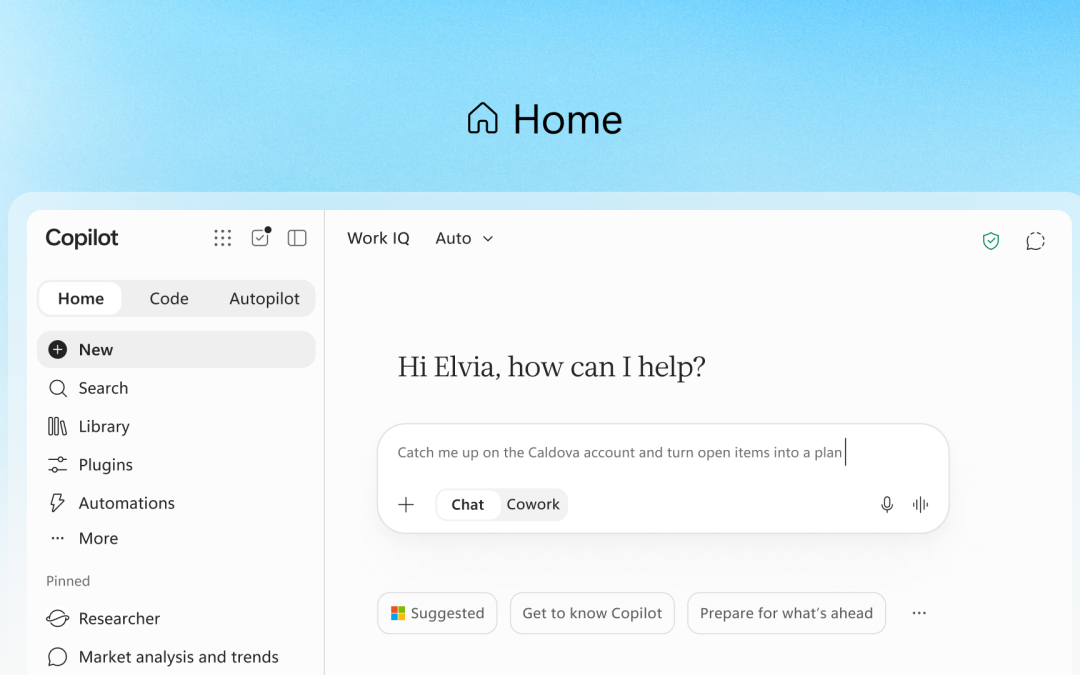
Today, Microsoft announced a series of new features, capabilities and changes to Microsoft Copilot that significantly extend the offering.


These new features represent a step forward, essentially transforming Copilot from an AI assistant into an AI operating system.
Home, Code and Autopilot
The new Copilot experience is built around three capabilities: Home, Code and Autopilot. Home is the main starting point for Copilot, bringing Chat and Copilot together in one place.
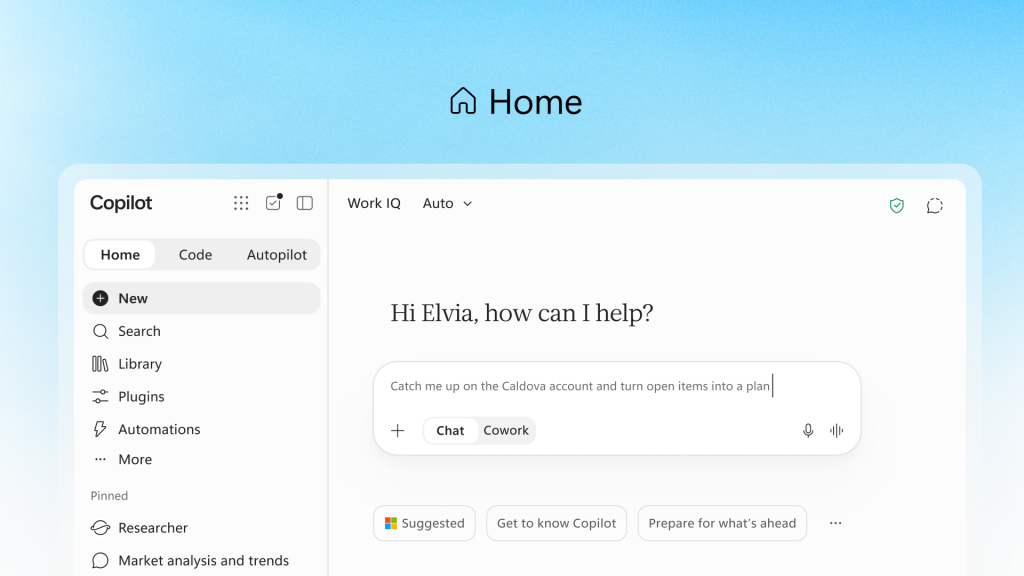
Apps such as Word, Excel and PowerPoint are now embedded in the new Copilot experience. When you ask Copilot to create a spreadsheet or document, it happens within the same experience, without requiring you to switch to another application, screen or menu.
The long-term plan is to allow Copilot to automatically decide whether a request should be directed to Chat, Cowork or Code.
Code is a new addition to the Copilot family. It brings the capabilities of the GitHub Copilot coding agent directly into Copilot, allowing users to create applications by describing what they need in natural language.
A Code application can be a dashboard, tracker or standalone app. More importantly, users can publish these applications, which will operate under Microsoft 365 security and compliance guardrails governed by Agent 365.
In effect, Code is Microsoft’s attempt to bring vibe coding into Microsoft 365 while operating under the existing security and compliance policies that govern a tenant.
Autopilot is another addition. Previously called Scout, it acts like a digital teammate or personal agent that works alongside you and continues working after you have finished for the day. For example, Autopilot can monitor channels, follow conversations and run recurring tasks.
Unlike Cowork, Autopilot runs continuously and has its own identity, memory, computer and workspace within the tenant.
Pricing Philosophy
The final announcement is Microsoft’s new pricing philosophy, which divides AI usage into two economic models.
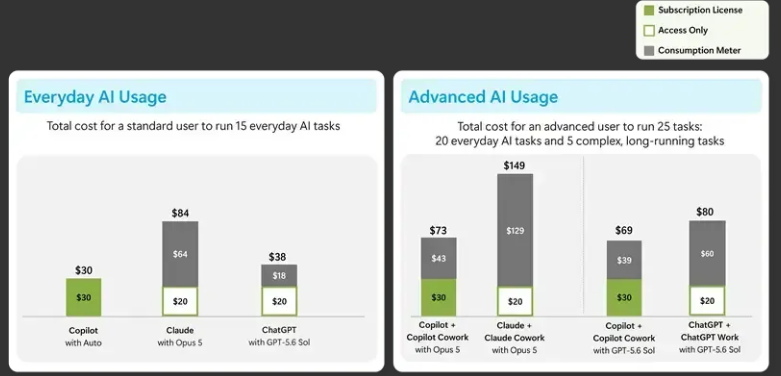
Everyday AI and Advanced AI are the two economic models that provide the foundation for what Microsoft calls AI FinOps. They are designed to help organisations manage the cost of AI usage predictably and effectively.
Everyday AI follows the traditional per-user subscription licensing model with which we are already familiar. It covers the use of Copilot Chat, Word, Excel, PowerPoint, Outlook and Teams.
Long-running agentic workloads such as Cowork, Code and Autopilot are moving to usage-based billing, or UBB, using Copilot Credits.
A Copilot Credit is priced at US$0.01 per credit, with prepaid and pay-as-you-go options available.
AI FinOps
To help businesses control the cost of Advanced AI workloads, Microsoft is adding controls to the Microsoft 365 admin center. These controls will allow organisations to create spending policies, set user and group limits, configure alerts and access reports.
Copilot Managed Runtime
To support the development and operation of agents and applications created using Code and Cowork, Microsoft also introduced Copilot Managed Runtime. This provides organisations with a hosted runtime platform for running applications within the Microsoft 365 boundary.
Takeaway
At CPI, we are committed to helping our customers make business decisions that deliver clear outcomes and add business value.
Before enabling the new Advanced AI consumption plans, make sure that the appropriate spending limits are in place and correctly configured.
For assistance with Copilot, AI FinOps and Code, please contact us.