
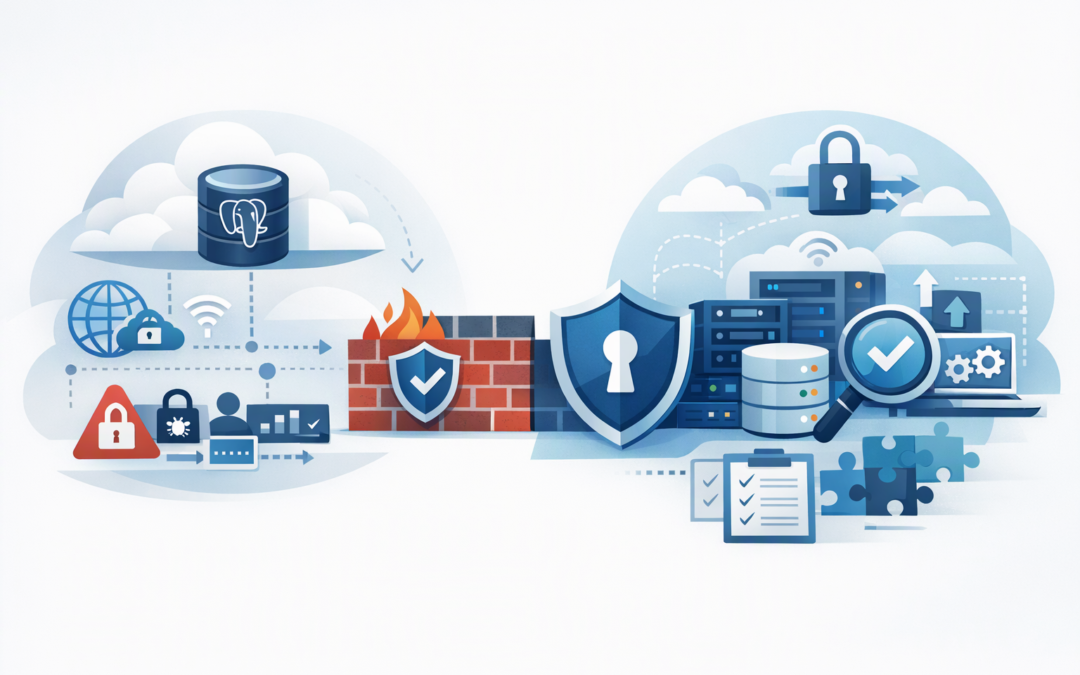
In this blog post Moving PostgreSQL to Azure Private Endpoints Without Surprises we will explain how to remove unnecessary internet exposure without breaking applications, reporting tools or support access. The biggest risk is rarely creating the private endpoint itself. It is discovering too late that an application, administrator or automated process cannot reach it.
At a high level, a private endpoint gives Azure Database for PostgreSQL Flexible Server a private IP address inside your Azure network. Database traffic can then travel over Microsoft’s private network rather than through a public internet-facing endpoint.
That sounds like a simple security switch. For regulated workloads, however, the real project is redesigning every path to the database, including cloud applications, offices, remote administrators, deployment pipelines, monitoring systems and disaster recovery processes.
Why private access matters for regulated data
A PostgreSQL server protected by firewall rules still has a public endpoint. Authentication remains necessary, but the service is reachable through an internet-facing address from approved locations.
CPI Consulting helps organisations design, build and secure Azure AI solutions, from Azure OpenAI and Microsoft Foundry to agents, governance and production deployment.
Visit CPI ConsultingA private endpoint reduces that exposure. Only systems with the right network route and name resolution can reach the database. This creates another barrier between sensitive information and an attacker, while making the intended access path easier to explain during an audit.
Private endpoints do not make a database compliant by themselves. They complement controls such as multi-factor authentication, restricted administrator access, timely patching, backups, logging and encryption.
This distinction matters in Australia. The Essential Eight, the Australian government’s baseline cybersecurity framework, does not treat private endpoints as a substitute for its eight security strategies. Private networking instead supports a broader defence-in-depth approach and can provide useful evidence that unnecessary public access has been removed.
Understand the two PostgreSQL networking models
Azure Database for PostgreSQL Flexible Server has more than one private networking model. Confusing them can lead to unnecessary migrations or incorrect assumptions about what can be changed.
Private endpoints through Azure Private Link
Azure Private Link connects a private IP address in your chosen subnet to the managed PostgreSQL service. The database remains managed by Microsoft, but applications can access it as though it were available inside their private network.
This model is useful when several Azure networks, subscriptions or on-premises locations need controlled access. It also fits hub-and-spoke environments, where shared network services sit in a central hub and business applications run in separate connected networks.
Virtual network integration
Older or differently configured Flexible Server deployments may use virtual network integration, where the server is placed into a dedicated subnet. Azure now supports changing eligible VNet-integrated servers to a configuration that can use private endpoints.
This change requires more care than adding an endpoint to a server already using public-access networking. Microsoft describes the conversion as irreversible, with the server potentially unavailable while the network configuration changes. Logical replication subscribers may also lose connectivity until a new private route is available.
Five network design lessons that prevent outages
1. Map every connection before changing anything
Start with a list of systems that connect to PostgreSQL. Include production applications, integration platforms, data warehouses, developer tools, monitoring services, backup checks and software deployment pipelines.
Do not rely only on application diagrams. Review database connection logs and speak with the teams that run finance reporting, customer portals and overnight processing. The forgotten spreadsheet gateway or hosted reporting tool is often what delays the change.
The business outcome is straightforward: fewer surprises, a shorter maintenance window and less risk of customer-facing downtime.
2. Treat DNS as part of the application
DNS translates the PostgreSQL server name into an IP address. With Private Link, the existing database hostname should resolve to the private endpoint’s IP address for authorised networks.
Azure commonly handles this through the private DNS zone privatelink.postgres.database.azure.com. The zone must be linked to every Azure network that needs to resolve the private address. On-premises environments usually need DNS forwarding through a suitable Azure DNS service or an existing corporate DNS design.
A network route can be perfect while the application still fails because DNS returns the wrong address. Test name resolution from each real source network, not only from an administrator’s test virtual machine.
3. Design the return path, not just the route in
An office, data centre or connected Azure network may have a route to the endpoint subnet, but traffic must also return through a valid path. Firewalls, network appliances and overlapping private IP ranges can interfere with this.
For organisations using a central Azure firewall, decide whether database traffic should pass through it for inspection or travel directly over connected networks. The answer should reflect risk and operational needs, not an assumption that more routing complexity always means better security.
This is one reason secure database networking should form part of a well-designed Azure landing zone, rather than being added separately for every project.
4. Plan how people and automation will administer the database
Once public access is disabled, an administrator working from home cannot connect simply by adding their current IP address to a firewall rule. They need an approved private route, such as a corporate VPN, a secure management host or a controlled Azure workstation.
Deployment pipelines need the same attention. A build agent running outside your private network may no longer be able to apply database changes. Moving the agent into a connected Azure network can solve this, but it affects support ownership, patching and monitoring.
The same lesson applies when private PostgreSQL is used by analytics or AI services. Our guides to private Azure Databricks Serverless networking and private access for Microsoft Foundry agents explore those service-specific connection paths.
5. Separate network changes from database upgrades
A private endpoint migration already changes routing, DNS and support procedures. Combining it with a major PostgreSQL version upgrade makes troubleshooting harder because the team cannot quickly determine whether a failure is caused by the network, an extension or application compatibility.
Complete one controlled change, validate it and then move to the next. If an upgrade is planned, use Azure PostgreSQL pre-upgrade checks before scheduling the work.
A safer migration sequence
- Document dependencies. Identify every source system, network, hostname and business owner.
- Build the private path. Create the endpoint, subnet design, DNS zone links, forwarding rules and routes.
- Test without removing the fallback. Confirm applications can use the private IP while public access remains available where the existing networking mode permits it.
- Validate operations. Test monitoring, deployments, support access, reporting, replication and recovery procedures.
- Disable public access. Remove the internet-facing connection path only after private connectivity is proven.
- Monitor closely. Watch connection errors, DNS responses, application latency and failed scheduled jobs.
For servers that support public access plus private endpoints, Azure allows public access to be disabled after the private connection has been tested. Once disabled, access is available only through configured private endpoints.
Useful validation commands
The following checks should be run from an application host or management system using the same network and DNS services as the real workload.
# Confirm the hostname resolves to a private address
nslookup myserver.postgres.database.azure.com

# Test whether the PostgreSQL port is reachable
nc -vz myserver.postgres.database.azure.com 5432

# Test an authenticated database connection
psql "host=myserver.postgres.database.azure.com port=5432 dbname=mydb sslmode=require"

# Check the Azure public network access setting
az postgres flexible-server show \
 --resource-group my-resource-group \
 --name myserver \
 --query "network.publicNetworkAccess"

# Disable public access after private connectivity is validated
az postgres flexible-server update \
 --resource-group my-resource-group \
 --name myserver \
 --public-access disabled
These tests should be repeated from every important network path. One successful connection from inside Azure does not prove that an office reporting server or disaster recovery environment will work.
What this looks like in practice
Consider a 180-person financial services business with a customer platform in Azure, analysts connecting through a corporate office and an external support team using a VPN. The database team creates a private endpoint and tests it from the application network.
The customer platform works, but the analysts lose access because the office DNS servers still return the public address. The support team also cannot connect because its VPN has no route to the endpoint subnet.
Neither problem is a PostgreSQL failure. Both come from treating the endpoint as a database setting rather than an organisation-wide network change. Mapping these paths in advance turns a disruptive incident into planned configuration work.
Private endpoints should reduce risk, not add fragility
Moving PostgreSQL to private endpoints can reduce public exposure and make access easier to control. The strongest designs also keep DNS understandable, management access practical and recovery procedures testable.
CloudProInc approaches this work as both a Microsoft Partner and Wiz Security Integrator, drawing on more than 20 years of enterprise IT experience. That means looking beyond the endpoint itself to the Azure landing zone, security controls and day-to-day processes that keep the database usable.
If you are unsure whether your PostgreSQL environment is genuinely private—or whether disabling public access would break an important business process—we are happy to review the design and highlight the gaps, with no strings attached.