
In this blog post Microsoft Agent Framework 1.x Production Readiness Guide for CTOs we will explain what the framework does, why its release speed matters, and how to decide when an update is genuinely ready for your production environment.
The difficult part is not getting an AI agent to work in a demonstration. It is keeping that agent reliable when Microsoft releases updates, model providers change their behaviour, security requirements evolve, and employees begin depending on the system to complete real work.
What is Microsoft Agent Framework?
Microsoft Agent Framework is an open-source development framework for building AI agents using Python or .NET. In plain English, it provides the building blocks that let an AI model do more than answer questions.
An agent can use approved business tools, remember relevant information, follow a multi-step process and ask a person for approval before taking a sensitive action. Several specialised agents can also work together through a controlled workflow.
CPI Consulting helps organisations design, build and secure Azure AI solutions, from Azure OpenAI and Microsoft Foundry to agents, governance and production deployment.
Visit CPI ConsultingFor example, one agent might read a customer enquiry, another could check account information, and a third could prepare a response. The framework manages how they communicate, what information they retain and which actions they are allowed to perform.
It supports different model providers, including Microsoft-hosted models, OpenAI models and Anthropic Claude. It also provides controls for tool access, workflow state, monitoring and human approval.
Version 1.x is stable but it is not static
Microsoft Agent Framework reached its production-ready 1.0 milestone for Python and .NET in early April 2026. That was an important signal because it introduced stable core interfaces and a commitment to longer-term support.
However, production-ready does not mean finished. By late October 2026, the Python release line had already advanced to version 1.24. New capabilities, connectors and workflow improvements are arriving quickly.
This pace is good for innovation, but it creates a governance problem. An update that improves one workflow may change a dependency, an integration or the way stored workflow information is handled elsewhere.
Our earlier guide to the Agent Framework release cadence explains why versions should be pinned and tested. The more important question for CTOs is what production readiness should mean inside their own organisation.
Production readiness applies to the whole system
A stable framework cannot make an unsafe application safe. Your agent also depends on its AI model, connected tools, business data, identity controls, hosting environment and monitoring.
Think of Agent Framework as the engine in a vehicle. Microsoft can provide a reliable engine, but your team is still responsible for the brakes, driver permissions, maintenance process and rules governing where the vehicle may go.
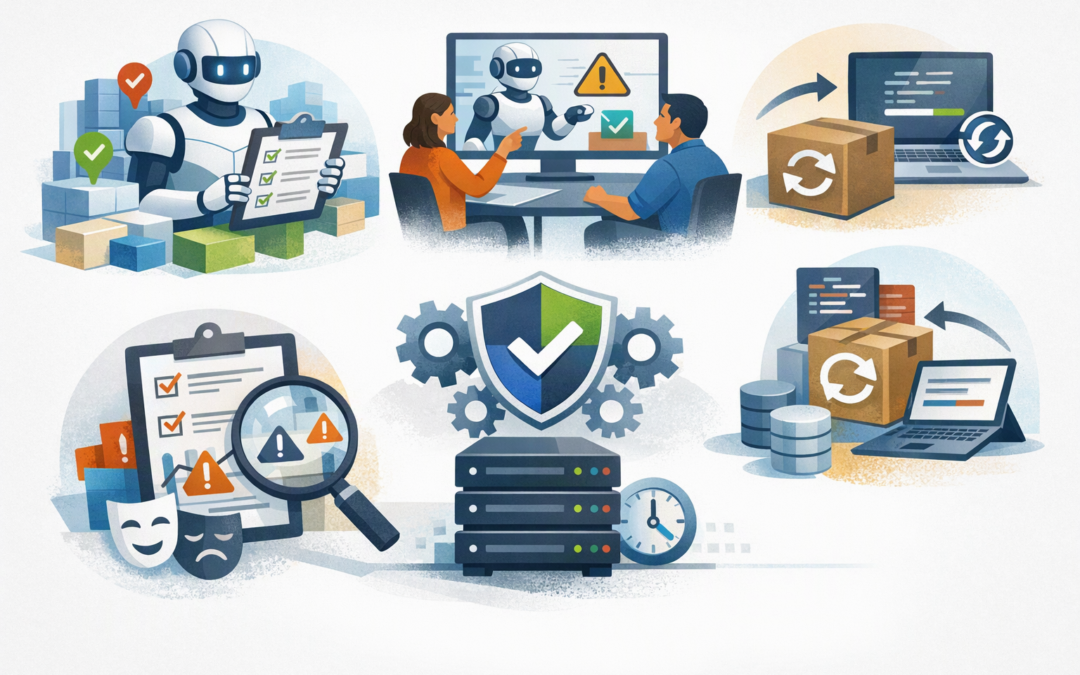
Before approving an agent for production, technology leaders should require five practical checks.
1. Every component has an approved version
Do not let production systems automatically download the newest package. Pinning means recording the exact software version your application is allowed to use, preventing an untested update from appearing during a routine deployment.
# Example Python dependency control
agent-framework==1.24.0

# Upgrade only after testing in a separate environment
pip install --upgrade agent-framework==1.24.0
pytest tests/agent_behaviour tests/security tests/integrations
The version shown is an example rather than a permanent recommendation. Your approved version should be the one your team has tested with every model, connector and workflow used by the application.
This simple control reduces unexpected outages and makes it much easier to restore the previous version if an upgrade causes problems.
2. The agent is tested for behaviour, not just uptime
Traditional application monitoring asks whether the system is running. AI monitoring must also ask whether the system is making sensible decisions.
Create a fixed set of realistic business requests and expected outcomes. Developers sometimes call this an evaluation set, but it is essentially a repeatable test that checks whether the agent still behaves properly after a framework, model or instruction change.
Tests should cover normal requests, incorrect information, unavailable tools, malicious instructions and situations requiring human approval. This protects productivity by catching subtle behaviour changes before employees or customers encounter them.
3. Sensitive actions require human approval
An agent that drafts a response has a different risk profile from one that sends it, approves a refund or modifies a customer record. The more consequential the action, the stronger the approval control should be.
Agent Framework can pause a workflow and request human confirmation before using particular tools. This is often described as human-in-the-loop control, which simply means a responsible person remains involved in high-risk decisions.
For Australian organisations, these controls also support Essential 8 alignment. Essential 8 is the Australian Government’s cybersecurity framework for reducing common cyber risks, including restricting administrative access and controlling applications.
4. Stored information survives the upgrade
Long-running agents may store conversation history, workflow progress or pending approvals. A release can appear successful while making older stored information difficult to resume.
Before upgrading, test workflows created under the current production version. Confirm they can pause, restart, recover from failure and complete correctly under the proposed version.
This matters when agents manage work that runs for hours or days, such as document reviews, procurement checks or multi-stage customer onboarding. Our A2A and MCP governance guide explores these controls for agents and external tools in more depth.
5. There is a tested rollback plan
Rollback means returning to the previous working version. It should be a rehearsed procedure, not a sentence in a project plan.
Your team should know which application package, configuration, prompts and stored data belong to each release. Monitoring should also record tool calls, approval decisions, errors, response times and unusual cost increases without unnecessarily exposing personal or confidential information.
This gives management a clear business outcome: shorter outages, lower investigation costs and better evidence if a privacy, security or compliance incident occurs.
A practical release policy for a mid-market business
Consider a 180-person professional services company using an agent to classify incoming requests, retrieve internal procedures and draft responses. An uncontrolled update could save developers a few hours while disrupting dozens of employees.
A safer release policy would look like this:
- Review releases weekly: Identify security fixes and changes affecting your specific components.
- Upgrade development first: Let developers find obvious compatibility problems without affecting users.
- Run automated behaviour tests: Compare quality, security, cost and response times with the production version.
- Use a staging period: Staging is a safe copy of the production environment where selected users can test real scenarios.
- Deploy during a controlled window: Keep the previous version ready and monitor the agent closely after release.
This does not require adopting every weekly update. Many organisations will be better served by a planned monthly upgrade window, with an accelerated process for important security fixes.
The goal is not to slow innovation. It is to prevent unplanned work from consuming the savings the AI project was meant to create.
Questions CTOs should ask before approving production
- Which exact framework and connector versions are we running?
- Can we prove the agent still produces acceptable business outcomes?
- Which actions can it take without human approval?
- What business data can it access, retain or send to a model provider?
- Can we restore the previous release quickly?
- Who owns the decision to approve an upgrade?
If these questions cannot be answered clearly, the agent may be technically impressive but it is not operationally ready.
Production-ready should mean predictable
Microsoft Agent Framework 1.x provides a strong base for serious AI applications. Its rapid development is an advantage when your organisation has version controls, behaviour testing, security boundaries and rollback procedures in place.
The framework’s 1.x label should therefore be treated as permission to begin controlled production adoption, not permission to enable automatic upgrades. You can find a broader implementation checklist in our production guide for Australian teams.
CloudProInc brings more than 20 years of enterprise IT experience to these decisions. As a Melbourne-based Microsoft Partner and Wiz Security Integrator, we help organisations connect AI delivery with Azure, Microsoft 365, identity, cybersecurity and practical Australian compliance requirements.
If you are unsure whether your Agent Framework deployment is genuinely ready for production, or whether its release process is creating unnecessary risk, we are happy to review the setup and give you a practical view of what should change — no strings attached.