
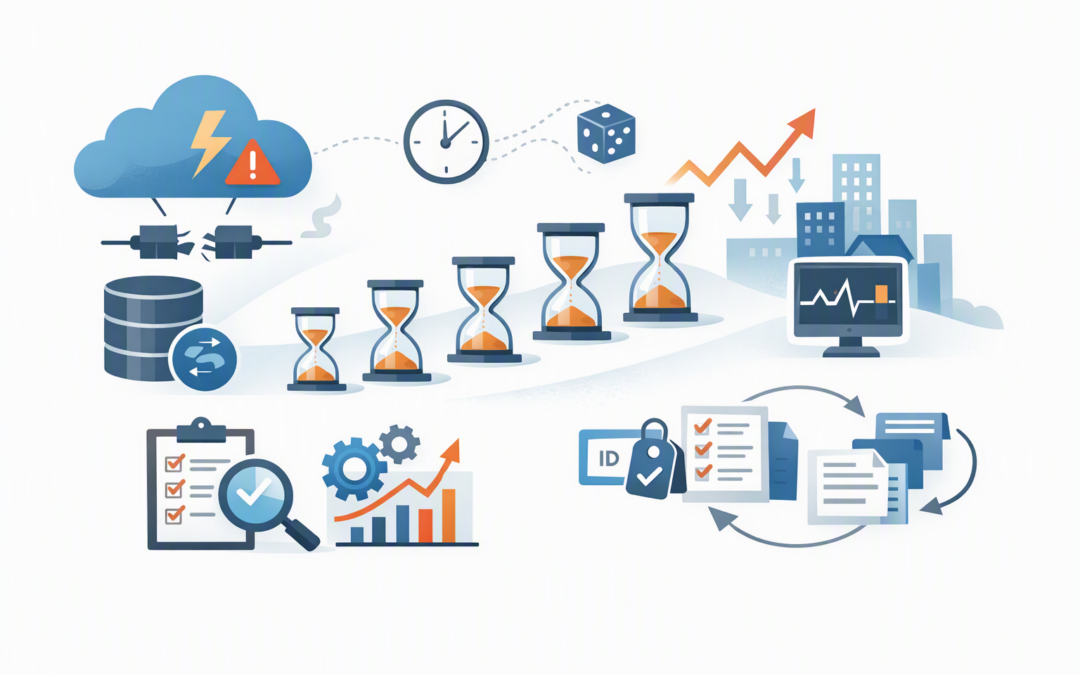
In this blog post How to Survive Azure SQL Scaling and Transient Faults Safely we will explain why routine cloud events can interrupt database connections, and how to stop those brief interruptions from becoming business outages.
The familiar pattern is an application that works perfectly until demand rises, Azure SQL is resized, or Microsoft performs maintenance. Users then see failed orders, frozen screens or timeouts, even though the database itself may only have been unavailable for a few seconds.
This is rarely just a database problem. It is usually a resilience problem involving the database, the application and the way operational changes are managed.
What is happening behind the scenes
Azure SQL is Microsoft’s managed cloud database service. Microsoft operates the underlying servers, storage, patching and much of the built-in availability, while your organisation controls the database configuration, application and data.
CPI Consulting helps organisations design, build and secure Azure AI solutions, from Azure OpenAI and Microsoft Foundry to agents, governance and production deployment.
Visit CPI ConsultingScaling means changing the computing power, memory, storage performance or service tier available to the database. Azure may prepare a new compute instance and then redirect connections to it. During that final switch, existing connections can be dropped and new connections may briefly fail.
A transient fault is a short-lived error that is likely to disappear without human intervention. Examples include a temporary network interruption, database failover, service maintenance or throttling when demand reaches a configured limit.
The important point is that short interruptions are normal in cloud environments. The goal is not to pretend they will never happen. The goal is to make them almost invisible to employees and customers.
1. Confirm whether you need more capacity
When a database slows down, the quickest response is often to increase its Azure service level. That may restore performance, but it can also lock the business into a higher monthly bill without addressing the cause.
Before scaling, examine CPU use, data and log input/output, storage, active sessions, deadlocks and query duration. Query Store, which records how database queries perform over time, can help identify one inefficient report or process consuming a disproportionate amount of capacity.
A badly designed query can remain badly designed after you double the database size. It simply becomes a more expensive problem.
- Scale up when sustained demand has genuinely outgrown the current service level.
- Tune first when a small number of queries, missing indexes or blocking processes cause the pressure.
- Consider serverless for suitable Azure SQL Database workloads with highly variable usage, but test resume times and cost patterns.
- Consider an elastic pool when several databases have different usage peaks and can share capacity efficiently.
The business outcome is straightforward: solve performance problems without automatically solving them with a larger Azure invoice.
2. Build bounded retry logic into the application
If a connection fails during a scale operation, immediately repeating it once may work. However, hundreds of users retrying at exactly the same moment can create another surge just as the database is recovering.
A safer design uses exponential backoff. In plain English, the application waits progressively longer between attempts. It should also add a small random variation, known as jitter, so every application instance does not reconnect simultaneously.
Retries must be bounded. An application should make a limited number of attempts and then fail clearly, rather than retrying forever and hiding a serious outage.
For a .NET application using Microsoft.Data.SqlClient, a basic connection policy could look like this:
using Microsoft.Data.SqlClient;

var retryOptions = new SqlRetryLogicOption
{
 NumberOfTries = 5,
 DeltaTime = TimeSpan.FromSeconds(1),
 MaxTimeInterval = TimeSpan.FromSeconds(20)
};

var retryProvider =
 SqlConfigurableRetryFactory.CreateExponentialRetryProvider(
 retryOptions);

using var connection = new SqlConnection(connectionString);
connection.RetryLogicProvider = retryProvider;

connection.Open();
// Run the required database operation.
This allows one initial connection attempt and up to four further attempts. The built-in provider increases the waiting period and adds jitter.
Connection retries and command retries are separate. Do not assume that protecting the connection automatically makes every database command safe to repeat.
3. Prevent retries from creating duplicate transactions
A retry can be dangerous when the application does not know whether the first request succeeded. Imagine a payment being recorded successfully, but the response disappearing when the connection drops. Repeating the command could record the same payment twice.
Operations should be idempotent wherever possible. This means repeating the same request produces the same final result rather than creating another order, payment or support ticket.
Common safeguards include unique transaction references, request identifiers and database constraints that reject duplicates. For multi-step transactions, retry the entire transaction as one unit rather than restarting only the statement that failed.
This is where resilience becomes a business control. Good retry design protects revenue, financial records and customer trust, rather than merely reducing error messages.
4. Treat scaling as a controlled business change
Azure SQL can often remain online while new capacity is prepared, but existing connections are normally redirected during the final switch. Long-running transactions can make the interruption more disruptive because they may need to be cancelled and recovered.
Schedule major scaling changes away from payroll runs, month-end reporting, data imports and large index maintenance jobs. Tell application owners what is changing, define a rollback decision and confirm who will watch the service during and after the change.
Test the change in a representative non-production environment where possible. More importantly, test what happens when a connection is deliberately interrupted. A resilience plan that has never been exercised is still an assumption.
Scaling resilience also has a different purpose from infrastructure availability. If you are protecting Azure SQL Managed Instance against a data centre failure, our guide to designing zone-resilient Azure SQL Managed Instance workloads covers that broader architecture.
5. Monitor the customer experience, not only the database
A database dashboard may show that Azure SQL recovered quickly, while users continue to experience failed requests. Monitor both sides of the connection.
- Alert on sustained CPU, data input/output and log usage before capacity is exhausted.
- Track connection failures, timeouts, deadlocks and throttling errors.
- Record retry counts and whether each retry eventually succeeded.
- Measure application response times and failed business transactions.
- Check Azure activity logs so incidents can be matched with scaling or configuration changes.
Alerts should lead to an action. A warning that nobody owns is only another email. Define thresholds, escalation paths and the conditions that justify tuning, scaling or incident response.
This builds on the proactive approach in our SQL Server patching and Azure SQL monitoring playbook.
A practical business scenario
Consider a 200-person wholesaler whose ordering platform slows sharply every Monday morning. The database is scaled up, but the final switch drops active connections. Some employees resubmit orders, creating duplicates that finance staff must investigate manually.
A better response combines query tuning, capacity alerts, bounded retries and a unique order-request identifier. Scaling is then scheduled before the peak period, while monitoring confirms whether the additional capacity is still needed later.
The result is not simply a healthier database. It is fewer failed orders, less manual correction, a more predictable Azure bill and greater confidence during busy trading periods.
Your Azure SQL resilience checklist
- Identify the business processes that cannot tolerate failed or duplicated transactions.
- Measure the real cause of database pressure before increasing capacity.
- Add bounded retries with backoff and jitter.
- Make important write operations safe to repeat.
- Retry complete transactions rather than isolated statements.
- Avoid scaling during long-running business and maintenance jobs.
- Alert on database pressure, application errors and retry behaviour.
- Run controlled interruption tests at least annually and after major application changes.
These controls complement backup and recovery planning; they do not replace it. For destructive incidents such as ransomware, see our guide to immutable Azure SQL backups for practical ransomware recovery.
Make short faults a non-event
Azure SQL scaling should not force the business to choose between performance and reliability. With sound monitoring, controlled changes and carefully designed retries, most brief interruptions can be absorbed without users needing to understand what happened.
CloudProInc brings more than 20 years of enterprise IT experience to these decisions. As a Melbourne-based Microsoft Partner and Wiz Security Integrator, we help organisations connect Azure performance, application resilience, cybersecurity and practical business continuity.
If you are not sure whether your Azure SQL environment is resilient, oversized or quietly creating avoidable risk, we are happy to take a practical look with you — no strings attached.