
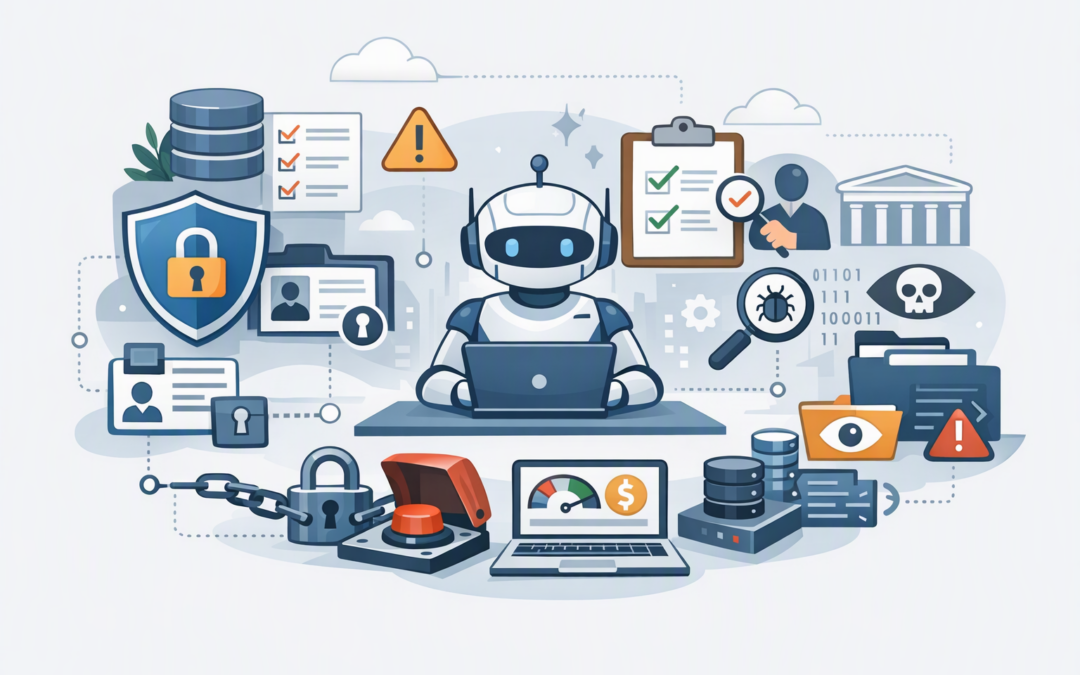
In this blog post Production-Ready AI Agents on Microsoft Agent Framework in Australia we will explain what CIOs should check before an AI agent is allowed to act inside the business. A pilot that answers questions is one thing. An agent that reads customer records, updates systems, sends emails or approves transactions creates a very different level of risk.
Microsoft Agent Framework provides the software foundation for building AI agents and coordinating multi-step workflows. In plain English, the AI model is the brain, tools are the hands, workflows define the path, identity controls determine what the agent can access, and monitoring records what happened.
The framework supports agents built with .NET and Python and can connect to Microsoft Foundry, Azure OpenAI, OpenAI and other model providers. It also supports structured workflows, human approvals, checkpoints and monitoring. These capabilities help, but they do not make an agent production-ready automatically.
Start with the business decision, not the technology
Many AI agent projects begin with an impressive demonstration but no agreed definition of success. Before go-live, the CIO should be able to describe the agent’s purpose in one sentence that includes a measurable business result.
CPI Consulting helps organisations design, build and secure Azure AI solutions, from Azure OpenAI and Microsoft Foundry to agents, governance and production deployment.
Visit CPI ConsultingFor example, “reduce the time required to prepare a new customer account from 40 minutes to 15 minutes without increasing errors” is useful. “Use an AI agent to improve onboarding” is not.
Agree on a small set of production measures:
- Time saved per task or employee.
- Percentage of tasks completed correctly.
- Number of cases requiring human intervention.
- Cost per completed task, including AI model and cloud costs.
- Number and severity of incorrect or unsafe actions.
Also document what the agent must never do. An agent may be allowed to prepare a refund request, for example, but not approve or pay it. Clear limits reduce risk and make testing much easier.
Check identity, permissions and data access
An AI agent should have its own managed identity rather than borrowing an administrator’s account or sharing a general service login. A managed identity is a controlled digital identity that allows the agent to access approved systems without storing passwords in its code.
Apply least privilege, which means giving the agent only the access required for its specific job. If it only needs to read support tickets, it should not be able to delete them, change user accounts or browse unrelated customer folders.
Review every tool and data connection the agent can use. This includes Microsoft 365, customer relationship management systems, finance platforms, databases, shared drives, web services and third-party connectors.
Ask these questions before approval:
- Does the agent access personal, financial, health or employee information?
- Where are prompts, outputs, logs and conversation history stored?
- Can sensitive information leave the approved Azure environment?
- Are secrets stored in Azure Key Vault rather than configuration files?
- Can access be removed immediately if the agent behaves unexpectedly?
Australian organisations should complete a privacy impact assessment where personal information is involved. The Privacy Act and Notifiable Data Breaches scheme still apply when information is handled by an AI agent rather than a person.
Make important workflows predictable
Giving an AI model complete freedom to decide every step may work in a demonstration, but it can produce inconsistent results in production. Important business processes should use explicit workflows that define the permitted sequence of actions.
Microsoft Agent Framework can coordinate agents, conventional application code, events and human input. This allows the organisation to keep flexible AI reasoning where it adds value while using fixed business rules for high-risk decisions.
For example, an accounts agent might read an invoice, compare it with a purchase order and prepare an approval recommendation. The workflow should still require a finance manager to approve payment above a defined limit.
Long-running processes also need checkpoints. A checkpoint saves progress so the workflow can resume after a restart, outage or delayed approval instead of repeating completed work. We covered this capability in more detail in our guide to Microsoft Agent Framework and durable AI agents.
Test behaviour, not just software functions
Traditional software testing asks whether a function returns the expected result. AI agent testing must also ask whether the agent chooses the right tool, follows policy, handles ambiguous information and refuses unsafe instructions.
Your test set should include normal work, uncommon cases and deliberate attacks. Prompt injection is an important example. This occurs when an email, document or web page contains hidden or misleading instructions designed to make the agent ignore its rules or reveal information.
Treat all content the agent reads as untrusted. An instruction inside a customer email must not be able to override access controls, change payment details or make the agent send confidential data elsewhere.
Before go-live, test scenarios such as:
- Missing, conflicting or incorrect information.
- A downstream system becoming unavailable midway through a task.
- A user requesting information they are not authorised to see.
- A malicious instruction embedded in a document or tool response.
- The model producing a confident but unsupported answer.
- The same transaction being submitted twice.
Set a release threshold rather than relying on a general feeling that the agent works well. This might include minimum task completion accuracy, zero unauthorised actions, acceptable response time and a maximum cost per transaction.
Confirm security and compliance controls
An AI agent is an application and should be governed like one. It needs secure development practices, code review, vulnerability management, restricted administrator access, multi-factor authentication and a tested recovery plan.
The Essential Eight, the Australian Government’s cybersecurity framework that many organisations use to reduce common attacks, remains relevant. The servers, developer devices and administration systems supporting the agent should be patched, protected and backed up in line with the organisation’s target maturity level.
Microsoft Defender can help detect suspicious activity across identities, endpoints and cloud services. Wiz can provide visibility into cloud risks such as excessive permissions, exposed resources and dangerous combinations of security weaknesses. Neither replaces good design, but both can make hidden risks easier to find before an incident.
For a deeper infrastructure view, see designing secure AI agent infrastructure on Azure.
Monitor cost, quality and failures from day one
If your operations team cannot see what an agent did, why it failed and what it cost, the agent is not ready for production. Monitoring should capture requests, tool calls, errors, response times, retries, model usage and workflow outcomes.
Be careful about what is written to logs. Detailed traces help diagnose problems, but they can also copy customer or employee information into monitoring systems. Mask sensitive data and limit who can view production logs.
Set budgets and alerts for model usage. An agent can create unexpected costs by repeatedly retrying failed work, processing oversized documents or calling several models for one task. Cost controls should include transaction limits, retry limits and automatic alerts for unusual usage.
You also need an operating owner. Someone must be accountable for reviewing failures, approving changes, responding to incidents and deciding when the agent should be paused. A kill switch is not an admission of failure; it is a basic production control.
Control upgrades and keep a rollback path
Agent Framework and its related packages are developing quickly. Pin approved software versions rather than allowing production systems to install the newest release automatically.
Every update should move through development, testing and controlled production environments. Confirm that you can return to the previous working version if an upgrade changes agent behaviour, tool handling or checkpoint compatibility.
Do not assume every connector, dashboard or orchestration feature has the same support status. Check whether each dependency is generally available or still in preview, and whether it carries the service commitments your process requires. Our article on managing the Microsoft Agent Framework release cadence explains a practical upgrade approach.
A realistic mid-market scenario
Consider a 180-person services company introducing an agent to monitor a shared customer mailbox, find account details, prepare responses and create service tickets. The pilot looks successful because employees save several minutes on straightforward requests.
The production review finds broader issues. The agent uses an account with access to every customer record, there is no approval step for account changes, failed requests can retry indefinitely, and logs contain customer contact details.
The company narrows the permissions, separates enquiry handling from account changes, adds human approval for sensitive actions, masks personal data in logs and introduces cost and failure alerts. The agent still saves time, but it now does so without creating an uncontrolled path into customer systems.
The CIO’s final go-live check
- The agent has a measurable business outcome and a named owner.
- Its identity and permissions are limited to the required task.
- High-impact actions require business rules or human approval.
- Privacy, security and Essential Eight implications have been assessed.
- Realistic, unusual and hostile inputs have been tested.
- Checkpoints, retries and recovery procedures have been verified.
- Quality, security, performance and cost monitoring are active.
- There is a tested kill switch, incident process and rollback plan.
Production readiness is not a label attached to an AI platform. It is evidence that the complete service can deliver value safely, predictably and at an acceptable cost.
CloudProInc combines more than 20 years of enterprise IT experience with practical work across Microsoft Azure, Microsoft 365, OpenAI, Claude, Defender and Wiz. As a Melbourne-based Microsoft Partner and Wiz Security Integrator, we help organisations assess the whole operating model rather than only the AI demonstration.
If you are not sure whether your agent is ready to move from pilot to production, we are happy to review the architecture, controls and go-live plan with you — no strings attached.