
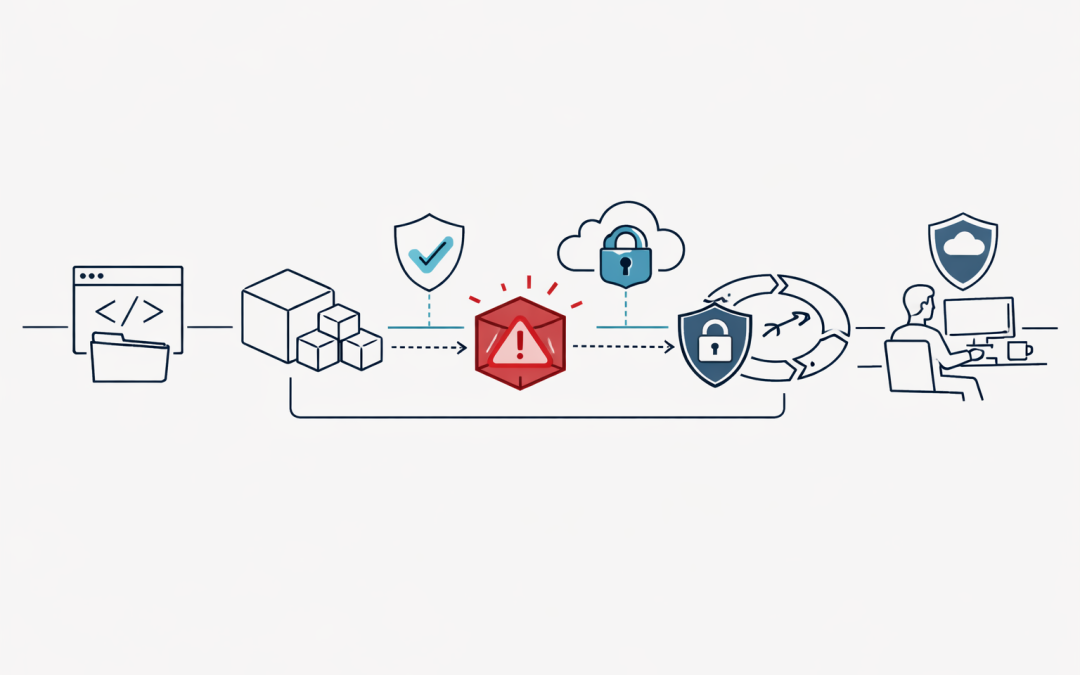
Software supply chain attacks are no longer a theoretical risk for development teams. They are now a practical business risk that can expose credentials, disrupt delivery, leak source code, and create regulatory headaches within minutes.
For Australian organisations using Azure DevOps, npm, private packages, GitHub, VS Code extensions, and self-hosted build agents, the message is clear: pipeline hardening cannot wait for the next audit cycle.
Recent dependency confusion campaigns and the high-profile attacks involving the Nx ecosystem and Nx Console show how quickly trusted developer tooling can become an entry point. The damage is not limited to a developer laptop. In many environments, the same credentials, package feeds, service connections, and build agents are connected directly to production delivery paths.
That is why CI/CD security now needs to be treated as a board-level operational resilience issue, not just a developer hygiene task.
Why dependency confusion is so dangerous
Dependency confusion occurs when a package manager resolves a package name from the wrong source.
A common example is an organisation using an internal npm package such as company-utils in a private feed. If an attacker publishes a package with the same name to the public npm registry, and the build process is not configured correctly, npm may pull the public malicious package instead of the intended private one.
The attack is simple in concept but powerful in practice because it targets automation.
A compromised package can run during installation, often through lifecycle scripts such as postinstall. From there it may attempt to:
- Read environment variables
- Steal npm, GitHub, Azure, or cloud credentials
- Enumerate source code and repositories
- Exfiltrate secrets from
.envfiles - Modify build outputs
- Establish persistence on self-hosted build agents
- Open outbound network connections to attacker-controlled infrastructure
In an Azure DevOps pipeline, that can mean a malicious package runs in an environment that has access to deployment credentials, package feeds, container registries, signing keys, or production infrastructure.
That is the real concern. The package is not just attacking a workstation. It is attacking the delivery system.
What the Nx and Nx Console incidents changed
The Nx supply chain incident, known as s1ngularity, showed how a trusted open-source build ecosystem can become a credential collection mechanism. Public reporting described malicious npm versions that executed during installation, searched for sensitive files and credentials, and exfiltrated data.
The incident was especially concerning because it reportedly attempted to abuse local AI command-line tools to accelerate reconnaissance and data collection. That matters because many engineering teams are now adopting AI coding assistants and developer agents without fully considering how those tools behave when invoked by untrusted code.
Separately, public reporting around the Nx Console VS Code extension highlighted another uncomfortable reality: developer extensions are part of the software supply chain too. IDE plugins often sit close to source code, tokens, repositories, terminals, and developer workflows. If compromised, they may provide attackers with access that traditional perimeter controls never see.
The lesson is not that teams should avoid open-source tools or developer extensions. The lesson is that trust needs to be verified continuously.
Every package, extension, build script, token, and service connection should be treated as part of the attack surface.
Why Azure DevOps pipelines are a high-value target
Azure DevOps pipelines are attractive because they sit at the intersection of code, identity, infrastructure, and release automation.
A typical pipeline may be able to:
- Pull source code
- Authenticate to private package feeds
- Build and sign artifacts
- Push container images
- Deploy to Azure subscriptions
- Access Key Vault secrets
- Run database migrations
- Promote releases into production
If an attacker can influence what runs in the pipeline, they may not need to breach production directly. They can compromise the path that production already trusts.
This is why supply chain attacks often focus on the build stage. Build systems usually have broad visibility, strong credentials, and a high level of implicit trust.
For mid-market Australian organisations, this is a major concern. Many teams have modernised quickly, adopted Azure DevOps, added npm-based front ends, introduced container builds, and connected pipelines to cloud environments. But pipeline security controls often lag behind delivery speed.
That gap creates risk.
The business impact goes beyond security
A supply chain compromise can quickly become a business continuity event.
The impact may include:
- Delayed releases while teams investigate build integrity
- Emergency credential rotation across GitHub, Azure, npm, and third-party systems
- Rebuilding self-hosted agents from clean images
- Reviewing source code exposure
- Notifying customers, partners, or regulators where data may be affected
- Increased cyber insurance scrutiny
- Loss of confidence in internal software delivery
For organisations subject to Australian privacy obligations, a compromised pipeline may also raise questions about whether personal information, credentials, or customer data were exposed.
For regulated sectors, the incident response burden can be even higher. Evidence, audit logs, access reviews, and chain-of-custody become critical.
This is where pipeline hardening supports more than cybersecurity. It supports operational resilience, privacy governance, and executive risk management.
Practical Azure DevOps hardening controls that reduce risk
Pipeline hardening does not require a single silver bullet. It requires layered controls that reduce the chance of compromise and limit blast radius when something goes wrong.
1. Lock down npm package resolution
Organisations using private npm packages should remove ambiguity from package resolution.
Key controls include:
- Use scoped package names such as
@company/internal-package - Configure
.npmrcso private scopes resolve only from approved private feeds - Use Azure Artifacts or another trusted package repository for internal packages
- Avoid unintended fallback from private feeds to the public npm registry
- Reserve important package names where appropriate
- Monitor public registries for names that match internal packages
The goal is simple: a build should never guess where to get a critical package from.
2. Use deterministic installs
Pipelines should not install whatever happens to match a loose version range on the day of the build.
Recommended practices include:
- Commit and protect lockfiles such as
package-lock.jsonorpnpm-lock.yaml - Use
npm ciinstead ofnpm installin CI environments - Pin critical dependencies where appropriate
- Review dependency updates through pull requests
- Avoid automatic production builds from unreviewed dependency changes
Deterministic builds make incident response much easier. When a malicious package is disclosed, teams can quickly identify which builds used which versions.
3. Restrict install scripts
Many npm supply chain attacks rely on install-time scripts.
Controls to consider include:
- Set
ignore-scripts=truewhere feasible - Allow install scripts only for packages that genuinely require them
- Run dependency installation in a restricted environment
- Monitor unexpected child processes during package installation
- Review new dependencies that introduce lifecycle scripts
This may require engineering adjustment, but it is one of the most effective ways to reduce exposure to malicious postinstall behaviour.
4. Protect secrets and service connections
Azure DevOps service connections and secrets should be treated as high-value assets.
Recommended controls include:
- Prefer workload identity federation or managed identities where possible
- Avoid long-lived client secrets and personal access tokens
- Scope service connections to the smallest practical resource boundary
- Do not grant service connections to all pipelines by default
- Require explicit pipeline authorisation
- Store secrets in Azure Key Vault rather than YAML files or variable values
- Rotate secrets regularly and immediately after suspected exposure
A pipeline should only have the access it needs for that stage, environment, and application.
5. Isolate and rebuild self-hosted agents
Self-hosted agents are powerful but risky if not managed carefully.
If a malicious package executes on a persistent build agent, the agent may retain malware, cached credentials, modified tooling, or altered build state.
Better practice includes:
- Use ephemeral agents where possible
- Separate agent pools by trust level and environment
- Avoid sharing agents between development and production deployment pipelines
- Restrict outbound internet access from agents
- Rebuild agents from clean images after suspicious activity
- Monitor agent filesystem, process, and network behaviour
For many organisations, self-hosted agents are where theoretical supply chain risk becomes practical compromise.
6. Add SBOM and dependency visibility
A software bill of materials helps teams understand what they are actually shipping.
Azure DevOps pipelines should generate and retain SBOMs for key builds, especially production releases. This supports faster answers to questions such as:
- Did we use the affected package version?
- Which application included it?
- Which customers or environments received it?
- Which build produced the artifact?
- Which pipeline identity deployed it?
Without dependency visibility, incident response becomes guesswork.
7. Enforce approvals and branch protection
Pipeline YAML is code. It should be protected like application code.
Important controls include:
- Require pull request reviews for pipeline changes
- Restrict who can edit build and release definitions
- Require approvals for production deployments
- Protect main branches and release branches
- Restrict variable group and library permissions
- Review marketplace extensions and third-party tasks before use
Attackers increasingly target the workflow, not just the application.
Mapping pipeline hardening to Australian cyber expectations
For Australian organisations, Azure DevOps pipeline hardening aligns strongly with ACSC and ASD guidance, including the intent behind the Essential Eight.
Relevant themes include:
- Application control: reducing unapproved code execution on endpoints and servers
- Patch applications: responding quickly to compromised or vulnerable dependencies
- Restrict administrative privileges: limiting what pipeline identities can do
- Multi-factor authentication: protecting developer and administrator accounts
- Regular backups: supporting recovery if build or source systems are disrupted
- Logging and monitoring: detecting suspicious activity across build and deployment systems
The Essential Eight does not replace software supply chain security, but it provides a useful baseline. Pipeline hardening extends those principles into the engineering systems that build and deploy business applications.
What organisations should do this month
This is not a problem that should wait for a large transformation program.
A practical 30-day action plan could include:
- Identify all Azure DevOps pipelines that run npm installs.
- Review
.npmrcconfiguration and private feed resolution. - Confirm lockfiles are committed and
npm ciis used in CI. - Audit service connections for excessive scope.
- Disable broad service connection access to all pipelines.
- Review variable groups and Key Vault access.
- Separate production deployment agents from general build agents.
- Add dependency scanning and secret scanning to pull requests.
- Generate SBOMs for production builds.
- Create an incident response runbook for malicious package exposure.
The aim is not perfection in 30 days. The aim is to remove the most obvious paths attackers use.
Final thought
The npm dependency confusion and Nx-related supply chain attacks are warnings that the trusted development path is now a primary target.
For Azure DevOps users, hardening pipelines is no longer optional engineering polish. It is a necessary control for protecting credentials, source code, production systems, and business continuity.
Our team helps Australian organisations review Azure DevOps security, reduce CI/CD risk, and implement practical controls without slowing delivery. If your pipelines have grown quickly over time, now is the right moment to check whether they are still safe enough for the role they play in your business.
Discover more from CPI Consulting
Subscribe to get the latest posts sent to your email.