
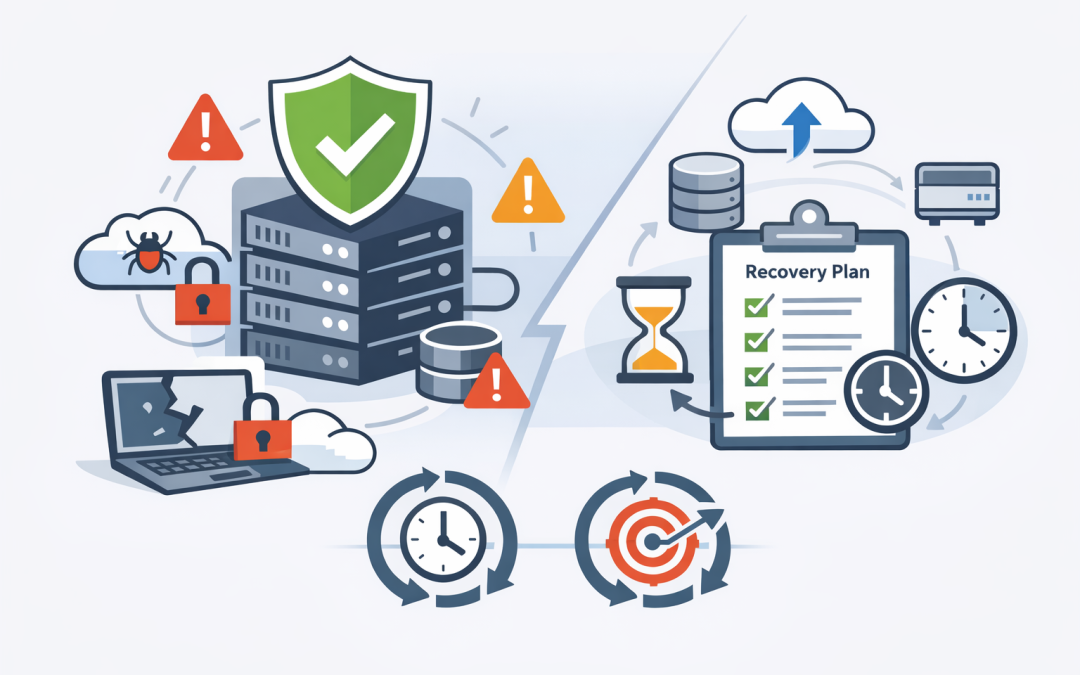
In this blog post Why Backup Monitoring and Recovery Planning Matter for Every SMB we will explain why simply having backups is not enough, how backup monitoring works, and what a practical recovery plan should include.


Most businesses assume their data is protected because someone installed backup software years ago. The problem is that backups can fail quietly for weeks due to expired credentials, storage limits, configuration changes or disconnected devices.
You usually discover the problem at the worst possible moment: after a cyberattack, accidental deletion, system failure or major outage. By then, the question is no longer whether you have backup software. It is whether your data can actually be recovered quickly enough to keep the business operating.
Backup software and recoverable data are not the same thing
A backup creates a separate copy of important information so it can be restored if the original is lost, damaged, deleted or encrypted by ransomware. Depending on your environment, this may include servers, databases, employee devices, cloud systems and Microsoft 365 data.
Backup monitoring is the process of continually checking that these copies are being created correctly. It looks for failed backup jobs, missing systems, unexpected changes in data volume, storage capacity problems and other warning signs.
Recovery planning covers what happens next. It defines which systems must be restored first, who is responsible, where backups are stored and how long the business can operate without each service.
Together, monitoring and recovery planning turn backup from a software feature into a reliable business capability.
Why backups fail without anyone noticing
Backup failures are rarely dramatic. There may be no flashing warning on the managing director’s screen and no immediate interruption to staff.
A backup might fail because an administrator changed a password. A new server or cloud application may not have been added to the backup schedule. Storage could fill up, or an employee laptop might remain disconnected long enough to miss several backup cycles.
Microsoft 365 creates another common area of confusion. Microsoft provides a resilient cloud platform, but that does not automatically mean every deleted email, changed file or compromised account can be restored in the way your business expects.
This is particularly important where security settings have not been reviewed. Our article on Microsoft 365 security blind spots explains why relying on default settings can leave unexpected gaps.
What backup monitoring actually checks
Modern monitoring platforms collect information from each protected system and bring it into a central dashboard. Automated alerts can then notify the responsible IT team when something goes wrong.
Useful monitoring should check more than whether a job displays a green success symbol. It should confirm:
- Backup completion: Did every scheduled backup run at the expected time?
- System coverage: Are all servers, cloud services, databases and important devices included?
- Data integrity: Is the backup readable and free from obvious corruption?
- Storage capacity: Is there enough space for current and future backups?
- Retention: Are copies being kept for the period required by the business or its compliance obligations?
- Unusual changes: Has the amount of backed-up data suddenly dropped or increased?
- Restore testing: Has someone recently proved that the data can be recovered?
Good monitoring also needs ownership. An alert that disappears into an unattended mailbox does not protect the business. Someone must be responsible for reviewing failures, investigating the cause and confirming the issue has been resolved.
A recovery plan answers the questions backups cannot
A backup system stores data. It does not decide how your business should respond when payroll, email, customer records and operational systems are all unavailable at once.
A recovery plan establishes priorities before pressure and confusion take over. It should identify the systems the business cannot operate without, the people needed to restore them and the order in which recovery should happen.
Two useful measures are the recovery time objective and recovery point objective. Despite the technical names, the concepts are straightforward.
- Recovery time objective: How quickly must a system be working again?
- Recovery point objective: How much recent data can the business afford to lose?
For example, a payroll platform might need to be restored within four hours, with no more than one hour of lost data. An old document archive may be able to remain unavailable for two days without materially affecting operations.
These decisions affect backup frequency, storage design and cost. They also help leaders avoid spending heavily to recover low-priority systems while leaving essential services exposed.
The real cost is usually downtime
Consider a 200-person professional services business whose main file system becomes encrypted by ransomware on Monday morning. The organisation has backups, but nobody has tested a full recovery for more than a year.
The IT team discovers that the most recent usable copy is several days old. Staff cannot access active client files, finance cannot process invoices, and project teams begin recreating work from email attachments.
The direct recovery bill matters, but the larger cost comes from idle employees, missed deadlines, lost data and damaged client confidence. A monitored and tested backup environment could identify the failed recovery points before the attack and give the response team a documented order for restoring services.
Security tools such as Microsoft Defender, which detects and responds to suspicious activity, reduce the chance of a successful attack. Backups provide the final safety net when prevention is not enough.
Recovery testing is where confidence comes from
A report saying that backups completed successfully is useful, but it is not proof that the business can recover. The only reliable test is to restore selected files, applications or systems and confirm they work.
Testing should include more than a single document. Businesses should periodically simulate the loss of an important service and record how long recovery takes, what steps are unclear and whether key people can perform their roles.
For higher-risk data, consider immutable backups. These are protected copies that cannot be changed or deleted during a defined period, even if an attacker gains access to an administrator account.
Another useful approach is the 3-2-1 backup model: keep three copies of important data, use two different storage methods, and hold at least one copy separately from the main environment. Separation reduces the risk of one incident destroying both production data and its backups.
Backups support Essential 8 readiness
Regular backups are one of the Essential Eight, the Australian government’s baseline cybersecurity framework for reducing common cyber risks. The guidance focuses not only on creating backups, but also on protecting them and testing restoration.
This matters for organisations facing customer security questionnaires, cyber insurance reviews, government contracts or board-level risk reporting. Being able to show backup reports, test results and a documented recovery plan is far stronger than saying, “Our IT provider handles it.”
Backup planning should also align with device controls. If company laptops and mobile devices are unmanaged, important information may sit outside the protected environment. Our guide to a practical device compliance strategy explains how to bring those devices under consistent management.
Five practical steps for SMB leaders
- Confirm what is protected. Ask for a current list of every system, cloud service, database and device included in backup.
- Review failures regularly. Make sure alerts are monitored by a named person or provider and that unresolved issues are escalated.
- Set recovery priorities. Agree on how quickly each important system must return and how much data loss is acceptable.
- Run a recovery test. Restore a meaningful sample of files and at least one important service. Record the time, problems and results.
- Document the response. Create a plain-English plan covering responsibilities, contact details, recovery order and communication with staff and customers.
CloudProInc brings more than 20 years of enterprise IT experience to this process. As a Melbourne-based Microsoft Partner and Wiz Security Integrator, we help organisations connect backup and recovery planning with Azure, Microsoft 365, Microsoft Intune, Microsoft Defender and broader cybersecurity controls.
The goal is not to add unnecessary tools. It is to make sure the systems you already depend on can be recovered within a timeframe the business can accept.
A backup should provide evidence, not hope
Most SMBs do not need an overly complex disaster recovery program. They need clear ownership, reliable monitoring, protected backup copies and regular evidence that recovery works.
If you are not sure what your business is backing up, when it was last tested or how long recovery would take, CloudProInc is happy to review your current setup and identify the practical gaps — no strings attached.
Discover more from CPI Consulting
Subscribe to get the latest posts sent to your email.