
In this blog post How GitHub Copilot Speeds Up Secure Microsoft Foundry Agent Delivery we will explain how technology teams can move from an AI agent idea to a controlled production deployment without creating another expensive, open-ended experiment.


Many organisations can build an impressive AI demonstration. The difficulty comes afterwards, when the agent needs secure access to business data, reliable testing, cost controls, deployment processes and someone accountable for every change.
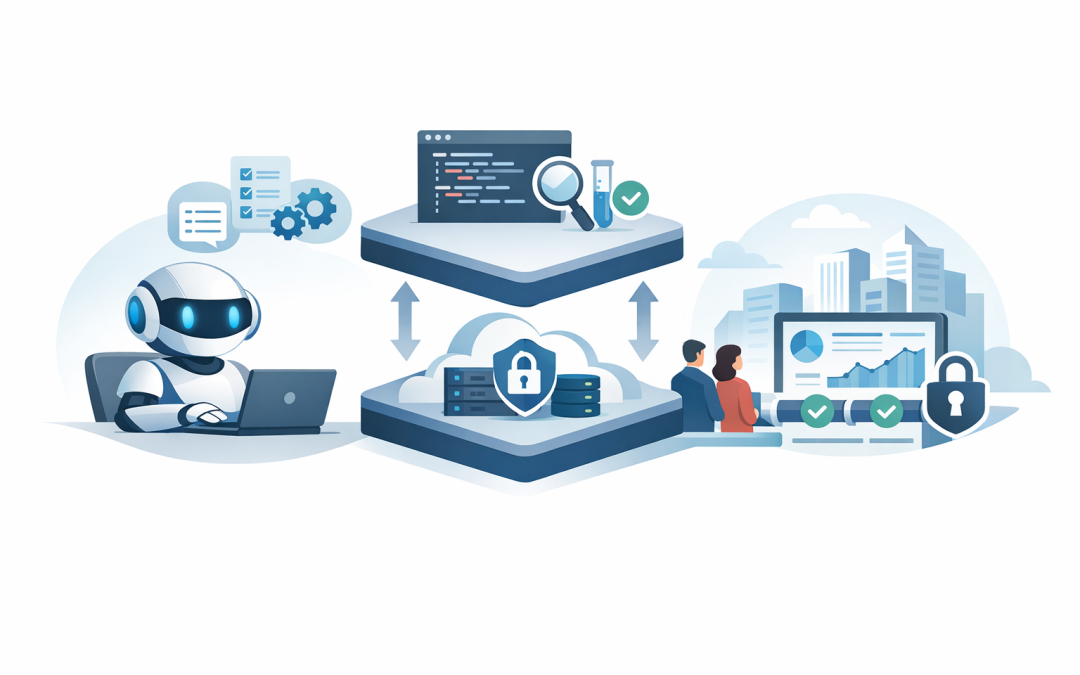
GitHub Copilot and Microsoft Foundry address different parts of that problem. GitHub Copilot helps developers create, review and test the agent, while Microsoft Foundry provides a managed environment for running and monitoring it.
What the technology actually does
An AI agent is more than a chatbot. It uses an AI model to understand a request, decide what steps are required and call approved tools or business systems to complete the task.
For example, an internal service agent could check a knowledge base, identify the correct support process, create a ticket and provide the employee with an update. The model handles reasoning, while instructions and permissions control what it is allowed to do.
Microsoft Foundry Agent Service is the managed platform where these agents can be built, deployed, monitored and scaled. Hosted agents allow your team to use custom code and supported development frameworks while Microsoft manages much of the underlying runtime, identity, scaling and operational visibility.
GitHub Copilot is the development assistant. It can explain an unfamiliar codebase, generate agent components, create tests, update deployment files and review changes. It does not remove the need for experienced developers, but it reduces the repetitive work surrounding them.
This builds on the broader shift covered in our article about how GitHub agents make Copilot a practical development team asset. The important difference here is that Copilot helps build the application, while Foundry runs and governs the finished agent.
Why this combination matters to technology leaders
It shortens the distance between an idea and a working pilot
Agent projects often stall before producing business value. Developers spend time selecting frameworks, configuring environments, writing repetitive connection code and working out how deployment should operate.
Copilot can scaffold the initial project, suggest the required files and create basic tests. The Microsoft Foundry Skill can also give supported coding agents reusable guidance for Foundry tasks such as project setup, model deployment, evaluation and troubleshooting.
The business outcome is a faster and more affordable pilot. Your team can test whether the agent solves a genuine problem before committing to a large implementation.
It creates a repeatable engineering process
AI-generated code becomes risky when every developer gives Copilot different instructions. One person may use managed identity, another may insert an access key, and a third may forget logging completely.
Repository instructions solve part of this problem by telling Copilot how the project must be built and tested. These instructions live with the source code, so the same rules apply across the team.
# Copilot project instructions

- Build this solution as a Microsoft Foundry hosted agent.
- Use managed identity instead of passwords or stored access keys.
- Never place secrets in source code or configuration files.
- Log tool calls without recording sensitive user content.
- Add automated tests for every action the agent can perform.
- Require human approval before any destructive business action.
- Deploy changes through the approved GitHub Actions workflow.
This is the same principle discussed in our guide to using GitHub Copilot Agent Skills without overloading its working context. Give Copilot the right instructions at the right time rather than repeatedly pasting an enormous policy document into chat.
It makes deployment less dependent on one developer
A prototype running on a developer’s laptop is not a production service. If only one person knows how to deploy or repair it, the business has created a new operational risk.
Azure Developer CLI, usually called azd, can define and repeat the steps required to provision Azure resources and deploy the agent. GitHub Actions can then run those steps whenever an approved change is merged.
name: Deploy Foundry Agent

on:
 push:
 branches: [main]

permissions:
 id-token: write
 contents: read

steps:
 - name: Check out approved code
 uses: actions/checkout@v4

 - name: Deploy the agent
 run: azd deploy --no-prompt

 - name: Run a basic production check
 run: python tests/smoke_test.py
This simplified example shows the operating model rather than a complete production workflow. In practice, the pipeline should use Microsoft Entra identity, environment approvals, limited deployment permissions and separate development, testing and production environments.
The result is a documented release process that can be audited, repeated and handed over. It also reduces deployment mistakes and makes recovery easier when a change does not behave as expected.
A practical build and deployment process
- Choose one narrow business task. Start with a repeatable process such as answering policy questions, classifying service requests or preparing a draft customer response.
- Define the boundaries. Document what information the agent can access, which actions it can take and when a person must approve its work.
- Prepare the repository. Add coding standards, security instructions, test requirements and deployment rules before asking Copilot to generate significant code.
- Build with small prompts. Ask Copilot to create one component at a time, explain its changes and write tests. Avoid prompts such as “build the entire production agent”.
- Test realistic failure cases. Check what happens when data is missing, a business system is unavailable, a user asks for restricted information or the model selects the wrong tool.
- Deploy through a controlled pipeline. Use identity-based access rather than long-lived passwords, and require review before production changes.
- Monitor quality and cost. Track failed requests, tool usage, response quality, processing time and model consumption. An agent that works but costs too much is not ready for broad use.
Copilot coding agents can help complete background tasks and prepare draft pull requests for human review. Our overview of the benefits of GitHub Copilot coding agents explains where that delegation is useful and where stronger oversight is required.
What safe adoption looks like in practice
Consider a 200-person professional services company building an internal IT support agent. The first release does not reset passwords, change user accounts or purchase software.
Instead, it searches approved support information, asks basic diagnostic questions and creates a properly categorised ticket. Copilot helps the development team create the integration, tests and deployment files, while Foundry provides the managed agent environment.
Once the company has evidence that answers are accurate and access controls work, it can add carefully limited actions. This staged approach reduces support effort without giving an untested agent broad access to business systems.
Security cannot be added at the end
Microsoft Foundry provides enterprise security capabilities, but using the platform does not automatically make an agent secure or compliant. The design still determines what data is exposed and what damage an incorrect action could cause.
Australian organisations should review privacy obligations, data location, retention, access records and any information sent to external models or tools. Essential Eight, the Australian Government’s cybersecurity framework that many organisations are expected or required to follow, should also influence identity protection, privileged access, patching and recovery planning.
- Give the agent only the permissions required for its specific task.
- Keep passwords, API keys and other secrets out of GitHub repositories.
- Use short-lived, identity-based authentication wherever possible.
- Record agent actions so decisions can be investigated.
- Require human approval for financial, destructive or high-risk actions.
- Test prompt manipulation, excessive access and sensitive data exposure.
As a Microsoft Partner and Wiz Security Integrator, CloudProInc looks at agent development as both an AI project and a cloud security project. That practical view comes from more than 20 years of enterprise IT experience across Azure, Microsoft 365, Defender, GitHub and modern cloud security.
The goal is controlled speed
GitHub Copilot can help a capable team build Microsoft Foundry agents faster, but speed is only valuable when the result is supportable. Clear repository instructions, automated tests, controlled deployment and limited permissions turn an AI experiment into a business service.
Start with one measurable process, keep the first release narrow and expand only when the evidence supports it. If you are unsure whether your agent idea is practical, secure or likely to deliver a worthwhile return, CloudProInc is happy to review it with you—no strings attached.
Discover more from CPI Consulting
Subscribe to get the latest posts sent to your email.