
In this blog post Azure Retirements to Plan for Before They Disrupt Operations we will explain what is changing, which workloads may be affected and what technology leaders should do before these services disappear.
The immediate risk is not simply that Microsoft is retiring two Azure services. It is that their dependencies may be hidden inside factory security processes, custom applications and integrations that nobody has reviewed recently.
What is changing at a high level
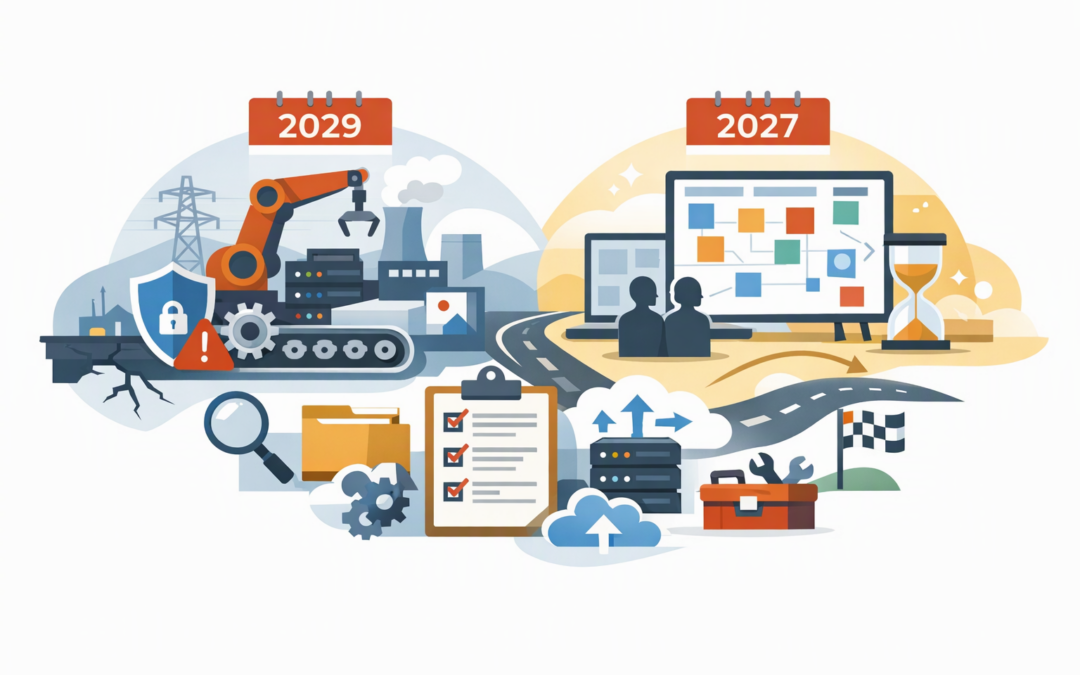
Microsoft plans to retire the operational technology security component of Microsoft Defender for IoT in October 2029. This service monitors operational technology, or OT, such as manufacturing equipment, building controls, industrial networks and other systems that interact with the physical world.
Azure Fluid Relay has a much closer deadline. It will retire on 2 February 2027, after which applications that still depend on it may experience disruption. Microsoft is directing customers towards a self-hosted Fluid service, meaning your organisation becomes responsible for running the supporting infrastructure.
CPI Consulting helps organisations design, build and secure Azure AI solutions, from Azure OpenAI and Microsoft Foundry to agents, governance and production deployment.
Visit CPI Consulting- Defender for IoT OT Security: retirement planned for October 2029.
- Azure Fluid Relay: retirement on 2 February 2027.
- Business priority: find dependencies now, assign owners and budget for migration before deadlines create emergency work.
What Defender for IoT OT Security does
Defender for IoT OT Security uses network sensors to observe communication between industrial devices. These sensors can identify equipment, highlight vulnerabilities and detect unusual behaviour without installing software directly on every machine.
This matters because many factory and facilities systems cannot be patched or restarted as easily as a normal laptop. A poorly planned security change could interrupt production, damage equipment or create a safety issue.
The retirement applies to the OT Security component. Enterprise IoT capabilities in Microsoft Defender for Endpoint, which help identify business devices such as printers and cameras, are not included in this retirement. Microsoft has also said that device discovery and vulnerability assessment will continue to be available.
Existing OT Security customers will continue receiving routine security updates and bug fixes during the transition. However, Microsoft does not plan to introduce new OT-specific features, and existing agreements and renewals will only be honoured through October 2029.
Why the longer OT deadline can still be misleading
Three years sounds comfortable until you consider how slowly industrial environments change. Replacing an OT security platform may require site surveys, network changes, procurement, security testing, production shutdown windows and approval from operations teams.
You also need to preserve the workflows around the technology. Alerts may currently feed Microsoft Sentinel, service desks, executive reports or compliance evidence. Replacing the sensor without rebuilding those processes could leave the business with an expensive tool that nobody is watching.
This is similar to the visibility challenge discussed in our guide to the Microsoft Sentinel SAP connector retirement. A migration is only complete when alerts, investigations and response processes work from end to end.
Start the OT assessment with five questions
- Which sites have Defender for IoT sensors, and are they cloud-connected or locally managed?
- Which industrial assets and network segments does each sensor cover?
- Where do alerts go, and who is responsible for responding?
- Which reports support audits, cyber insurance or customer requirements?
- What production windows are available for testing replacement technology?
For Australian organisations, the Essential Eight — the Australian Government’s baseline cybersecurity framework — remains important, but it does not replace dedicated monitoring of industrial networks. Your future OT approach should support broader risk management, incident response and any sector-specific obligations.
What Azure Fluid Relay does
Azure Fluid Relay is a managed cloud service for applications that allow several people to work with the same information at once. It keeps changes synchronised between connected users, supporting experiences such as shared planning boards, collaborative documents and live design tools.
The underlying Fluid Framework remains open source. What is disappearing is Microsoft’s managed relay service, which currently handles much of the real-time communication and coordination between application users.
The suggested replacement is a self-hosted Fluid service. This preserves the collaboration model, but transfers responsibility for availability, scaling, updates, monitoring, backups and security to your organisation or technology partner.
Why Fluid Relay needs action now
The deadline is close enough that affected applications should already be in assessment. Do not assume that replacing a connection address will complete the migration.
Your team must test authentication, existing collaborative data, simultaneous edits, network interruptions, user reconnection and application performance. You will also need a realistic operating-cost estimate because a managed Azure charge is being replaced by infrastructure and ongoing support responsibilities.
Azure Resource Graph, which provides a searchable inventory of Azure resources, can help locate Fluid Relay servers across accessible subscriptions:
Resources
| where type =~ 'microsoft.fluidrelay/fluidrelayservers'
| project name, resourceGroup, subscriptionId, location, id
The query is only the beginning. Development teams should also search application settings, deployment pipelines and source code for Fluid Relay service URLs, tenant identifiers and the Azure Fluid client package.
A practical scenario
Consider a 200-person manufacturer with Defender for IoT monitoring two production sites and a custom scheduling application using Fluid Relay. The security platform is visible in Azure, but the application dependency is owned by a small software team and documented only in a deployment file.
If the company focuses only on the 2029 deadline, the scheduling application could fail in February 2027. If it focuses only on Fluid Relay, it may miss the budget and shutdown planning needed to replace OT monitoring safely.
A combined retirement register gives the CIO one view of deadlines, owners, costs and operational risks. It also allows replacement work to align with the organisation’s secure Azure landing zone, rather than creating another isolated platform.
A sensible migration plan
- Discover: use Azure Advisor’s Service Retirement workbook, resource queries, billing records and application reviews to identify dependencies.
- Assign ownership: give every affected service a business owner and a technical owner.
- Document the current state: capture integrations, data flows, security controls, costs and service expectations.
- Compare replacement options: include licensing, hosting, support, data handling and internal staffing costs.
- Build a pilot: test with real workflows before changing production systems.
- Plan rollback: define how service will be restored if the migration fails.
- Update governance: add retirement monitoring to quarterly Azure reviews.
If replacement infrastructure is deployed through code, our comparison of Bicep and ARM templates explains how the deployment method can affect security, repeatability and long-term maintenance.
Do not treat retirements as isolated IT notices
Fluid Relay requires urgent application work, while Defender for IoT OT Security requires a longer operational security program. Both need clear ownership, tested alternatives and funding before the deadline becomes a business interruption.
CloudProInc is a Melbourne-based Microsoft Partner and Wiz Security Integrator with more than 20 years of enterprise IT experience. We help organisations assess Azure dependencies, security controls and migration options without turning the exercise into a giant consulting project.
If you are unsure whether either retirement affects your environment, we are happy to help you build a practical impact assessment and migration plan — no strings attached.