
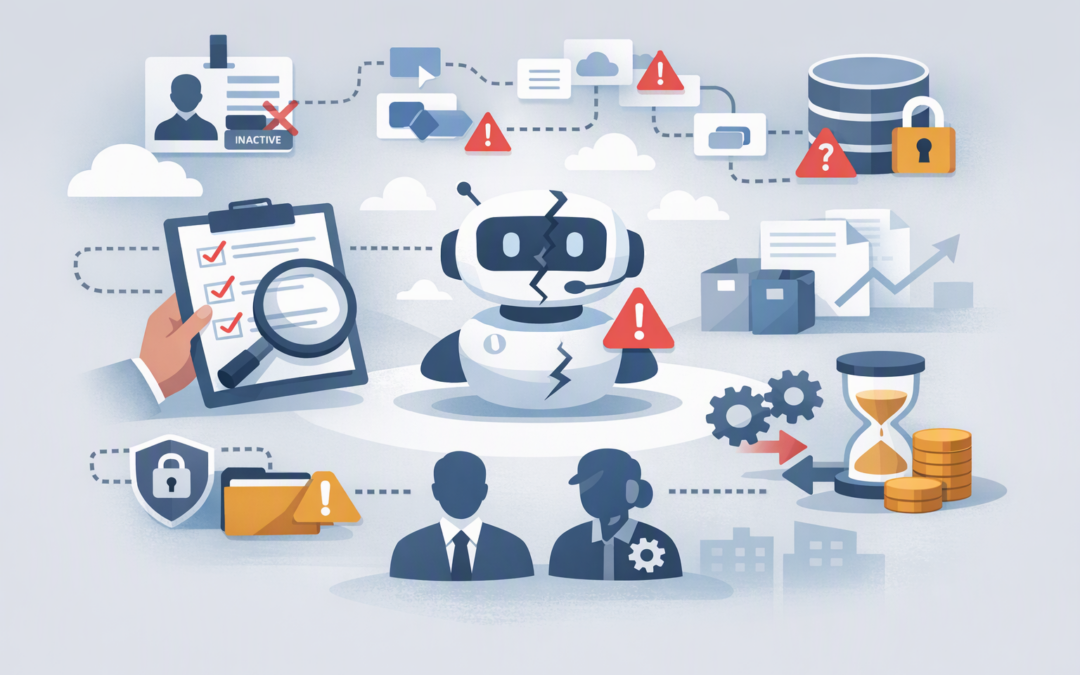
In this blog post Find Orphaned Copilot Studio and Power Platform Assets Early we will explain how forgotten agents, apps and automations become business risks, and how to identify them before they cause a security incident or operational failure.
The problem often begins innocently. An employee builds a useful AI agent, connects it to company information and automates several tasks. Six months later, that employee changes roles or leaves, but the agent continues operating without anyone clearly responsible for it.
That is an orphaned asset. It may still answer questions, access data, trigger processes and consume paid capacity, even though nobody is checking whether it remains useful, accurate or secure.
What sits behind a Copilot Studio agent
Microsoft Copilot Studio allows organisations to create AI agents that answer questions and complete business tasks. These agents are stored inside Power Platform environments, which are controlled workspaces containing apps, automations, data and security settings.
CPI Consulting helps organisations design, build and secure Azure AI solutions, from Azure OpenAI and Microsoft Foundry to agents, governance and production deployment.
Visit CPI ConsultingAn agent rarely works alone. It may rely on Power Automate flows, which automate repeatable tasks, as well as connectors that provide access to services such as SharePoint, Outlook, Teams, Dynamics 365 or external business systems.
This means an agent can appear to have an active owner while one of its critical supporting components does not. A purchase approval agent, for example, might depend on a flow owned by a former finance employee and a connection authenticated with that person’s account.
Finding orphaned agents is therefore not enough. You need to examine the full chain of assets, identities and data connections supporting them.
Why orphaned assets create more than an IT housekeeping problem
Business processes can stop without warning
An automation may run successfully for months after its owner leaves. It can then fail when the former employee’s account is disabled, a password changes or access to a connected system expires.
For a low-use internal tool, that may be inconvenient. For an agent handling customer enquiries, staff onboarding, purchase requests or compliance reporting, it can interrupt a business-critical process.
Old access can become a security risk
An agent might retain connections to sensitive documents, customer records or operational systems. If nobody is responsible for reviewing those connections, its access can remain broader than the business now requires.
Power Platform data policies can control how agents connect to business and non-business services. However, policies do not replace ownership. Someone still needs to confirm that each agent has an approved purpose, audience and level of access.
Costs can continue after business value disappears
An unused agent may consume Copilot capacity, trigger premium connectors or generate support work. Individually, these costs may look small, but they add up when employees can create assets across multiple departments and environments.
If dormant assets are also a concern, our guide to how dormant Copilot Studio agents create cost and security risk explains why lack of recent use should trigger a review.
Start with a complete inventory
You cannot govern assets you cannot see. The first step is to create a tenant-wide inventory covering Copilot Studio agents, Power Apps, Power Automate flows, connectors and the environments containing them.
Microsoft’s Power Platform inventory now provides a central view of agents, apps and flows across an organisation. Administrators can search, filter, export and review ownership information instead of checking every environment manually.
Organisations that previously depended on Microsoft’s Center of Excellence Starter Kit should review their approach. Microsoft is now directing organisations towards the native Inventory, Usage, Monitor and Actions capabilities in the Power Platform admin centre because the Starter Kit is no longer receiving active feature development.
Do not forget older technology. Classic Power Virtual Agents may not appear in the newer Copilot Studio inventory and should be checked separately.
Use a practical orphaned-asset review
A monthly report is useful, but a report alone does not reduce risk. Each flagged asset needs a clear decision and an accountable person.
- Confirm the owner is still active. Compare asset ownership with Microsoft Entra ID, which manages employee identities and access, and your HR departure records. Include employees who have changed departments, not only those who have left.
- Check whether the asset is still being used. Review recent activity, publication status and business reliance. Lack of use may indicate that the asset can be retired, but usage alone does not determine risk.
- Map every dependency. Record the flows, apps, connections, data sources and service accounts supporting the agent. One orphaned dependency can break the entire process.
- Assess the potential impact. Give higher priority to assets that access personal information, financial data, customer records or external systems, or that can create, update or delete business data.
- Choose a controlled outcome. Reassign, repair, restrict, archive or retire the asset. Avoid deleting anything until its dependencies and business purpose have been confirmed.
For the detailed retirement process, see how to find, review and retire dormant Copilot Studio agents safely.
A common 200-person business scenario
Consider a 200-person professional services company where teams have created 35 agents, 120 flows and dozens of internal apps. A senior operations employee leaves, and their Microsoft account is disabled during the standard offboarding process.
Three weeks later, an onboarding agent stops creating tasks for new employees. The agent itself is owned by an active HR manager, but its underlying flow and connection were owned by the former operations employee.
A proper inventory review would have identified the dependency during offboarding. Ownership could have been transferred and tested before the account was disabled, avoiding delayed onboarding and emergency support work.
Prevent the next generation of orphaned assets
The most effective governance happens before someone leaves. Every production agent should have a named business owner who is accountable for its outcome and a technical custodian who understands how it works.
- Keep experiments separate from production agents by using different Power Platform environments.
- Require a business purpose, owner, data classification and review date before publication.
- Include Power Platform assets in employee offboarding and role-change checklists.
- Use managed identities or properly governed service accounts where appropriate, rather than relying on one employee’s credentials.
- Review high-risk and externally available agents more frequently than small internal tools.
- Apply data policies to control which services agents can connect to.
Separating personal experiments, department solutions and business-critical agents into different governance zones also makes controls easier to apply. Each Power Platform environment can have its own access rules, data policies and lifecycle controls based on risk.
This approach also supports the Australian government’s Essential Eight cybersecurity framework. While the Essential Eight does not provide an agent-specific checklist, clear ownership, controlled administration, restricted access and reliable offboarding all contribute to stronger security and accountability.
Make ownership part of normal operations
Orphaned Copilot Studio and Power Platform assets are rarely caused by reckless employees. They are usually the result of useful tools being created faster than governance processes can keep up.
CloudProInc combines more than 20 years of enterprise IT experience with hands-on expertise across Microsoft 365, Azure, Copilot Studio, Intune, Defender and Wiz. As a Melbourne-based Microsoft Partner and Wiz Security Integrator, we help organisations establish practical controls without blocking useful innovation.
If you are not sure who owns your agents, what data they can reach or which automations would fail when an employee leaves, we are happy to help you review the environment and identify the highest-priority risks — no strings attached.