
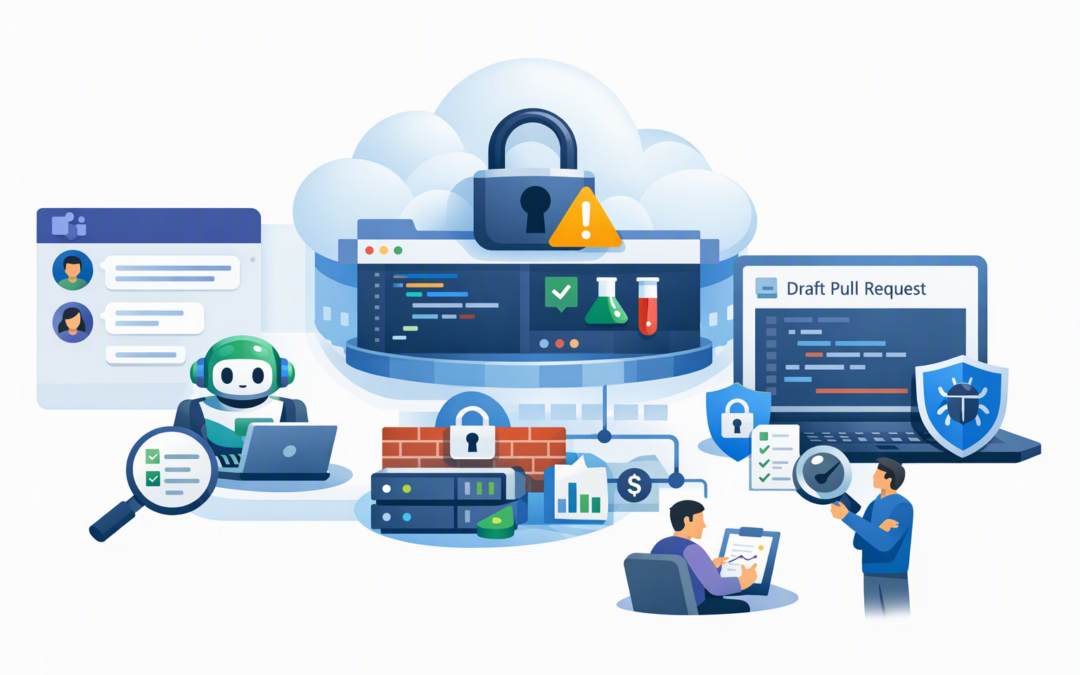
In this blog post Safe GitHub Copilot Adoption in Microsoft Teams for IT Leaders we will explain how engineering teams can turn workplace conversations into useful development work without weakening security, oversight or cost control.
The idea is simple. A developer can mention GitHub in a Microsoft Teams conversation and ask GitHub Copilot to investigate a problem, prepare a plan, create an issue or propose code changes through a pull request. A pull request is a controlled request to review and approve code before it becomes part of a product.
For a busy engineering team, that can remove hours of copying decisions from Teams into GitHub. It also introduces a new risk: an informal conversation can become an instruction to an AI agent capable of changing code.
What GitHub Copilot in Teams actually does
This is not the same as asking Microsoft 365 Copilot to summarise a meeting. GitHub Copilot is designed for software work, while the GitHub app connects that capability to Microsoft Teams.
CPI Consulting helps organisations design, build and secure Azure AI solutions, from Azure OpenAI and Microsoft Foundry to agents, governance and production deployment.
Visit CPI ConsultingWhen someone mentions @GitHub, Copilot can use the Teams discussion as context. Depending on the request and the user’s permissions, it can research a repository, suggest a plan, create an issue or work on code in a cloud sandbox.
A cloud sandbox is a temporary, isolated computing environment where Copilot can read approved code, edit files and run tests without working directly on a developer’s laptop or production system. The result is normally presented as a draft pull request for people to review.
That distinction matters. Copilot is not supposed to quietly publish code to production. It prepares work inside the existing GitHub process, where branch controls, automated tests and human approvals should still apply.
For a broader explanation of these background workflows, see our guide to the benefits of GitHub Copilot coding agents.
At the time of writing in October 2026, the Teams capability remains in public preview. That means features, usage rules and administration options may continue to change, so it should be treated as a controlled pilot rather than a finished company-wide standard.
Why turning conversations into code needs guardrails
The whole conversation can become part of the instruction
Copilot can use messages, thread history, forwarded-message context and some images to understand a request. That is useful when a team has spent 20 minutes discussing why a feature is failing.
It is less useful when the same thread contains customer information, passwords, confidential commercial decisions or half-formed ideas. Relevant conversation context may also be carried into the GitHub issue or pull request created by the agent.
The business outcome is straightforward: teams save time only if they do not create a larger privacy or information-handling problem.
Teams access does not replace GitHub permissions
In a direct conversation with the GitHub app, Copilot acts using the permissions of the person’s connected GitHub account. In a shared channel or group thread, work can be created under the integration’s application identity.
Only authorised users with write access to the selected repository should be able to trigger code changes. Other participants may contribute context, but access still needs to be reviewed carefully.
Before enabling the integration, confirm who can access each repository, who can install Teams applications and whether former employees, guests or contractors retain unnecessary access.
AI-generated code is still untrusted code
Copilot can produce convincing code that compiles and still contains a security flaw, incorrect business rule or expensive performance problem. Fast output should not be mistaken for correct output.
Every Copilot pull request should go through the same checks as human-written code. That includes automated testing, security scanning, peer review and approval from someone who understands the affected system.
This supports the discipline expected under Essential 8, the Australian Government’s cybersecurity framework that many organisations use to reduce common attacks. Copilot does not make a business Essential 8 compliant, but strong access control, application control, patching and monitoring remain important when AI is added to development workflows.
Six controls to put in place before rollout
Start with low-risk repositories. Choose internal tools, documentation or well-tested services rather than payment systems, identity platforms or customer databases. Keep the pilot to five to ten experienced engineers.
Define approved tasks. Good starting points include writing tests, updating documentation, investigating defects and making small configuration changes. Avoid broad requests such as “modernise this application” because they are difficult to review and measure.
Keep sensitive data out of prompts. Tell employees not to include credentials, personal information, customer records or confidential contracts in Teams discussions used with Copilot. Use a dedicated thread or direct message when the wider conversation contains unrelated material.
Require protected branches and human approval. Copilot should work on a separate branch and create a draft pull request. It should not be able to merge its own work, bypass required tests or push directly to the main production branch.
Limit network and secret access. Keep Copilot’s internet firewall restricted to approved destinations. If the agent needs credentials for testing, use dedicated agent secrets with the minimum permissions required. Never provide production administrator credentials.
Set usage budgets and review logs. Teams-based agent sessions can consume AI credits and cloud sandbox resources. Set spending limits, monitor agent activity and send audit information to your central security monitoring platform where practical.
Use prompts that create reviewable work
A safe prompt should identify the repository, define the scope, state what must not change and specify the expected output. Asking Copilot to investigate before coding reduces wasted work and makes incorrect assumptions easier to catch.
@GitHub Investigate issue 482 in the customer portal repository.
Do not change authentication, payment or database migration files.
Summarise the likely cause and propose a test plan first.
Do not create a pull request until an engineer approves the plan.
Once the plan has been reviewed, the team can provide a second instruction authorising a narrowly defined change. This staged approach is safer than allowing a casual message to trigger an open-ended coding session.
It also builds on the controlled planning approach discussed in why engineering teams should pilot Visual Studio Plan agent before scaling Copilot.
A practical 30-day pilot
Consider a 120-person software company with an 18-person engineering team. Developers regularly leave stand-up meetings with small bug fixes, missing tests and documentation updates that are not recorded until later.
The company selects six senior developers, two non-critical repositories and three approved task types. Copilot can investigate bugs, improve tests and update documentation, but it cannot access production credentials or modify deployment workflows.
- Week one: Confirm permissions, branch rules, budgets, repositories and prohibited data.
- Week two: Run investigation and planning tasks without allowing code changes.
- Week three: Allow small draft pull requests with mandatory peer review.
- Week four: Review time saved, rejected work, security findings, costs and developer feedback.
If six engineers each save 90 minutes per week, the pilot returns roughly 36 hours over four weeks. More importantly, leaders can see whether those savings survive the review process rather than relying on impressive demonstrations.
Useful measures include time from discussion to draft pull request, reviewer time, percentage of Copilot work merged, defects found before release, security warnings and average cost per completed task. Lines of code are not a useful success measure.
The goal is faster delivery without weaker control
GitHub Copilot in Microsoft Teams can close a genuine productivity gap. Decisions made in meetings can become tracked engineering work before their context disappears, while developers spend less time copying tasks between systems.
Safe adoption depends on treating Copilot as a fast junior contributor, not an autonomous decision-maker. Give it limited access, precise tasks, protected workflows and accountable human reviewers.
CloudProInc brings more than 20 years of enterprise IT experience to this type of rollout. As a Melbourne-based Microsoft Partner and Wiz Security Integrator, we help organisations connect Microsoft 365, Azure, GitHub and security controls without handing the project to a giant, faceless provider.
If you are unsure whether GitHub Copilot in Teams will save engineering time or simply create another unmanaged AI channel, we are happy to assess your proposed pilot and guardrails — no strings attached.