
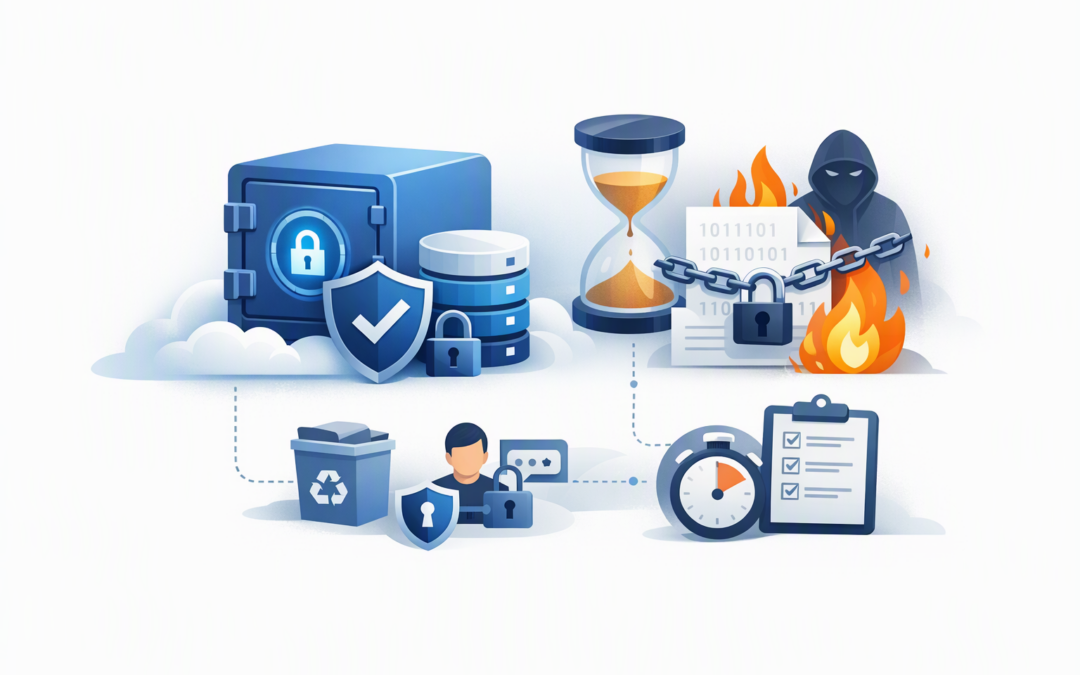
In this blog post Immutable Azure Backups for Ransomware Resilience and Recovery we will explain why having backups is not the same as being able to recover. Many businesses discover this difference only after ransomware, a compromised administrator account or an accidental deletion has damaged both production systems and the backups needed to restore them.
Immutable backups provide a protected recovery point that cannot be changed or deleted during a defined retention period. In practical terms, they give your business a clean copy of critical data that an attacker, rogue administrator or simple mistake cannot easily destroy.
What makes an Azure backup immutable
A conventional backup can usually be changed or deleted by someone with sufficient administrative access. That flexibility is useful during normal operations, but it becomes a serious weakness if an attacker gains control of a privileged account.
Azure Backup addresses this through immutable vaults. A vault is the protected Azure location where backup recovery points are managed. When vault immutability is enabled, Azure blocks actions that could remove recovery points before their approved retention period expires.
CPI Consulting helps organisations design, build and secure Azure AI solutions, from Azure OpenAI and Microsoft Foundry to agents, governance and production deployment.
Visit CPI ConsultingThe underlying technology uses a model known as WORM, meaning write once, read many. Data can be written and later read for recovery, but it cannot be altered or prematurely deleted while the protection policy remains active.
Azure also allows the immutable setting to be locked. Once locked, the decision cannot simply be reversed by an administrator. This is important because ransomware operators increasingly target backup settings and administrator accounts before encrypting production data.
Why ordinary backups may fail during ransomware recovery
Most mid-market organisations have some form of backup. The problem is often that the backup environment shares the same identities, administrative access and management processes as the systems it is supposed to protect.
If one compromised account can delete servers, change retention settings and remove backups, the organisation may have multiple copies but no dependable recovery path.
Immutable backups reduce that risk in four practical ways:
- Recovery points cannot be quietly removed. Attackers have less opportunity to destroy the evidence and data needed for recovery.
- Retention periods are enforced. Critical backups remain available for the period approved by the business.
- Administrator mistakes have less impact. A rushed change or incorrect command is less likely to wipe out every usable recovery point.
- Recovery becomes easier to prove. IT leaders can show executives, auditors and insurers that protected copies exist and have been tested.
Immutability is one layer rather than the whole strategy
Turning on immutability does not automatically make a business ransomware-proof. A strong Azure recovery design combines several controls so that one failed safeguard does not become a company-wide outage.
Use soft delete as an additional safety net
Soft delete keeps deleted backup data recoverable for a defined period instead of removing it immediately. Think of it as a protected recycle bin for backups.
Immutability and soft delete solve different problems. Immutability prevents protected recovery points from being deleted early, while soft delete helps recover backup items after a deletion action. Well-designed environments commonly use both.
Require more than one person for dangerous changes
Azure Backup supports multi-user authorisation through Resource Guard. In plain English, this means one backup administrator cannot perform certain high-impact actions without additional approval.
The Resource Guard should be controlled separately from the backup vault. Otherwise, an attacker who compromises one administrator may still control both the request and the approval.
For stronger separation, organisations can place Resource Guard in another Azure subscription or tenant. The right design depends on company size, internal responsibilities and the consequences of losing a critical workload.
Separate backup access from everyday administration
Global administrators and infrastructure teams should not automatically have unrestricted control over every backup. Access should be limited to the people who genuinely need it, with multifactor authentication and regular access reviews.
This also supports the Essential Eight, the Australian Government’s cybersecurity framework that many organisations use to reduce cyber risk. Regular backups and restricted administrative privileges are both central to building a more resilient environment.
Immutable backups can support an Essential Eight program, but they do not create compliance by themselves. You still need suitable retention, access controls, monitoring, documentation and successful recovery tests.
Choose the right Azure immutability option
Azure provides more than one way to protect data from alteration, and they should not be treated as interchangeable.
- Azure Backup immutable vaults protect recovery points created and managed through Azure Backup.
- Immutable Azure Blob Storage protects files or data objects stored in Blob Storage using time-based retention or legal holds.
- Application-level backup controls protect specific platforms, such as databases, according to their own recovery requirements.
For database-specific planning, our guide to immutable Azure SQL backups for reliable ransomware recovery explains how to protect SQL recovery points without relying on a single control.
The key question is not simply, “Is immutability enabled?” It is, “Does it protect every workload the business would need after a serious incident?”
A practical mid-market scenario
Consider a 180-person professional services company running its finance platform, document systems and several business applications in Azure. The company performs daily backups and keeps them for 30 days, so management assumes recovery is covered.
During a review, the IT team discovers that the same administrators who manage production can also reduce retention and stop backup protection. There are no separate approvals for high-impact changes, and the company has never completed a timed recovery exercise.
The business does not necessarily need a larger backup budget. It needs a safer design.
By locking vault immutability, separating Resource Guard ownership, restricting backup administration and testing its priority systems, the company creates a recovery path that does not depend on one account remaining secure.
The business outcome is straightforward: lower ransomware exposure, clearer recovery expectations and less chance of an extended outage that disrupts billing, customer service and staff productivity.
Five questions every leadership team should ask
- Which systems must be restored first? Rank workloads by their effect on revenue, customer service, safety and legal obligations.
- How much data can we afford to lose? A daily backup could mean losing up to a working day’s changes.
- How quickly must operations resume? A backup is not useful if restoration takes longer than the business can tolerate.
- Who can delete or weaken our backups? Review administrator access, approval processes and emergency accounts.
- When did we last prove recovery? A successful backup notification does not prove that applications, permissions and data can be restored correctly.
Avoid locking in the wrong retention policy
Locked immutability is intentionally difficult to reverse. That makes planning essential before it is applied to production vaults.
Keeping every backup forever can also create unnecessary storage costs. Retention should reflect business needs, legal obligations, cyber risk and the time it may take to discover an incident.
For example, recent daily recovery points may support operational recovery, while monthly or yearly copies may serve longer-term legal or financial requirements. Our guide on lowering Azure backup and recovery costs without adding risk covers how to balance protection with spending.
Workload limitations also matter. If your environment uses high-performance Azure storage, check the available recovery methods before an incident. The Azure Backup recovery checklist for Premium SSD v2 and Ultra Disks can help identify gaps that might otherwise force a slower full-system restore.
How to build confidence in recoverability
A practical immutable backup program should begin with discovery rather than technology. Identify critical workloads, confirm existing backup coverage and document who can change or delete recovery settings.
Next, define retention periods and recovery targets in business language. Agree on how much data loss and downtime each department can tolerate, then configure Azure around those decisions.
Finally, test recovery regularly. Include complete application restores, file-level recovery and scenarios where normal administrator accounts are unavailable. Record the results, recovery time and any missing dependencies.
With more than 20 years of enterprise IT experience, CloudProInc helps organisations connect Azure’s technical controls to practical business recovery. As a Microsoft Partner and Wiz Security Integrator, we can also assess backup protection alongside Microsoft Defender, cloud security exposure and Essential Eight requirements.
If you are not sure whether your Azure backups would survive compromised administrator access or a ransomware incident, CloudProInc is happy to review the current setup and highlight the gaps — no strings attached.