
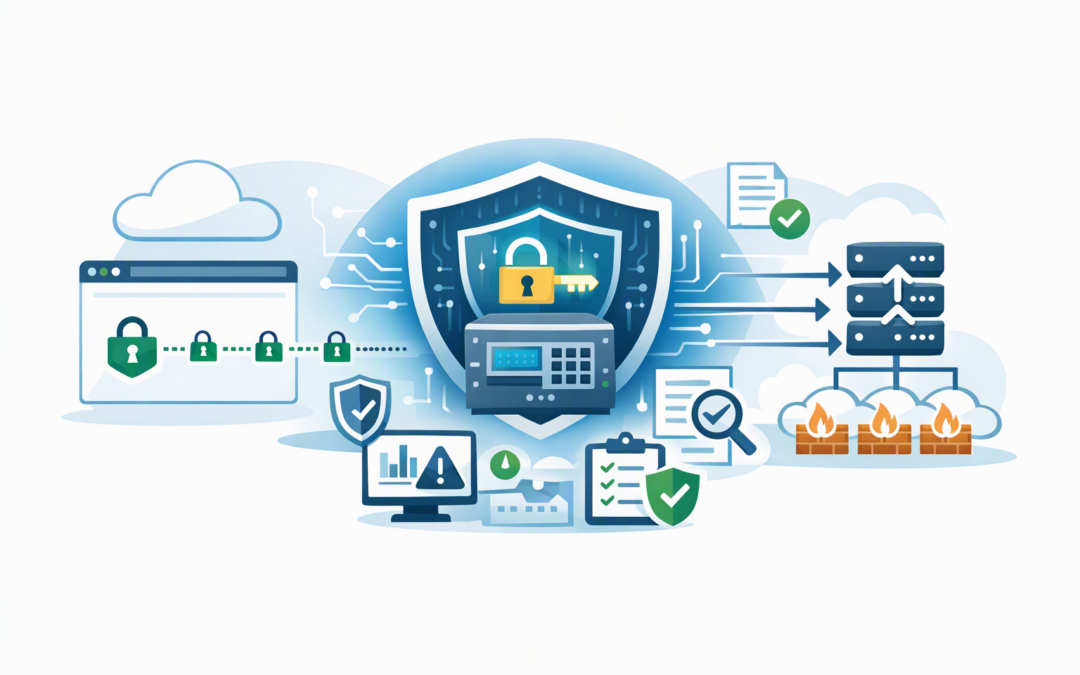
In this blog post Keyless TLS and Managed HSM A CIO Guide to Safer Private Keys we will explain how to protect one of your organisation’s most sensitive digital assets without making website delivery unnecessarily complicated.
Most executives assume the padlock beside a website address means the entire security problem has been solved. But the private key behind that padlock can become a serious point of exposure if it is copied, exported, stored insecurely or accessed by the wrong person.
Keyless TLS changes that model. Azure Application Gateway can secure and inspect website traffic while the private key remains inside Azure Key Vault Managed HSM, a dedicated hardware-protected service for safeguarding high-value encryption keys.
Why private key protection belongs on the CIO agenda
TLS, or Transport Layer Security, encrypts information moving between a user and a website. It protects customer details, login credentials, payment information and other sensitive data from being read in transit.
CPI Consulting helps organisations design, build and secure Azure AI solutions, from Azure OpenAI and Microsoft Foundry to agents, governance and production deployment.
Visit CPI ConsultingEvery TLS certificate has a public component and a private key. The public component can be shared, but the private key must remain secret because it proves the website’s identity during the creation of a secure connection.
In a traditional configuration, the certificate and private key may be packaged together and installed on the system handling website traffic. That creates operational convenience, but it also means sensitive key material may be copied to another service, included in a backup or handled during a deployment.
The business risk is straightforward. If an attacker obtains the private key, the organisation may need to revoke certificates, replace them quickly and investigate whether encrypted services were impersonated or exposed.
How keyless TLS works in plain English
Azure Application Gateway sits in front of your web applications. It directs incoming traffic, balances demand across systems and can include a Web Application Firewall, or WAF, which checks requests for common attacks before they reach the application.
Normally, Application Gateway needs access to a private key to complete the TLS handshake. The handshake is the short process through which a browser and website establish trust and create an encrypted connection.
With keyless TLS, Application Gateway receives the public certificate but not the private key. When a secure connection needs to be established, the gateway asks Managed HSM to perform the required signing operation inside its protected hardware.
- A customer or employee opens your HTTPS website.
- Application Gateway receives the connection request.
- The gateway asks Managed HSM to approve the cryptographic handshake.
- Managed HSM performs the signing operation without releasing the private key.
- The secure connection is completed, and the gateway can inspect and route the traffic.
The important point is that the private key is used without being handed over. Even Application Gateway does not receive an exportable copy.
For a deeper introduction to the security architecture, see how keyless TLS improves Azure web application security. This guide focuses on the governance, cost and operational questions technology leaders should ask.
The business outcomes that matter
1. A smaller blast radius if a system is compromised
Security leaders often focus on preventing every possible breach. A more realistic approach is also to limit the damage an attacker can cause after gaining access.
If Application Gateway is compromised or incorrectly administered, the attacker should not automatically gain an exportable copy of the website’s private key. Keeping that key inside Managed HSM removes one valuable asset from the affected system.
This does not make the application invulnerable. It does, however, reduce one important form of credential theft and can make incident containment less disruptive.
2. Clearer separation of responsibilities
Keyless TLS allows the cloud networking team to operate Application Gateway without giving it broad control over private keys. A separate security team can manage the Managed HSM, key permissions and audit policies.
Azure managed identities provide the gateway with its own controlled digital identity. Role-based access control can then restrict that identity to the specific key and actions it requires, rather than granting wide access to the entire key environment.
This separation reduces the risk of a single administrator, account or automation process gaining unnecessary power. It also supports stronger approval and change-management processes.
3. Better evidence for audits and risk reviews
Managed HSM can record key activity through Azure monitoring and diagnostic logs. Your team can track when signing operations occur, which identity requested them and whether unusual access attempts need investigation.
For Australian organisations, keyless TLS is not a shortcut to compliance. It does not automatically satisfy the Essential Eight, the Australian government’s cybersecurity framework that many organisations use as a security baseline.
However, protected key storage, restricted administrative access and central logging can strengthen the evidence behind your broader security program. They may also help demonstrate that sensitive systems are protected with controls proportionate to their risk.
4. Less uncontrolled handling of private keys
Private keys are often exposed through ordinary operational work rather than sophisticated attacks. An engineer exports a certificate to solve an urgent issue, a copy is placed in temporary storage, or a deployment pipeline receives broader access than intended.
Keyless TLS removes many reasons to move the key. The private key remains non-exportable inside a single-tenant Managed HSM service using hardware validated to FIPS 140-3 Level 3, a recognised standard for strong protection against key extraction and tampering.
A practical 200-person company scenario
Consider a 200-person financial services business running customer portals through Azure Application Gateway. Its infrastructure team manages website delivery, while a small security team oversees identity, compliance and incident response.
Under the traditional model, administrators may need permission to retrieve or upload certificates containing private keys. Certificate renewal becomes a high-risk operational event because the team must ensure the correct certificate reaches the gateway without leaving extra copies behind.
With keyless TLS, the security team keeps the private key inside Managed HSM and grants the gateway narrowly defined signing access. The infrastructure team can still manage routing and the Web Application Firewall without being able to export the key.
The immediate outcome is not necessarily a dramatic reduction in the monthly Azure bill. The value comes from reducing the likelihood and potential cost of key exposure, improving audit evidence and avoiding emergency certificate replacement after an incident.
What your team must plan before deployment
Keyless TLS is now generally available, but that does not mean it should be enabled without preparation. It introduces a dependency between Application Gateway, its managed identity, access permissions and Managed HSM.
- Confirm the business case. Prioritise public portals, financial platforms, identity services and systems containing sensitive customer or employee information.
- Model the cost. Managed HSM is a dedicated security service and may be excessive for low-risk websites. Compare the ongoing cost with the financial and regulatory impact of private key exposure.
- Test availability. Confirm what happens when permissions change, the HSM cannot be reached or a certificate expires. Test failure scenarios before production.
- Plan certificate renewal. Keeping a key protected does not remove the need to renew certificates, validate the certificate chain and monitor expiry dates.
- Restrict access. Give the gateway access only to the required key operations. Avoid subscription-wide permissions where a key-specific assignment will work.
- Enable monitoring. Send Application Gateway and Managed HSM logs to a central monitoring platform, with alerts for denied access, configuration changes and unusual signing patterns.
- Protect backend traffic. Keyless TLS protects the internet-facing handshake. If sensitive data travels from the gateway to backend applications, use end-to-end TLS so that connection is also encrypted.
Delivery does not need to become slow or bureaucratic. Our related guide on adopting Application Gateway keyless TLS without slowing delivery explains how to introduce the control through staged testing and automation.
Keyless TLS is not the same as external key management
These two ideas are easy to confuse. Keyless TLS means Application Gateway does not receive the private TLS key because signing takes place inside Azure Managed HSM.
External key management goes further by involving key protection infrastructure outside Azure. That may suit organisations with strict sovereignty or independent custody requirements, but it introduces additional cost, connectivity and recovery considerations.
If sovereignty is part of your risk assessment, read why Managed HSM external keys matter for Australian organisations before assuming the most complex option is automatically the safest.
The questions a CIO should ask
- Which private keys would cause the greatest damage if copied or misused?
- Who can currently export or retrieve those keys?
- Are certificate renewals automated, monitored and tested?
- Can we prove which systems and identities used a key?
- What happens to customer services if HSM access fails?
- Does the extra protection justify the operating cost for this workload?
Keyless TLS is most valuable when it is treated as a risk decision rather than a technology upgrade. The objective is not to deploy more Azure services; it is to protect high-value keys while keeping customer-facing applications reliable.
As a Microsoft Partner and Wiz Security Integrator, CloudProInc combines more than 20 years of enterprise IT experience with practical Azure, Microsoft Defender and cloud security work. We are a Melbourne-based, hands-on consultancy serving organisations across Australia and internationally, rather than a large provider that disappears after the design document is delivered.
If you are not sure where your website private keys are stored, who can export them or whether keyless TLS is worth the cost, we are happy to review the current setup and explain the practical options — no strings attached.