
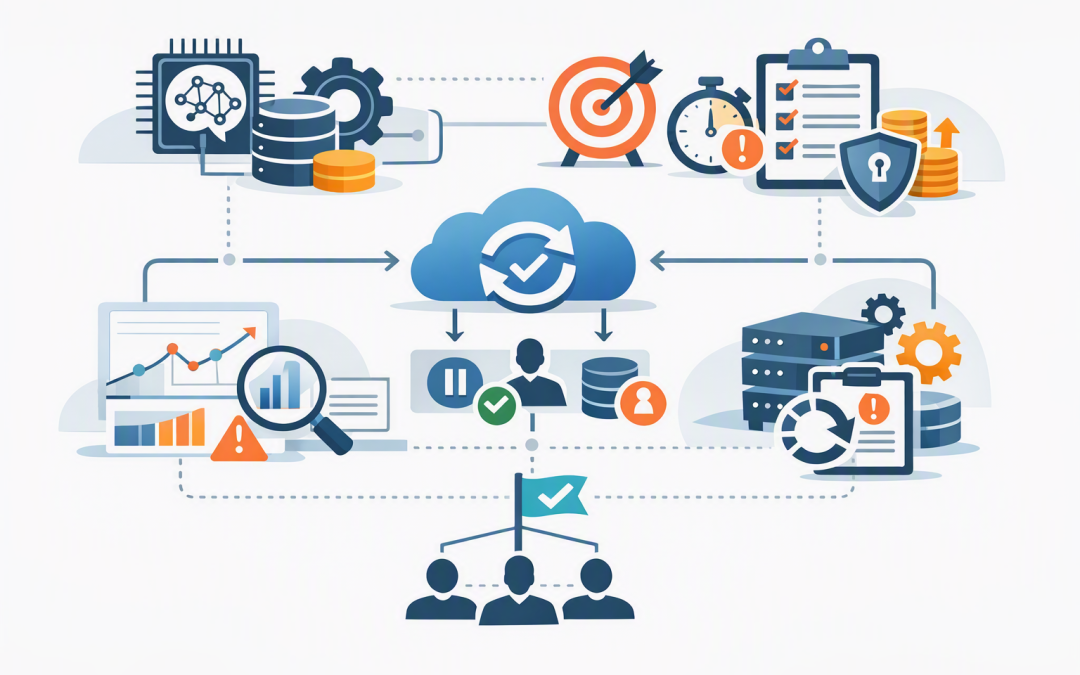
In this blog post How to Operationalise Microsoft Agent Framework in Production we will show why an agent that performs well in a demonstration can still become slow, expensive or unreliable once employees depend on it. The real challenge is not getting an answer from AI. It is knowing what happened when the answer is late, wrong or missing.


Microsoft Agent Framework provides the building blocks for creating AI agents and controlled workflows in .NET and Python. In plain English, it connects an AI model to business instructions, company data, software tools and other agents, while giving developers control over how work moves from one step to the next.
Production readiness comes from the operating controls around that framework. You need visibility into every run, clear time limits, safe recovery when something fails and a support process that does not rely on one developer reading raw logs.
Why successful prototypes become production problems
A prototype normally has one user, clean test data and a developer watching it. Production introduces hundreds of requests, unavailable systems, expired permissions, large documents, changing model behaviour and employees who click the button again when nothing appears to happen.
That second click matters. If the first run is still active, the agent could create two service tickets, send two customer emails or assign two software licences.
Before deployment, define an operational contract for the agent:
- How quickly should the user receive a response or progress update?
- How much can one run cost?
- Which actions can be retried safely?
- When must a person approve or investigate the work?
- How will support staff find a failed run?
1. Make every agent run observable
Observability means being able to reconstruct what an agent did and why. Microsoft Agent Framework supports OpenTelemetry, an industry-standard way to collect traces, logs and metrics from applications.
A trace shows the journey of one request across the model, tools, workflow steps and other agents. Logs record individual events. Metrics show trends such as response time, failure rate and token consumption, which is a major driver of AI operating cost.
For each run, capture a shared correlation ID and record:
- The agent and workflow version.
- The model and deployment used.
- Total duration and duration of each step.
- Tool calls, retries, timeouts and failures.
- Input and output token counts.
- Whether human approval was requested.
- The final business status, such as completed, partially completed or failed.
Send this information to Azure Monitor and Application Insights so operations teams can search runs, create dashboards and trigger alerts. For multi-agent environments, our guide to monitoring A2A agent communication in Azure explains how to follow work as it moves between agents.
Do not automatically record full prompts, responses or tool results in production. These may contain customer information, financial records or credentials. Microsoft allows sensitive tracing to be enabled, but it should normally remain off outside controlled testing.
2. Use several timeout controls rather than one large timer
A single 10-minute timeout around the entire workflow is rarely enough. It tells you that something took too long, but not which dependency caused the delay or whether work is still running somewhere else.
Use time budgets at four levels:
- User experience deadline: Decide how long someone should wait before receiving a result or a message that work is continuing in the background.
- Model deadline: Limit how long the application waits for an individual model request.
- Tool deadline: Set separate limits for systems such as Microsoft Graph, a finance platform, an MCP server or a customer database.
- Workflow deadline: Place a maximum duration, step count and tool-call budget around the complete business process.
The current Python release also supports configurable waiting time for the first background-agent task to finish. This closes an important operational gap, but background agents remain experimental and should be introduced with controlled workloads, monitoring and a rollback option.
Long reasoning tasks should not hold a web connection open indefinitely. Background responses can return a continuation token, which is effectively a receipt the application can use to check the result later. For broader runtime governance, see our Microsoft Agent Framework production guide for A2A and MCP governance.
A simplified Python pattern might look like this:
import asyncio
from agent_framework.observability import configure_otel_providers

configure_otel_providers(enable_sensitive_data=False)

async def run_with_deadline(agent, message):
 try:
 return await asyncio.wait_for(
 agent.run(message),
 timeout=45
 )
 except TimeoutError:
 # Record the run ID and move the item to a support queue.
 return "This request is taking longer than expected. Support has been notified."
This outer deadline does not guarantee that every remote operation has stopped. Model clients, HTTP calls and tools also need their own cancellation and timeout settings. Otherwise, the user may see a timeout while the underlying process continues consuming money or changing data.
3. Recover from failure without repeating completed work
Long-running workflows should save progress at safe points. Microsoft Agent Framework checkpoints capture workflow state so processing can resume after a service restart, deployment or temporary failure.
Use durable storage rather than server memory for important workflows. Also assign an idempotency key to every external action. This is a unique reference that allows a connected system to recognise a repeated request and avoid performing the same action twice.
Consider an onboarding agent for a 200-person company. It checks an approved request, creates a Microsoft 365 account, assigns a licence, applies an Intune device policy and notifies the manager.
If the notification service fails, the workflow should resume from that point. It should not create the account and assign the licence again. Checkpoints, idempotency keys and clear completion records turn a potentially expensive incident into a routine retry.
We cover the underlying workflow design in more detail in Design Durable Secure Workflows with Microsoft Agent Framework.
4. Build a support model before the launch
AI support cannot stop at “ask the development team”. Your service desk needs enough information to identify the run, understand its business impact and take a safe next step.
Create three support paths:
- Automatic recovery: Retry temporary network and rate-limit failures with controlled delays.
- Operations review: Send timed-out or partially completed work to a failed-run queue with the run ID, affected user, completed steps and recommended action.
- Engineering escalation: Escalate repeated failures, unexpected model behaviour and security events with the complete trace and software version.
Your runbook should explain how to pause the agent, disable a tool, replay from a checkpoint, confirm whether an external action occurred and roll back to a known version. Alerts should focus on business impact, such as a rising failure rate or onboarding requests stuck for more than 15 minutes, rather than every minor technical warning.
5. Treat security and cost as production signals
Operational monitoring must include unusual tool usage, permission failures, sudden token growth and attempts to access restricted data. Connect agents using managed identities and minimum required permissions instead of storing long-lived credentials in code.
For Australian organisations following Essential 8, the Australian Government’s baseline cybersecurity framework, agent services should sit inside existing controls for patching, privileged access, multi-factor authentication, backups and incident response. Agent monitoring supports those controls, but does not replace them.
Cost alerts are equally important. Track tokens, model calls, tool calls and retries by agent and business process. A workflow can remain technically available while quietly becoming uneconomic because it loops, sends excessive context or repeatedly calls an expensive model.
Combine production monitoring with the testing approach in How to Monitor and Evaluate Microsoft Foundry Agents Safely. Testing tells you whether an agent is ready. Operational monitoring tells you whether it stays ready.
A practical production checklist
- Define success, cost and response-time targets for each business workflow.
- Enable OpenTelemetry tracing with sensitive content disabled.
- Add separate deadlines for users, models, tools and complete workflows.
- Store checkpoints durably and make external actions safe to retry.
- Create dashboards, alerts, support queues and plain-English runbooks.
- Test service failures, expired permissions, duplicate requests and deployment restarts.
- Release to a small user group before expanding access.
Microsoft Agent Framework provides strong foundations, but production reliability comes from disciplined operating controls. The goal is not to prevent every failure. It is to detect problems quickly, contain their impact and recover without losing work or creating duplicate actions.
CloudProInc is a Melbourne-based Microsoft Partner and Wiz Security Integrator with more than 20 years of enterprise IT experience across Azure, Microsoft 365, AI and cybersecurity. If you are unsure whether your agent platform is ready for real business workloads, we are happy to review the architecture and operational controls with you — no strings attached.
Discover more from CPI Consulting
Subscribe to get the latest posts sent to your email.