
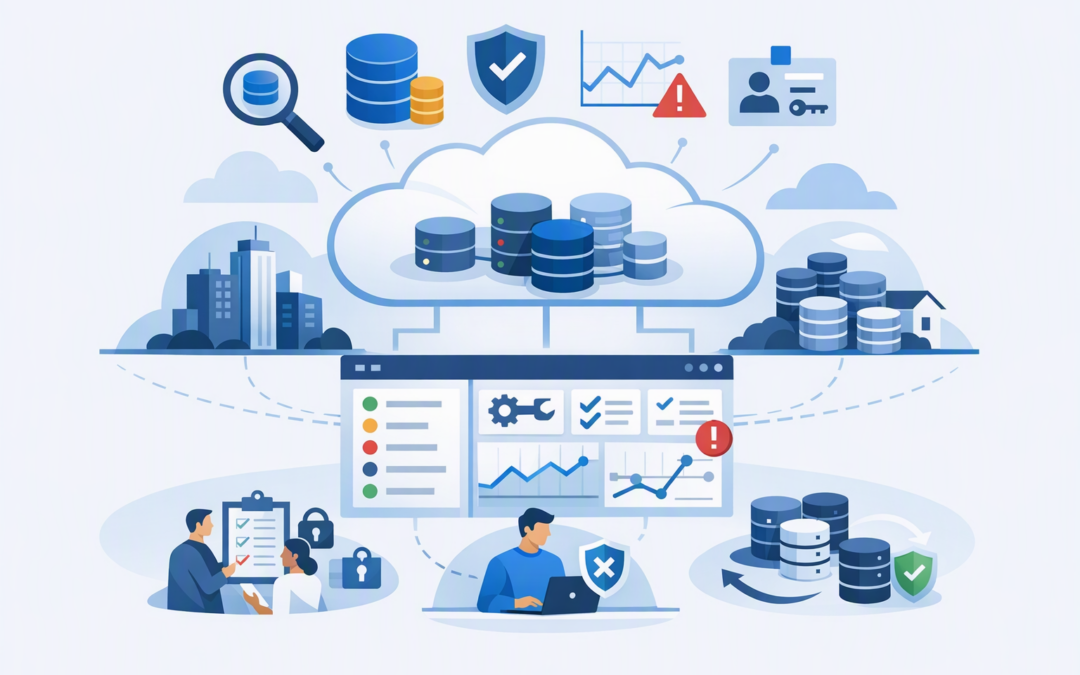
In this blog post How Microsoft Fabric Database Hub Helps Secure Your Database Estate we will explain how to gain a clearer view of database risk, prioritise problems and build a practical security process around Microsoft Fabric.
If someone asked which databases hold your most sensitive information, who owns them and whether they are securely configured, could your team answer quickly? In many organisations, the information is spread across Azure subscriptions, Fabric workspaces, monitoring tools, spreadsheets and the knowledge of a few experienced employees.
Microsoft Fabric Database Hub brings supported databases into a central operational view. It does not move the databases or copy their business data into Fabric simply to display them. Instead, it brings together inventory details, security findings, performance signals and recommended actions while the databases remain in their existing environments.
What Database Hub actually does
Database Hub is a management experience within Microsoft Fabric, Microsoft’s platform for working with business data, reporting and analytics. It can discover supported databases across Fabric, Azure and connected on-premises environments, giving authorised users a consolidated view of the estate.
CPI Consulting helps organisations design, build and secure Azure AI solutions, from Azure OpenAI and Microsoft Foundry to agents, governance and production deployment.
Visit CPI ConsultingBehind the scenes, it uses Microsoft Entra ID, which is Microsoft’s identity and login service, together with Azure role-based access control. Role-based access control determines which resources each person is allowed to see and manage.
Database Hub can then combine resource information with signals from monitoring services, alerts, metadata and supported agents. Teams can filter the estate, review findings and open the appropriate database tool when deeper investigation or configuration work is required.
Importantly, discovering a database does not give someone additional database access. Database Hub uses the permissions they already have and does not silently change resources.
Why fragmented database management creates risk
Most database incidents do not begin with an obviously broken system. They begin with a small gap that nobody noticed: an old database exposed to the internet, an owner who left the business, an authentication setting that was never updated or a test environment containing real customer information.
The larger the estate becomes, the harder these gaps are to find. A company might have Azure SQL databases supporting finance systems, SQL Server running on virtual machines, operational databases inside Fabric and PostgreSQL services maintained by a separate application team.
Each platform may be individually manageable. The business problem is that nobody has the complete picture.
1. Build an inventory you can trust
You cannot protect databases that you do not know exist. Database Hub helps teams identify supported database resources they are already authorised to view, including services across Azure, Fabric and SQL Server environments connected through Azure Arc.
Azure Arc is Microsoft’s way of bringing on-premises and other hosted servers into Azure management without physically moving those servers. This matters for Australian organisations that still operate important SQL systems in their own data centres or private hosting facilities.
A central inventory reduces the time spent collecting information for risk reviews, audits and insurance questionnaires. It also makes ownership gaps easier to see before they become incidents.
Inventory should still be paired with clear accountability. Our guide to ownership across Fabric and Azure Databricks explains why every platform, data set and security control needs a named owner.
2. Turn scattered security signals into priorities
Security teams rarely suffer from a lack of alerts. The bigger problem is deciding which alerts matter to the business and who should act on them.
Database Hub groups security findings across the selected estate and shows the affected resources. For supported services, these signals can highlight concerns such as public network access, weak authentication choices or missing encryption controls.
For example, the current Azure Cosmos DB integration can check whether Microsoft Entra authentication is enforced, whether customer-managed encryption keys are enabled and whether public network access is allowed. Microsoft describes these as triage signals rather than a complete security assessment.
That distinction is important. Database Hub helps you find and prioritise possible gaps, but it does not replace Microsoft Defender for Cloud, Wiz, penetration testing or a properly designed security program.
For organisations following Essential 8, the Australian government’s baseline cybersecurity framework, Database Hub can support visibility and accountability. However, it does not by itself deliver Essential 8 compliance. Controls such as restricting administrative privileges, patching systems, protecting endpoints and maintaining tested backups still require separate processes and tools.
3. Keep access based on business roles
A central dashboard becomes a risk if everyone receives broad access simply to make the dashboard useful. Database Hub avoids creating a completely separate permission model, but your existing Azure permissions still need careful design.
A finance application owner may need visibility of finance databases without seeing systems belonging to human resources. A database administrator may need operational access, while an auditor may only need read-only evidence.
Start with the minimum access each role requires. Do not assign wide subscription permissions to every IT employee just so all resources appear in their view.
Also use separate administrator accounts, strong multifactor authentication and regular access reviews. Database visibility is useful, but controlling who can change a production database remains the more important safeguard.
4. Treat performance problems as business risk
A slow database is not always a security incident, but it can still stop orders, delay payroll or make customer-facing applications unusable. It may also indicate unexpected demand, poor configuration or unusual activity requiring investigation.
Database Hub provides performance monitoring for supported services, including Azure SQL Database, SQL Server on Azure virtual machines and SQL Server connected through Azure Arc. Some database types remain visible in the estate while having more limited performance support during the preview.
This consolidated view helps teams identify which problem needs attention first. Instead of opening several portals after users complain, operations teams can compare affected systems and move directly into the appropriate management tool.
A practical example
Consider a 200-person professional services company with 45 databases across four Azure subscriptions. The infrastructure team manages Azure, developers manage application databases and an external provider supports an older on-premises SQL Server.
During a security review, the company discovers that nobody can produce a complete database list. Several resources have unclear owners, one development database allows public network access and performance alerts are going to an employee who left six months earlier.
Database Hub would not automatically solve every issue. It would give the team a shared estate view, make the affected resources easier to identify and provide a starting point for assigning owners and tracking remediation.
The business outcome is less time gathering evidence, faster investigation and a lower chance that an overlooked database becomes the source of an outage or data breach.
How to introduce Database Hub safely
Database Hub is in public preview at the time of writing, so it should be introduced as a controlled operational capability rather than treated as the only source of security truth. The current preview requires a Fabric administrator to enable access in the tenant settings.
- Start with one business service. Choose a system with a known owner, such as finance, customer management or online ordering.
- Confirm the inventory. Compare the Database Hub view with subscription records, configuration management data and existing database lists.
- Create useful views. Group resources by production status, business owner, application or risk level rather than presenting one enormous list.
- Define a review routine. Decide who reviews security and performance findings, how often they do it and how actions are recorded.
- Validate important findings elsewhere. Use Defender, Wiz and the database’s native management tools to confirm exposure and apply changes.
- Connect security with recovery. A secure database still needs tested backups and a documented restoration process. Our article on preparing for Microsoft Fabric recovery provides a useful starting point.
A better view is only valuable when someone acts
Database Hub addresses a common leadership problem: too many databases, too many management screens and no reliable way to see what requires attention first. Its value is not another dashboard. Its value is helping the right people identify risk and take action sooner.
CloudProInc is a Melbourne-based Microsoft Partner and Wiz Security Integrator with more than 20 years of enterprise IT experience. We help organisations connect Fabric, Azure, Microsoft Defender and Wiz into a practical operating model that reduces risk without burying teams in unnecessary complexity.
If you are not sure whether your database estate is properly inventoried, securely configured or clearly owned, we are happy to take a look and help you identify the most important next steps — no strings attached.