
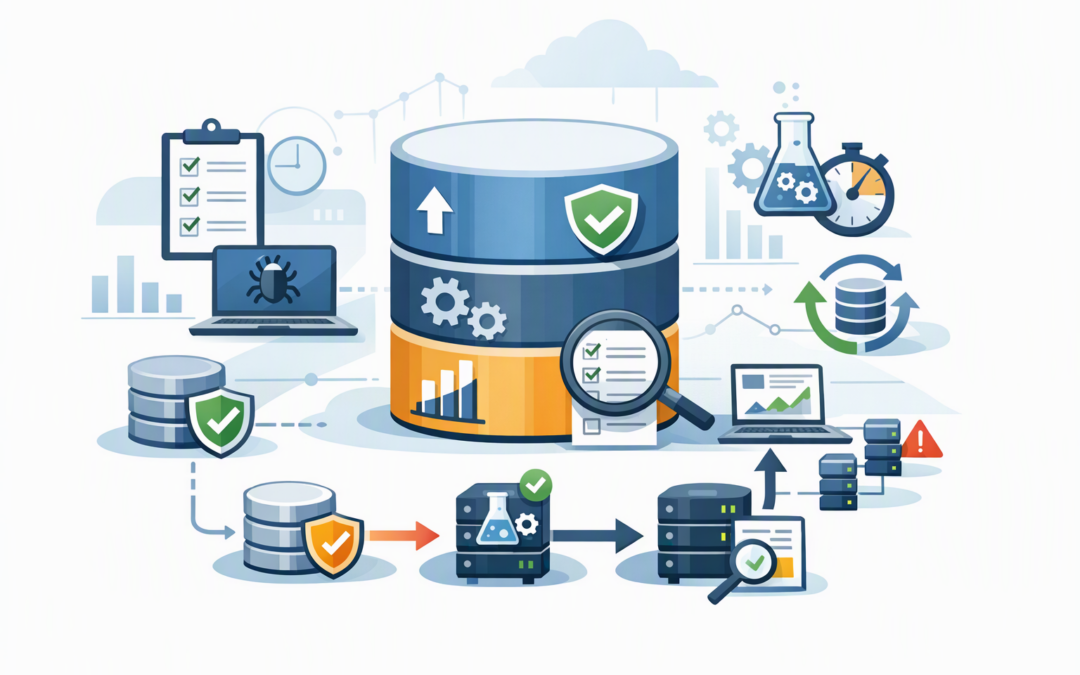
In this blog post SQL Server 2025 CU10 Patching and Azure SQL Monitoring Playbook we will show you how to patch safely, verify the result and build alerts that identify trouble before users start calling.
The business problem is familiar. A critical database needs updating, but nobody wants to be responsible for breaking the finance system, customer portal or warehouse integration. The patch is postponed, security exposure grows, and monitoring remains dependent on someone noticing a problem manually.
The answer is not simply to “patch faster”. It is to connect controlled patching with practical monitoring, clear ownership and evidence that the work was completed properly.
What these technologies do
SQL Server is the database platform behind many business applications. A cumulative update, or CU, is a package that combines reliability, performance and security fixes released since the original product version.
CPI Consulting helps organisations design, build and secure Azure AI solutions, from Azure OpenAI and Microsoft Foundry to agents, governance and production deployment.
Visit CPI ConsultingMicrosoft released SQL Server 2025 CU10 on 22 October 2026. It installs build 17.0.5035.5 and contains 36 fixes issued after CU9. Because cumulative updates include earlier fixes, you do not need to install every previous CU first.
Azure SQL Database is different. It is a managed cloud database service, so Microsoft maintains the underlying platform. Your team still needs to monitor database capacity, workload behaviour, access and application performance.
Database Hub in Microsoft Fabric provides a central view of supported databases across Azure and other environments. Its preview alerting capability uses Fabric Activator to evaluate performance information and trigger actions such as Teams notifications. The alert queries do not connect directly to the production database or add query load to it.
Start with business impact rather than server names
Before scheduling CU10, identify what each SQL Server supports. A server called SQL-PROD-03 means little to an operations director, but “the database processing customer orders and warehouse dispatches” creates an immediate understanding of risk.
For each instance, record:
- The applications and business processes that depend on it.
- The business owner who can approve testing.
- Acceptable downtime and the preferred maintenance window.
- Backup, recovery and high-availability arrangements.
- Connections to reporting tools, payment services and external systems.
- The person responsible for making the final go or no-go decision.
This small step prevents a common failure: IT confirming that SQL Server is running while the business application connected to it is not.
Confirm what is installed before making changes
Do not assume every SQL Server 2025 instance is on the same update path. Microsoft provides a security-only GDR branch and a broader CU branch containing security, critical and general product fixes. Once an instance moves to the CU branch, future servicing should be planned accordingly.
Use this simple query to record the current version:
SELECT
 SERVERPROPERTY('ServerName') AS ServerName,
 SERVERPROPERTY('ProductVersion') AS ProductVersion,
 SERVERPROPERTY('ProductLevel') AS ProductLevel,
 SERVERPROPERTY('ProductUpdateLevel') AS UpdateLevel,
 SERVERPROPERTY('Edition') AS Edition;
Keep the output with the change record. After CU10, the expected SQL Server product version is 17.0.5035.5.
For a broader inventory and modernisation review, use our SQL Server patching and modernisation checklist. It helps identify ageing versions, unsupported integrations and systems that may be better suited to Azure.
Test the known CU10 risks
CU10 has documented issues that make testing especially important. Queries using SESSION_CONTEXT, which lets an application store information about the current user session, can return incorrect results or generate a crash dump when parallel query processing is involved.
There is also a known access violation risk when monitoring queries inspect sys.dm_exec_requests while a database is recovering. That situation can occur during a restore, server startup or while an availability group replica is coming online. Microsoft has documented mitigations while it investigates a fix.
Your test plan should therefore include:
- Normal application logins and role-based access.
- High-volume reports and scheduled processing jobs.
- Backup and restore operations.
- Availability group failover, if used.
- Monitoring tools that query active SQL requests.
- Linked servers and third-party integrations.
- One complete business transaction from start to finish.
That final test matters most. For an ordering system, create a test order, allocate stock, generate the invoice and confirm that reporting receives the transaction.
Use a staged deployment instead of a big-bang update
Begin with a development or test environment that reflects production closely enough to expose compatibility problems. If no useful test environment exists, use a lower-risk production instance as a pilot and allow time to observe it before continuing.
For each production system:
- Confirm that recent backups are valid and can be restored.
- Check available disk space and the health of SQL Server services.
- Record the current version, configuration and baseline performance.
- Pause or reschedule jobs that could conflict with maintenance.
- Install CU10 during an approved maintenance window.
- Confirm services, databases, jobs and integrations are healthy.
- Run the agreed business tests.
- Monitor closely before patching the next group.
High-availability environments may support a rolling approach, but the correct sequence depends on the configuration. Do not assume that having a secondary server makes the change risk-free.
If your SQL Servers run on Azure virtual machines, Azure Update Manager maintenance orchestration can help schedule updates and produce a clearer compliance record.
Build alerts people can actually act on
An alert is only useful when it identifies a meaningful condition, reaches the right person and explains what should happen next. Sending an email every time CPU briefly reaches 80 per cent creates noise, not protection.
For Azure SQL Database, consider alerts for:
- Sustained high CPU: CPU remains above a defined threshold for several minutes, indicating that users may soon experience delays.
- Storage pressure: Data space is approaching its limit, creating a risk of failed transactions or emergency scaling.
- Deadlocks: Competing transactions repeatedly block each other, causing one transaction to be cancelled.
- Abnormal connection failures: Applications or users cannot reliably connect.
- Unexpected cost growth: Consumption rises beyond the normal business pattern.
- Planned maintenance: Service Health notifications provide advance warning to application owners.
Azure Monitor exposes metrics including CPU use, data space, deadlocks and temporary log use. Database Hub can then provide a broader operational view and use Activator rules for notifications or automated diagnostic actions.
Because Database Hub alerting is currently a preview feature, it should complement established monitoring rather than replace it overnight. Also review who can open alert rules or receive notifications, because returned telemetry may be visible to recipients who cannot access the underlying Azure resource.
A practical mid-sized business scenario
Consider a 200-person distributor whose ordering platform uses SQL Server on an Azure virtual machine while its customer portal uses Azure SQL Database. Previously, updates were installed quarterly, monitoring emails went to one administrator, and nobody tested the complete order-to-dispatch process.
A safer model groups systems by business impact, patches a non-production environment first and requires the operations team to validate a test order. Azure SQL alerts go to a shared Teams channel, with urgent conditions also creating a service ticket.
The outcome is not merely “newer software”. The business gains shorter security exposure, fewer surprise outages, faster incident response and clear evidence for management and auditors.
Keep evidence for Essential 8 and governance
Essential Eight, the Australian Government’s cybersecurity framework that many organisations use to measure security maturity, includes timely application patching. A successful installation is not enough; you need evidence showing what was updated, when it was updated and whether it was tested.
Retain the approval, affected systems, before-and-after versions, test results, exceptions, alert configuration and rollback decision. Our earlier guide on what the October 2026 SQL Server updates mean for Australian organisations explains why patching evidence matters as much as patching speed.
Make patching and monitoring one operating process
SQL Server 2025 CU10 should not be treated as a one-off weekend task. The better approach is a repeatable cycle: inventory, assess, test, patch, validate, monitor and retain evidence.
CloudProInc combines more than 20 years of enterprise IT experience with practical Microsoft and Wiz security expertise. As a Melbourne-based Microsoft Partner and Wiz Security Integrator, we help organisations connect Azure, Microsoft 365, Defender, Wiz and database operations without turning the process into a giant consulting exercise.
If you are unsure whether CU10 is ready for your environment, whether your alerts will reach the right people, or whether your patching records meet Essential Eight expectations, we are happy to take a look with you — no strings attached.