
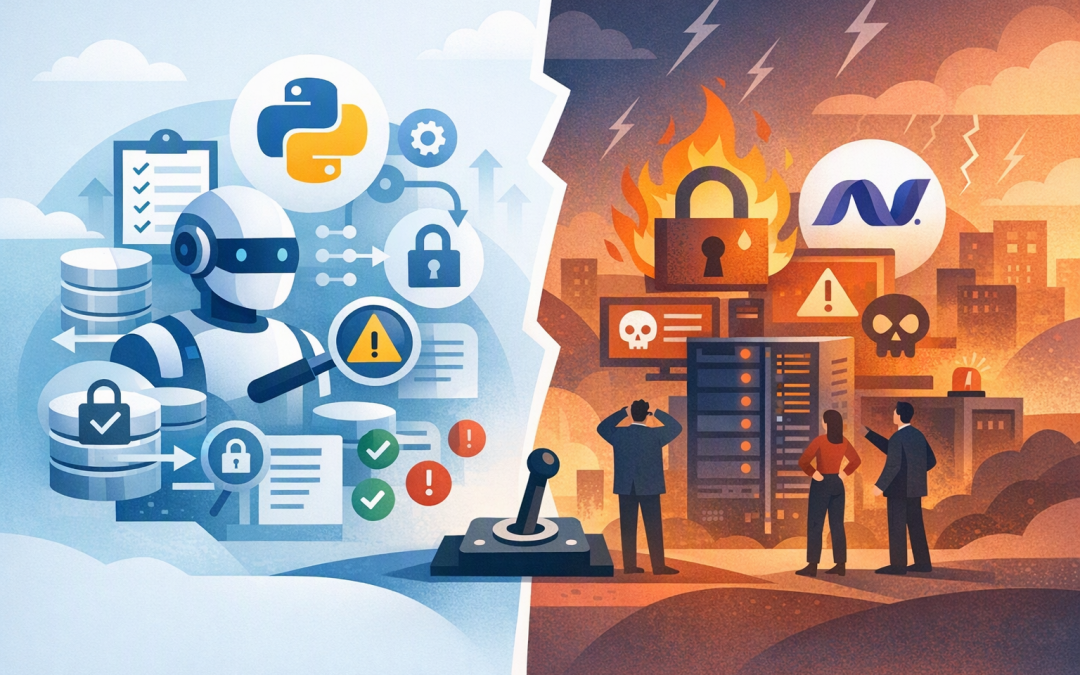
In this blog post Latest Microsoft Agent Framework Python and .NET Production Guide we will explain what the newest releases mean for production systems, where the upgrade risks sit, and what CTOs should ask before approving deployment.
The familiar problem is that an AI agent performs well in a demonstration, then becomes unpredictable when real users, sensitive data and business systems are involved. A routine framework update can interrupt conversations, expose information to the wrong tool or leave teams without a safe rollback path.
What Microsoft Agent Framework actually does
Microsoft Agent Framework is an open-source software foundation for building AI agents in Python and .NET. An AI agent is software that can interpret a request, decide what steps to take and use approved business tools to complete work.
The AI model provides the reasoning, while the framework controls everything around it. It manages conversations, memory, tool access, approvals, multi-step workflows and communication between specialised agents.
CPI Consulting helps organisations design, build and secure Azure AI solutions, from Azure OpenAI and Microsoft Foundry to agents, governance and production deployment.
Visit CPI ConsultingThat distinction matters. Choosing OpenAI, Azure OpenAI or Anthropic Claude does not automatically give you a safe production agent. The surrounding framework determines what the agent can access, how failures are handled and whether its actions can be reviewed.
As of 21 October 2026, the latest releases are Python 1.22.0 and .NET 1.25.0. Our earlier release-level production guide covers the individual changes. Here, we will focus on the decisions technology leaders need to make.
The biggest Python risk is stored agent state
Python 1.22 changes how some agent content and streamed updates are stored. The new runtime can read records created by earlier versions, but older runtimes cannot read every record written by version 1.22.
This affects stored conversations, message histories, certain session records and workflow checkpoints containing the changed data. In plain English, a new agent worker may write information that an old worker no longer understands.
That creates a problem during a rolling deployment, where old and new application instances normally run side by side. If they share the same state store, users may experience broken sessions or inconsistent results.
What to do before upgrading
- Map every state store. Identify where conversations, checkpoints and agent sessions are retained.
- Separate the new deployment. Give version 1.22 its own state namespace or storage area during testing.
- Test rollback before launch. Do not assume you can simply reinstall the previous package after 1.22 has written new records.
- Drain old sessions. Where possible, allow existing work to finish before directing users to the new runtime.
This is not simply a developer concern. A failed state migration can interrupt customer service, finance approvals or internal operations, turning a minor upgrade into a business outage.
Python 3.15 support does not mean every component is ready
Python 1.22 introduces support for Python 3.15 across the core framework and main package. However, some optional integrations still depend on external software that has not completed the same transition.
Do not combine an Agent Framework upgrade with a Python runtime upgrade unless there is a clear reason. Changing both at once makes failures harder to diagnose and increases the amount of testing required.
A safer approach is to upgrade Agent Framework on your existing supported Python version first. Once that deployment is stable, assess Python 3.15 separately against every database connector, model provider and optional package you use.
# Pin the tested production version
pip install "agent-framework==1.22.0"

# Record the complete environment for repeatable deployment
pip freeze > requirements-lock.txt
Version pinning means specifying the exact software release rather than automatically accepting whatever is newest. It reduces surprise changes between development, testing and production.
Why .NET 1.25 deserves a security-led review
For .NET teams, the business case for version 1.25 is not about chasing features. It is about maintaining a supported baseline and ensuring earlier security corrections are present.
Organisations using versions older than .NET 1.24 should prioritise review if their agents use declarative workflows with MCP tools. MCP, or Model Context Protocol, is a standard way for AI agents to connect to business tools and external services.
Earlier versions could fail to preserve protection around sensitive workflow values in certain MCP calls. In the wrong configuration, information marked as protected could be passed to an external tool.
Version 1.25 includes the relevant protection, but installing it is only part of the answer. Teams must still restrict which MCP servers are approved, what information agents can send and which actions require human confirmation.
<PackageReference
 Include="Microsoft.Agents.AI"
 Version="1.25.0" />
Teams publishing .NET applications with NativeAOT should also test declarative workflows carefully. NativeAOT compiles an application in advance for faster startup, but a reported compatibility issue can affect workflow startup in some configurations.
Choose Python or .NET based on ownership
The right language is usually the one your organisation can operate safely for the next three years.
Python is often the practical choice for AI experimentation, data processing and teams with strong machine learning skills. .NET is usually easier to govern when agents must integrate with established Microsoft applications, identity controls and enterprise development practices.
A mixed environment is also reasonable. A .NET application may handle user identity and approvals while a Python service performs specialised analysis. If you take this approach, define ownership clearly and use A2A, or Agent-to-Agent communication, to connect the services through controlled interfaces.
Our A2A and MCP governance guide explains the controls required when agents communicate with other agents and tools.
A practical production approval checklist
- Confirm the business owner. Someone outside IT must own the outcome and approve what the agent is permitted to do.
- Document every tool and data source. Unknown connections are unmanaged business risk.
- Require approval for high-impact actions. Payments, account changes, external messages and record deletion should not happen silently.
- Test failure conditions. Disconnect databases, expire credentials and provide misleading input to see how the agent responds.
- Monitor cost and behaviour. Track model spending, tool calls, failed tasks, approval requests and repeated loops.
- Prepare an isolation switch. Operations teams must be able to disable an agent without shutting down the wider application.
These controls also support the Essential 8, the Australian Government’s cybersecurity framework that many organisations use to reduce common cyber risks. In particular, they reinforce application patching, restricted administrative access, controlled software execution and reliable monitoring.
What the business outcome can look like
Consider a 200-person professional services firm using an agent to research client records and draft case summaries. If 40 employees save 15 minutes per working day, the potential productivity gain is around 2,200 hours each year.
That value disappears quickly if an unsafe upgrade corrupts active sessions or allows the agent to send client data to an unapproved tool. A staged rollout protects the productivity gain while reducing privacy, security and operational risk.
Start with five internal users, then expand to 20 and finally the intended business group. At each stage, compare task completion, error rates, human corrections, model costs and security events against agreed limits.
The CTO decision
Python 1.22 and .NET 1.25 are worthwhile releases, but neither should be treated as a routine package update. Python teams need a clear state-migration plan, while .NET teams should verify MCP protections, workflow behaviour and deployment compatibility.
The goal is not to run the newest version first. It is to gain measurable productivity without introducing a new source of outages, uncontrolled spending or sensitive-data exposure.
CloudProInc combines more than 20 years of enterprise IT experience with hands-on expertise across Microsoft Azure, .NET, OpenAI, Claude, Microsoft Defender and Wiz. As a Melbourne-based Microsoft Partner and Wiz Security Integrator, we help organisations assess the complete production environment rather than reviewing code in isolation.
If you are not sure whether your current agent is ready for these releases, or whether its controls would stand up in production, we are happy to take a practical look with you — no strings attached.