
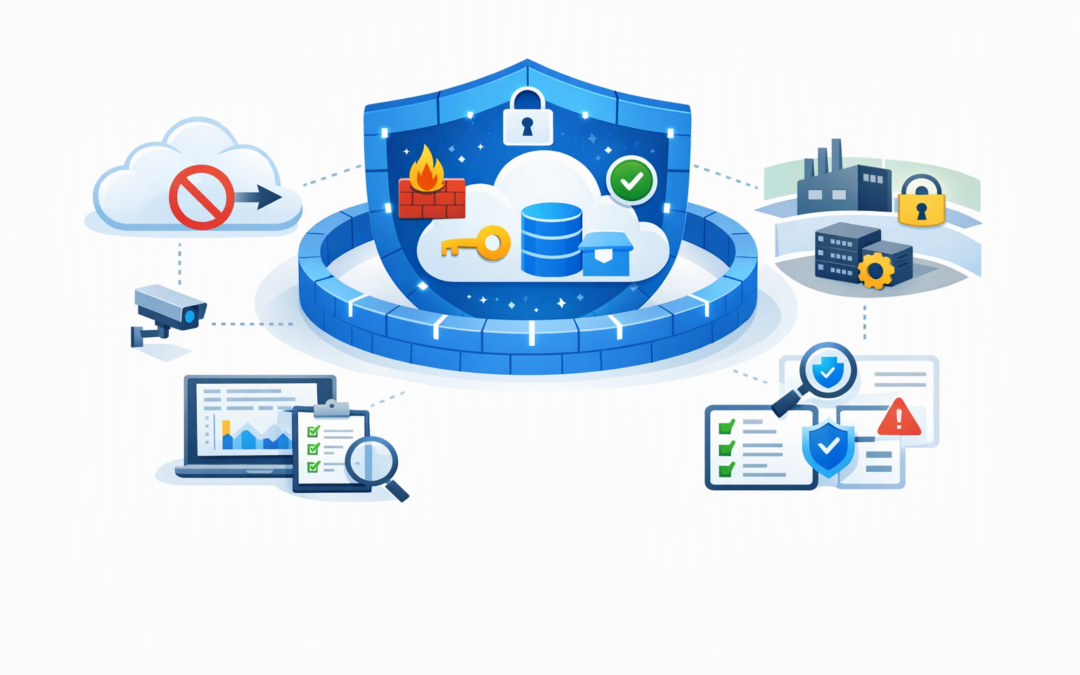
In this blog post Azure Network Security Perimeter Guide for Australian CIOs in 2026 we will explain how to reduce unwanted access to critical Azure services without creating an expensive or unmanageable network design.
Many mid-market organisations have secured their servers but left managed cloud services with inconsistent access settings. Storage accounts, databases, monitoring platforms and digital key stores may each have different firewall rules, exceptions and internet exposure.
That creates a business problem rather than just a technical one. One overlooked setting can expose sensitive information, interrupt an application or allow stolen data to leave the environment unnoticed.
What is Azure Network Security Perimeter?
Azure Network Security Perimeter creates a logical security boundary around supported Azure platform services. Platform services, often called PaaS, are managed services such as Azure Storage and Azure Key Vault, which securely stores passwords, encryption keys and application secrets.
CPI Consulting helps organisations design, build and secure Azure AI solutions, from Azure OpenAI and Microsoft Foundry to agents, governance and production deployment.
Visit CPI ConsultingThink of it as a controlled business precinct. Services inside the precinct can communicate under a common security policy, while connections entering or leaving must meet clearly defined rules.
This matters because many Azure services sit outside your traditional virtual network. Azure Network Security Perimeter gives security teams a consistent way to control their public connections without configuring every service separately.
The technology is generally available across Azure public cloud regions. However, support differs between Azure services, and some integrations remain in preview. Your team should confirm support and limitations for each service before relying on it in production.
The business problem it solves
Azure environments usually grow service by service. A project team creates a storage account, another team deploys an application, and an external provider adds monitoring or data integration.
Each project may be secure on its own. The risk appears when nobody has a complete view of how all those services communicate.
Azure Network Security Perimeter helps address four common problems:
- Unnecessary public exposure. Services can be restricted so they are not broadly reachable through the internet.
- Data leaving through an unapproved path. Outbound rules can limit where supported services send information.
- Inconsistent security settings. Common profiles apply the same access rules across multiple resources.
- Poor audit evidence. Diagnostic logs show allowed and blocked connection attempts, supporting investigations and compliance reviews.
The outcome is a smaller attack surface, clearer accountability and less time spent checking separate firewall settings across dozens of Azure resources.
How the technology works
A Network Security Perimeter has four main building blocks. Each one has a straightforward purpose.
The perimeter
This is the top-level logical boundary. A business might create separate perimeters for production, development and highly sensitive data rather than placing everything inside one large trusted zone.
Profiles
A profile is a reusable collection of rules. For example, a production profile may permit access from approved company locations and nominated Azure subscriptions while rejecting other public traffic.
Resource associations
An association places a supported Azure resource inside a profile. This could include a storage account or Key Vault containing information used by a business application.
Access rules
Access rules define approved connections across the boundary. Inbound rules control who or what can connect to protected services. Outbound rules control the external destinations those services may contact.
These network rules do not replace identity security. A connection may be allowed to reach a storage account, but the user or application must still have permission to open its data.
What Network Security Perimeter does not replace
A common mistake is treating one Azure security product as a complete solution. Network Security Perimeter is one layer in a broader design.
- Azure Firewall inspects and controls network traffic moving through your Azure networks.
- Network security groups control traffic to and from servers and network segments.
- Private Endpoints give supported services private network addresses, reducing reliance on public connections.
- Microsoft Defender for Cloud identifies risky configurations, vulnerabilities and suspicious activity.
- Identity controls determine which people and applications can access data after reaching a service.
Network Security Perimeter complements these controls by creating a consistent boundary for supported managed services. It is particularly useful when several services need to communicate without being broadly exposed.
A practical rollout plan
1. Start with business-critical data flows
List the Azure services holding customer records, financial information, intellectual property and application credentials. Then document what must connect to each service and why.
Do not start by drawing every technical connection in Azure. Start with the business processes that would cause the most damage if they stopped or leaked information.
2. Group services by risk and purpose
Avoid placing every supported resource inside one perimeter. Separate production from development and isolate services containing particularly sensitive data.
This limits the impact of a compromised resource. It also supports the Australian Signals Directorate’s network segmentation principle: separate systems so an incident cannot spread freely.
3. Use Transition mode before enforcement
Azure provides a Transition mode for introducing a perimeter safely. In this mode, existing resource firewall settings can continue allowing connections when the new perimeter rules do not.
Enable diagnostic logging and observe the traffic before moving to Enforced mode. Enforced mode makes the perimeter rules authoritative, so moving too early can interrupt applications, backups or business integrations.
4. Investigate every exception
Avoid broad rules added simply to make an error disappear. Each exception should have a business owner, purpose, expiry or review date, and evidence of approval.
This prevents temporary workarounds from becoming permanent security gaps.
5. Monitor and test continuously
Send perimeter logs to a central monitoring platform and alert on repeated blocked connections or unusual outbound attempts. Review the rules after application changes, acquisitions and new supplier integrations.
Network protection must also be tested alongside recovery. Our Azure resilience checklist for Australian mid-market CIOs explains how restore points, immutable backups and recovery testing fit into the broader risk picture.
A realistic mid-market scenario
Consider a 200-person professional services company using Azure Storage, Key Vault and several data integrations. Over time, different providers have added public IP exceptions so applications, administrators and reporting tools can connect.
Nobody is certain which exceptions are still required. Removing them all could stop client services, but leaving them creates unnecessary exposure.
The safer approach is to associate supported resources with a Network Security Perimeter in Transition mode. The company can collect logs, identify legitimate traffic, remove obsolete paths and then move carefully to Enforced mode.
The business outcome is clear: fewer public access paths, better evidence for auditors and less chance that a rushed firewall change will cause an outage.
How this supports Australian security obligations
Azure Network Security Perimeter does not automatically make an organisation compliant with the Essential Eight, the Australian government’s widely used cybersecurity framework. It can, however, strengthen the supporting controls around network segmentation, access restriction, monitoring and protection of sensitive information.
The newer ASD Essentials for cloud guidance also places greater emphasis on identity, data, configuration, applications, integrations and provider assurance. Perimeter logs and documented rules can help demonstrate that cloud access is deliberately designed rather than left to default settings.
Combine this work with accountable access controls and tested recovery processes. Our guide to building stronger Azure resilience covers those related responsibilities in more detail.
Questions CIOs should ask their IT provider
- Which Azure services are still accessible through public network paths?
- Can you show why every inbound and outbound exception is required?
- Are supported services grouped by business risk, or simply by technical convenience?
- Are perimeter logs monitored, or merely stored?
- What testing will occur before resources move into Enforced mode?
- How do these controls work with Private Endpoints, Azure Firewall and Microsoft Defender?
If the answers are unclear, the problem may not be the technology. It may be a lack of ownership and visibility.
Build the boundary around the business
Azure Network Security Perimeter can reduce risk, but only when its design reflects real applications, data and operational dependencies. The goal is not to create the most restrictive environment possible. It is to allow necessary business connections while making every other path unavailable or visible.
CloudProInc brings more than 20 years of enterprise IT experience to this work. As a Microsoft Partner and Wiz Security Integrator, our Melbourne-based team helps organisations connect Azure networking, identity, Microsoft Defender, Wiz cloud security and practical compliance requirements without the overhead of a large, faceless provider.
If you are not sure which Azure services are publicly exposed or whether your existing rules still make sense, we are happy to review the setup and identify the highest-priority gaps — no strings attached.