
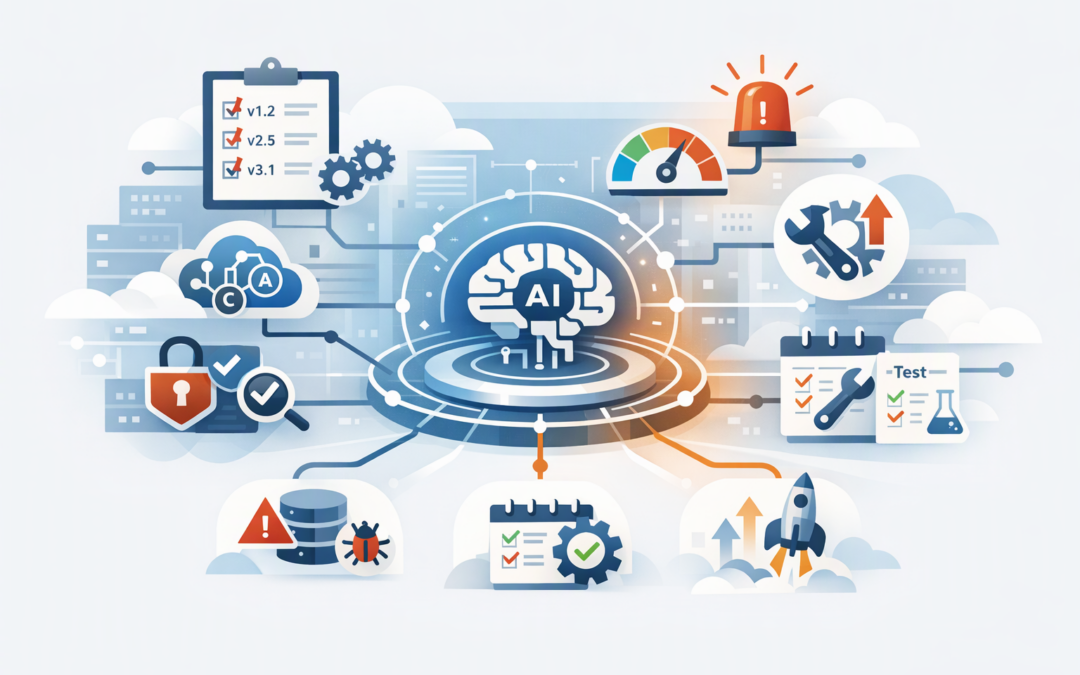
In this blog post Microsoft Agent Framework Release Pinning and Safe Upgrade Guide we will explain how mid-market teams can adopt useful updates without turning every release into a production incident.
Your AI agent may work perfectly today, then behave differently after an apparently routine package update. For a production agent answering customers, processing internal requests or connecting to business systems, that can mean downtime, incorrect actions, unexpected costs or a compliance problem.
The answer is not to avoid updates. It is to control them through version pinning, repeatable testing and planned upgrade windows.
What Microsoft Agent Framework actually does
Microsoft Agent Framework is a software foundation for building AI agents in Python and .NET. An AI agent is more than a chatbot: it can understand a request, call approved tools, use stored context and complete a multi-step task.
CPI Consulting helps organisations design, build and secure Azure AI solutions, from Azure OpenAI and Microsoft Foundry to agents, governance and production deployment.
Visit CPI ConsultingThe framework connects the language model to the surrounding business process. It manages components such as agent sessions, workflows, memory, tool connections and integrations with services including Microsoft Foundry, Azure OpenAI, OpenAI and Anthropic Claude.
That central role is why framework upgrades require care. A change may affect not only how the agent writes an answer, but also how it authenticates users, calls tools, resumes stored work or handles a failed request.
Why release cadence has become a business issue
Microsoft Agent Framework has been moving quickly. During October 2026, significant Python releases appeared on 2, 8, 15, 22 and 30 October, followed by version 1.25.0 on 6 November.
This does not mean every organisation should upgrade weekly. It means technology leaders need a regular decision process because important fixes and breaking changes can arrive close together.
For example, the November 2026 Python release required Python 3.11 or later. It also introduced limits and timeouts for discovering tools through MCP, the Model Context Protocol that lets agents connect to external tools and data sources, as well as tighter separation between user authorisation scopes.
Those changes can improve security and reliability. They can also break an untested production environment.
Pin more than the headline framework version
Pinning means recording the exact software versions that production is allowed to use. Without it, a rebuild or deployment can silently download a newer dependency and introduce behaviour your team has never tested.
A basic Python dependency file might include an exact version like this:
agent-framework==1.25.0
agent-framework-core==1.25.0
agent-framework-openai==1.25.0
mcp==2.2.0
A .NET project should follow the same principle by using an exact package version rather than accepting any future release:
<PackageReference Include="Microsoft.Agents.AI" Version="1.26.0" />However, the framework number is only part of the production configuration. Mid-market teams should also record:
- The Python, .NET or container runtime version.
- Every Agent Framework integration package.
- The model provider, model name and deployed model version.
- Tool definitions, MCP server versions and permission settings.
- Prompt and workflow versions.
- Stored-state and database schema versions.
- Cloud configuration, identity permissions and deployment settings.
Our production release and pinning guide explains this broader configuration baseline in more detail. The important business outcome is repeatability: if production must be rebuilt at 2 am, the replacement should behave like the system it replaces.
Use three upgrade lanes instead of one
Not every update deserves the same response. Treating every release as urgent creates disruption, while treating every release as optional leaves security and reliability problems unresolved.
1. Emergency security upgrades
Prioritise a release when it fixes an actively exploitable weakness, an authentication problem or a serious risk involving tool access and customer data. These updates should enter testing immediately and move to production once focused security and regression checks pass.
2. Routine maintenance upgrades
Bug fixes, supported runtime changes and reliability improvements usually belong in a monthly maintenance window. This gives the team time to assess several releases together instead of interrupting the business every week.
3. Planned capability upgrades
New integrations, workflow features or major interface changes should be tied to a business case. Upgrade when the expected benefit outweighs the migration, testing and training cost—not simply because a newer package exists.
This approach extends the governance model in our release and upgrade governance guide by turning release monitoring into a practical operating rhythm.
Test what the business depends on
A successful installation does not prove that an AI agent is safe to release. Testing must confirm that the complete business process still works.
Before approving an upgrade, test at least the following:
- Core user journeys. Run realistic requests from start to finish, including common variations and incomplete information.
- Tool permissions. Confirm that the agent can access what it needs and is blocked from everything else.
- Stored work. Resume conversations and workflows created by the current production version.
- Failure handling. Simulate unavailable models, slow tools, expired credentials and malformed responses.
- Output quality. Compare accuracy, tone, completion rates and human escalation rates with the current version.
- Cost and performance. Check response time, model usage and infrastructure consumption.
- Rollback. Prove that the previous version can be restored without losing important state.
Security tests should support the Essential Eight, the Australian Government’s cybersecurity framework that many organisations use to reduce common attack paths. In particular, upgrades should preserve application control, restricted administrative access, patching discipline and reliable backups.
A practical mid-market scenario
Consider a 180-person professional services company using an internal agent to search policies, draft client communications and create service tickets. The development environment automatically accepts new package versions because this saves the team a few minutes during deployment.
A framework update changes the tool connection lifecycle and introduces a shorter default timeout. The agent still answers simple questions, so the release appears healthy, but longer document searches begin failing halfway through.
Employees retry requests, support tickets increase and staff return to manual work. The visible problem is an unreliable AI assistant; the underlying problem is that no exact dependency set, long-running test or rollback package existed.
With pinned versions and a small pre-production test group, the same issue would have been found before the wider workforce saw it. The business outcome is fewer interruptions, less wasted staff time and greater confidence in the AI investment.
Set a release rhythm your team can sustain
For most organisations with 50 to 500 employees, a workable operating model is simple:
- Review framework and integration release notes weekly.
- Triage security and breaking changes within two business days.
- Test routine upgrades in a monthly maintenance cycle.
- Use a small pilot group before broad production rollout.
- Keep the previous production package and configuration ready for rollback.
- Review deferred upgrades quarterly so technical debt does not quietly accumulate.
Assign an owner as well. When responsibility is shared vaguely between a developer, an IT provider and a cloud team, important updates are often missed because everyone assumes somebody else is handling them.
Stable AI depends on controlled change
Fast releases are not automatically a problem. They become a problem when production systems can change without a clear decision, evidence from testing or a safe path back.
CloudProInc brings more than 20 years of enterprise IT experience to this work. As a Melbourne-based Microsoft Partner and Wiz Security Integrator, we help organisations connect AI delivery with practical Azure, Microsoft 365, identity and cybersecurity controls rather than treating the agent as an isolated experiment.
If you are not sure what your Agent Framework environment is currently running—or whether it could survive the next upgrade—we are happy to take a practical look with you, no strings attached.