
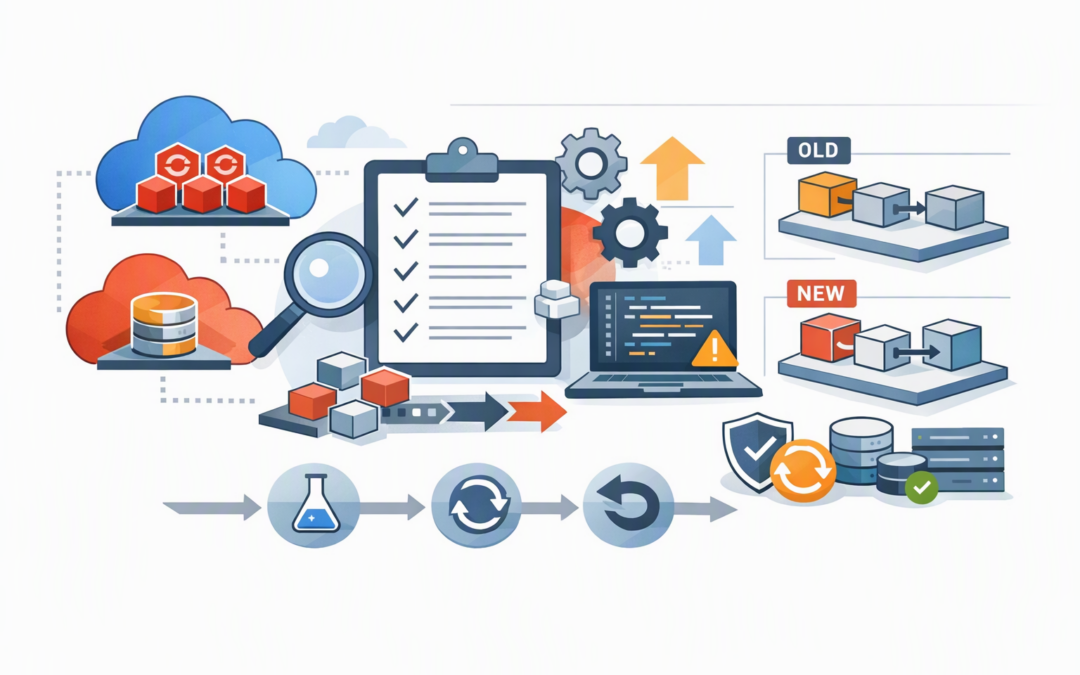
In this blog post Azure Red Hat OpenShift and NetApp SDK Updates for Platform Teams we will explain what has changed, why it matters, and how to upgrade without disrupting applications, storage or deployment automation.
The immediate challenge is not usually the update itself. It is the chain of dependencies behind it. A platform team may update an automation library, only to discover that a deployment script expects an older data format, a storage driver does not support the new OpenShift version, or an identity no longer has the permissions required to complete a build.
For CIOs and CTOs, the business risk is straightforward. Poorly planned platform changes can delay releases, create outages and consume days of specialist time. A controlled update process reduces that risk while allowing the business to benefit from lower operating costs, stronger security and faster application delivery.
What Azure Red Hat OpenShift and the NetApp SDK actually do
Azure Red Hat OpenShift is a managed application platform jointly operated by Microsoft and Red Hat. It provides the underlying environment used to run containerised applications, meaning applications packaged with everything they need to operate consistently across development, testing and production.
CPI Consulting helps organisations design, build and secure Azure AI solutions, from Azure OpenAI and Microsoft Foundry to agents, governance and production deployment.
Visit CPI ConsultingOpenShift handles tasks such as starting applications, distributing workloads across servers, applying updates and recovering failed components. Azure Red Hat OpenShift removes much of the work involved in operating that platform because Microsoft and Red Hat manage key parts of the infrastructure.
Azure NetApp Files provides high-performance file storage inside Azure. It is commonly used for databases, virtual machines, analytics platforms and business applications that need fast, reliable access to shared data.
An SDK, or software development kit, is a collection of code libraries that developers and platform engineers use to automate these services. Instead of creating every OpenShift cluster or NetApp volume manually, teams can use an SDK to build repeatable deployment processes.
An SDK update does not automatically change a running cluster or storage volume. However, it can change how automation communicates with Azure, which resource settings are available and how responses are presented to scripts. That is why it deserves the same change control as other production dependencies.
What has changed in the OpenShift platform
Microsoft introduced Azure Red Hat OpenShift with hosted control planes in public preview in September 2026. The control plane is the management layer that decides where applications run, monitors the cluster and responds when something fails.
Under the standard architecture, the control plane and application servers operate together inside the customer’s Azure environment. With hosted control planes, Microsoft and Red Hat centrally manage the control plane while the servers running business applications remain in the customer’s Azure subscription.
The potential business benefits include faster cluster deployment, less infrastructure overhead and automatic control plane updates. This could be valuable for organisations operating separate clusters for development teams, business units or geographic regions.
However, public preview services should not be treated as an automatic production upgrade. Platform teams need to confirm support arrangements, security controls, networking requirements, monitoring coverage and recovery procedures before approving business-critical workloads.
OpenShift 4.21 also became available as an Azure Red Hat OpenShift installation option in August 2026. Teams should confirm that operators, storage drivers, monitoring tools and security products support their target OpenShift release before changing channels or creating new clusters.
Why the SDK changes need their own workstream
Many organisations bundle SDK upgrades into broader application releases. That approach looks efficient, but it makes troubleshooting harder because platform, application and automation changes occur at the same time.
For example, version 4.0.0 of the Azure Red Hat OpenShift management library for Python introduced a revised model structure. In plain English, scripts may receive and handle Azure information differently after the update. Automation that directly reads response properties should therefore be tested rather than assumed to be compatible.
Azure Resource Manager libraries for NetApp Files have also continued to receive stable and preview releases. Stable packages are generally the safer choice for production automation. Preview packages may expose useful new Azure features sooner, but they can also introduce further changes before becoming fully supported releases.
Platform teams should record SDK versions alongside application and infrastructure versions. A simple dependency file is often enough:
platform_dependencies:
 openshift_channel: "stable-4.21"
 aro_python_sdk: "4.0.0"
 netapp_dotnet_sdk: "1.18.0"
 trident_version: "26.06"
 owner: "platform-engineering"
 review_cycle: "monthly"
The exact versions will depend on your environment. The important point is to pin approved versions rather than allowing build pipelines to download whatever package happens to be newest that day.
Storage compatibility is the hidden dependency
Applications running in containers are often described as portable, but their data is not automatically portable. Databases, file services and virtual machines still need persistent storage that remains available when an application moves between servers.
NetApp Trident is the storage component that connects OpenShift workloads to services such as Azure NetApp Files. It automatically creates and manages storage volumes when applications request them.
Current Trident guidance supports recent OpenShift releases, but NetApp recommends upgrading Trident before upgrading the underlying Kubernetes or OpenShift platform. Skipping this sequence can cause volume mounting failures, leaving an application unable to access its data even though the application itself is healthy.
Teams using OpenShift Virtualization, which allows traditional virtual machines to run alongside containers, need additional care. Current Azure guidance for Azure NetApp Files integration requires Azure Red Hat OpenShift 4.18 or later and Trident 25.6.2 or later.
This is where storage, platform and application owners must work from one plan. Our Azure NetApp Files upgrade checklist covers the network checks that should also be completed before changing production storage configurations.
A practical five-step update plan
1. Build a complete dependency inventory
List each OpenShift cluster, version, update channel, operator, SDK, storage driver and deployment pipeline. Include the owner and business applications supported by each component.
This turns an unclear technical change into a visible business impact assessment.
2. Separate service upgrades from SDK upgrades
Do not update OpenShift, Trident, NetApp automation and application code in one change window. Smaller changes make failures easier to identify and reverse.
3. Test real business workflows
A successful cluster deployment is not enough. Test application deployment, storage creation, backup, recovery, scaling and access removal using the same processes followed in production.
The same principle applies to ingress and application traffic. Our article on planning secure controller updates explains why compatibility testing matters even when an update appears small.
4. Review identities and permissions
Use managed identities, which allow Azure services to authenticate without permanent passwords stored in scripts. Confirm that each identity has only the access required for its role.
This supports the Essential 8, the Australian government’s cybersecurity framework, by strengthening access control and reducing opportunities for stolen credentials to be misused.
5. Define rollback before deployment
Record how the team will restore the previous SDK package, deployment template or storage configuration. Confirm that backups have been tested rather than merely scheduled.
A rollback plan should include a decision deadline. After data structures or storage configurations change, reversing an upgrade may become more difficult.
What good planning looks like in practice
Consider a 200-person organisation running customer-facing applications on OpenShift with Azure NetApp Files supporting shared application data. Its platform team wants OpenShift 4.21 and a newer management SDK to access updated Azure capabilities.
Instead of changing production immediately, the team pins the proposed SDK versions, upgrades Trident in a non-production cluster and tests storage provisioning, application recovery and deployment automation. The tests reveal that one internal script expects an older SDK response format.
Fixing that issue during testing takes several hours. Finding it during a production deployment could have stopped releases and occupied the platform team for an entire weekend. The value of the process is not simply technical stability; it is avoided downtime and predictable staff costs.
The decision for technology leaders
Azure Red Hat OpenShift, Azure NetApp Files and their supporting SDKs are moving quickly. Hosted control planes may reduce the cost of operating multiple clusters, while newer SDKs can improve automation and provide access to new service capabilities.
The safest approach is controlled adoption: pin versions, verify compatibility, test storage and recovery, and separate platform changes into manageable stages. This gives the business new capability without turning every update into an emergency.
CloudProInc brings more than 20 years of enterprise IT experience to these reviews. As a Melbourne-based Microsoft Partner and Wiz Security Integrator, we help Australian organisations assess Azure platforms, automation and cloud security without the overhead of a large, faceless provider.
If you are unsure whether your OpenShift and NetApp update plan covers the hidden dependencies, we are happy to review it with you — no strings attached.