
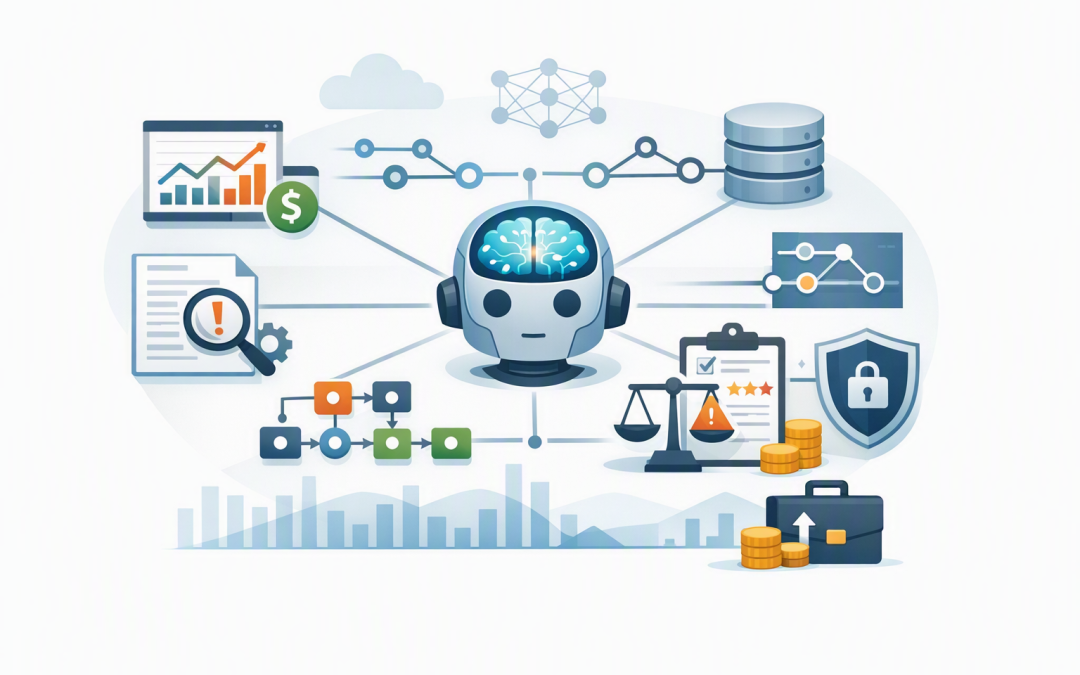
In this blog post How to Monitor AI Applications After Deployment Without Guesswork we will explain how to tell whether a live AI system is actually helping your business. An application can appear healthy while producing inaccurate answers, wasting money, exposing sensitive information or quietly frustrating employees.
At a high level, AI monitoring means continuously checking four things: whether the application works, whether its answers are useful, whether its behaviour is safe and whether the business is receiving enough value to justify the cost.
This ongoing visibility is often called AI observability. It gives leaders evidence about what the application is doing, why problems occur and where improvements will produce the greatest business return.
Why normal application monitoring is not enough
Traditional software usually follows fixed rules. If a payroll calculation receives the same inputs, it should produce the same result every time.
CPI Consulting helps organisations design, build and secure Azure AI solutions, from Azure OpenAI and Microsoft Foundry to agents, governance and production deployment.
Visit CPI ConsultingGenerative AI systems built with platforms such as Azure OpenAI, OpenAI or Anthropic Claude are different. Their responses can vary depending on the wording of a request, the information retrieved, the model version and the tools available to the application.
A green uptime dashboard therefore does not mean the system is performing well. It may be responding quickly while giving incomplete answers, using outdated documents or sending work back to employees for correction.
Monitoring should begin before launch with clear risk and performance expectations. Our guides to assessing AI agent risk before production and the enterprise AI governance checklist cover that preparation in more detail.
The technology behind AI application monitoring
Effective monitoring combines four types of information. Each answers a different business question.
- Metrics are numerical measurements such as response time, error rate, token consumption and cost per request.
- Logs are records of important events, including sign-ins, model requests, blocked actions and system errors.
- Traces show the complete path taken by a request. They can reveal whether a delay came from the AI model, a database search or an external business system.
- Evaluations score the quality and safety of AI responses. They can measure relevance, accuracy, task completion and whether an answer is supported by approved source material.
OpenTelemetry is commonly used to collect this information in a consistent format. In plain English, it acts as a standard labelling system so activity from different models, applications and cloud services can be analysed together.
For Microsoft environments, Azure Monitor and Application Insights can collect and display these signals. Microsoft Foundry can add AI-specific evaluations and tracing, while Microsoft Sentinel can help security teams identify suspicious patterns.
Our guide to monitoring Azure AI services explains the Azure configuration in more depth. The important point for leaders is that the monitoring design should follow business risk, not simply collect every available technical measurement.
Monitor the outcomes that justified the project
Start with the reason the AI application was funded. If it was designed to reduce customer service workload, measure successful resolutions, escalation rates and time saved per case.
If it supports employees, track adoption alongside repeat usage, task completion and the amount of manual correction required. High usage alone is not proof of success if employees are repeatedly fixing poor outputs.
A useful executive dashboard might include:
- Tasks completed successfully without human rework
- Average employee or customer time saved
- Escalation and abandonment rates
- Cost per successful outcome
- User satisfaction and reported problems
- Estimated financial benefit compared with operating cost
These measures turn AI monitoring into a management tool rather than another technical dashboard nobody outside IT understands.
Measure answer quality instead of assuming it
AI quality can decline even when nobody changes the model. Business policies become outdated, customer questions change and connected information sources may contain missing or conflicting content.
For an AI assistant that searches company documents, monitor whether answers are grounded in approved material. Groundedness simply means the answer can be supported by the documents the system was allowed to use.
Automated evaluations can score a sample of responses for relevance, completeness and safety. They should be combined with regular human review, especially for decisions involving finance, legal obligations, employee matters or customers.
Set different quality thresholds for different use cases. A tool drafting an internal meeting summary can tolerate more variation than an application advising customers about contracts or account balances.
Control cost before usage grows
AI costs can rise quickly when an application sends excessively long requests, repeats failed calls or uses an expensive model for simple tasks. A monthly invoice shows the total, but it rarely explains which workflow caused it.
Monitor consumption by application, department, model, user group and business process. More importantly, calculate the cost per successful task rather than focusing only on the cost per AI request.
Alerts should identify unusual usage spikes, repeated retries and conversations that continue without reaching an outcome. In many cases, improving instructions, shortening retrieved documents or routing simple work to a smaller model can reduce cost without hurting quality.
Watch what AI agents access and change
An AI agent is an application that can do more than produce text. It may search files, update records, send messages or trigger workflows on behalf of a user.
Monitoring should record which identity initiated an action, what tool the agent used, what data source it accessed and whether the action succeeded or was blocked. High-risk actions should require additional approval rather than relying on monitoring after the event.
Security teams should also look for unusual behaviour, such as sudden bulk access, repeated permission failures or an agent using tools outside its normal business process. Our article on monitoring AI agent activity with Sentinel and OpenTelemetry explains how to build this audit trail without unnecessarily collecting sensitive content.
Do not turn monitoring into a privacy problem
Detailed logs are valuable, but they may contain customer details, employee information, confidential documents or commercially sensitive instructions. Collecting everything by default can create a larger security and privacy risk than the one monitoring was meant to reduce.
Decide which data is genuinely required, remove or mask personal information where practical and limit access to authorised staff. Set clear retention periods so diagnostic records are not stored indefinitely.
Australian organisations should align this approach with their obligations under the Privacy Act and Australian Privacy Principles. Central logging also supports incident investigation and broader security controls associated with the Essential Eight, the Australian Government’s baseline cybersecurity framework, although AI monitoring does not replace Essential Eight implementation.
Create alerts that lead to action
An alert is useful only when somebody knows what to do with it. Every critical measure should have an owner, an agreed threshold and a response plan.
For example, a quality alert might pause automated customer responses and redirect requests to staff. A cost alert might temporarily restrict a high-consumption workflow while the team investigates retry loops or unexpected demand.
Review operational dashboards weekly and business outcomes monthly. Senior leaders usually need trends, financial impact and unresolved risks rather than thousands of individual events.
A practical 30-day monitoring plan
- Define success. Choose three to five business measures connected to the original project case.
- Map the workflow. Document the models, data sources, users, tools and business systems involved.
- Connect telemetry. Collect the required metrics, logs and traces using tools such as OpenTelemetry and Application Insights.
- Build quality checks. Evaluate a representative sample of real requests and compare results with an approved baseline.
- Set security controls. Monitor identities, permissions, data access and agent actions.
- Create alerts and ownership. Decide who responds and when the application should be restricted or stopped.
- Report business value. Show cost per outcome, time saved, quality trends and outstanding risks to leadership.
What this looks like in practice
Consider a 200-person professional services firm using an internal AI assistant to answer policy and project questions. Usage is growing and the system is available, so the initial dashboard looks positive.
Deeper monitoring reveals that staff regularly ask the same question twice, several answers rely on outdated documents and one workflow sends much more information to the model than necessary. The application is technically working, but productivity and cost outcomes are below expectations.
By updating the knowledge source, improving the instructions and adding alerts for repeated requests, the company can reduce rework and model consumption. It also gains a clear record of who used the system and what information sources supported each answer.
Monitoring is how an AI pilot becomes a business system
Deployment is not the finish line. Models, business information, user behaviour and security threats all change over time.
The organisations receiving lasting value from AI are not necessarily those using the biggest models. They are the ones that can measure quality, control cost, detect risky behaviour and improve the application using real evidence.
CloudProInc combines more than 20 years of enterprise IT experience with practical expertise across Azure, Microsoft 365, OpenAI, Claude, Microsoft Defender and Wiz. As a Melbourne-based Microsoft Partner and Wiz Security Integrator, we help organisations build monitoring that leaders can understand and technical teams can act on.
If your AI application is already live but you are not sure whether it is delivering value safely, we are happy to review the current setup and identify the monitoring gaps — no strings attached.