
In this blog post Understanding Run State Session State and Secure Sandbox Snapshots we will explain why an AI agent can remember a conversation yet still lose its work, repeat an action or resume from the wrong point.


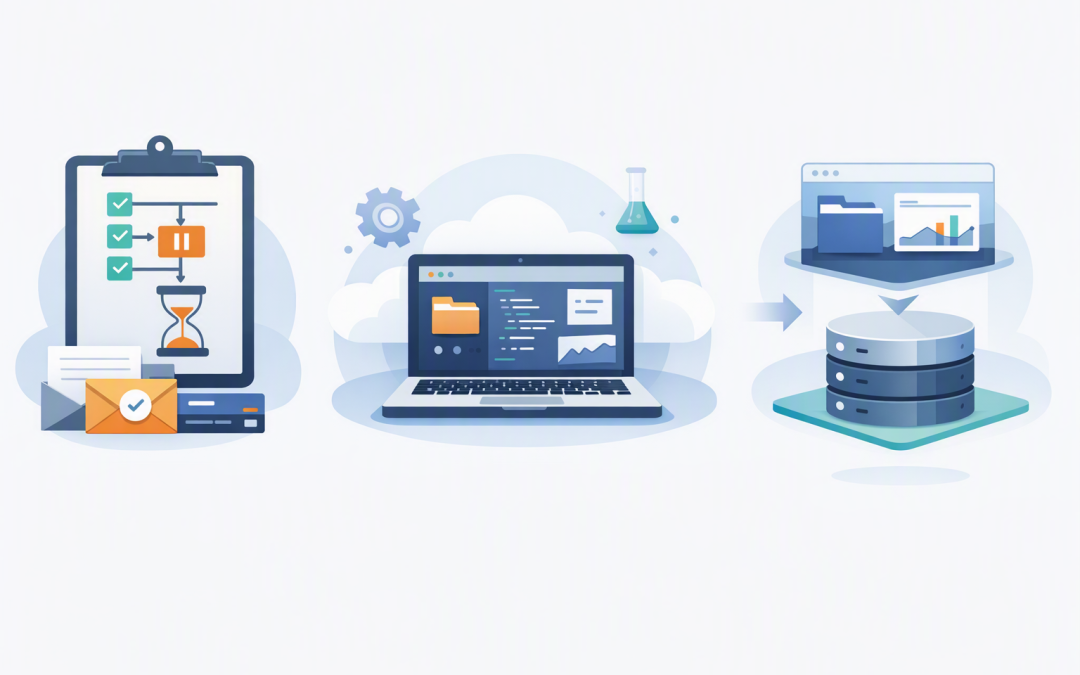
At a high level, these three types of state preserve different parts of an AI workflow. Run state remembers where the task stopped, session state reconnects the agent to an existing work environment, and a sandbox snapshot creates a reusable copy of that environment.
Getting these layers right is what turns an impressive AI demonstration into a reliable business system. It reduces repeated work, limits unnecessary cloud costs and gives your team a safer recovery path when an agent, application or approval process is interrupted.
Why AI agents lose work even when they remember the conversation
Imagine an AI agent preparing a monthly management report. It has opened spreadsheets, cleaned data, generated charts and created a draft document before stopping to request approval from the finance director.
The director responds the next morning. The conversation is still visible, but the generated files are gone, the temporary environment has expired or the agent starts the process again and creates different figures.
This happens because conversation history is only one part of the system. As we covered in why session management keeps AI automation reliable, the application must preserve enough context to continue safely. An agent that works with files and commands also needs its execution environment managed correctly.
The technology behind sandboxed AI agents
A sandbox is an isolated workspace where an AI agent can read and write files, run approved commands, install permitted software packages and produce outputs such as reports, spreadsheets or application code. Isolation helps prevent the agent from freely accessing the server, business network or other users’ work.
The AI model does not manage this environment by itself. An agent framework controls the model calls, tools, approvals and workflow, while a sandbox provider controls the workspace where files and commands exist.
This separation matters. Business credentials, audit records and approval rules should remain in trusted systems, while the sandbox receives only the files, permissions and temporary access required for the task.
Run state remembers where the workflow stopped
Run state is a checkpoint for the agent’s current workflow. It can preserve information such as completed model steps, tool requests, generated results, agent handovers and actions waiting for human approval.
Think of it as the agent’s place in a process rather than its entire workplace. If an agent pauses before sending a supplier payment file, run state can record that the file has been prepared but the send action has not been approved.
This creates several business benefits:
- Safer approvals: sensitive actions can pause until an authorised person approves or rejects them.
- Fewer duplicate actions: the agent is less likely to repeat an email, transaction or system update after restarting.
- Better auditability: your application can record why the workflow paused and what decision allowed it to continue.
- Improved recovery: an interrupted process can resume instead of starting again from the first step.
Run state is especially useful for human-in-the-loop workflows, meaning processes where a person must review a decision before the AI continues.
Session state reconnects to the same working environment
Sandbox session state contains the information needed to reconnect to an existing sandbox managed by a particular provider. That sandbox may already contain downloaded documents, installed dependencies, working files and partially completed outputs.
This is different from a conversational session. A conversational session remembers messages and user interactions. A sandbox session represents the live environment where the work is being performed.
Our guide to multi-turn state for OpenAI agents explains how an agent continues a conversation without repeatedly requesting the same details. Sandbox session state extends that continuity to the agent’s workspace.
Use session state when the agent must return to the same environment. For example, a developer may ask an agent to update an application, review the first result and then request another change using the files and installed tools already present.
The trade-off is lifecycle cost. Keeping hundreds of sandbox sessions alive while users wait for hours or days can waste compute resources. Sessions also need expiry rules so abandoned environments do not remain accessible indefinitely.
Sandbox snapshots create reusable recovery points
A sandbox snapshot is a saved copy of workspace contents that can be used to create a fresh sandbox later. Instead of reconnecting to the original live environment, the system starts a new environment using the saved files and configuration as its starting point.
A useful comparison is the difference between returning to the same desk and setting up a new desk from a carefully packed archive. The second desk starts with the required materials but has its own lifecycle.
Snapshots are useful for:
- Long-running tasks: save progress, shut down idle compute and continue later.
- Recovery: return to a known good workspace after an agent produces an incorrect change.
- Branching: create two fresh sandboxes from the same point and test different approaches.
- Standardisation: give each task a clean environment with approved files, packages and templates.
- Cost control: avoid paying to keep every temporary environment running while it waits for a user.
A snapshot is not automatically a complete business backup. Its contents, retention period and restoration behaviour depend on the sandbox provider, so restoration must be tested rather than assumed.
How the three layers work together
For a reliable workflow, these mechanisms are normally combined rather than treated as competing options.
- The agent starts a task inside an isolated sandbox.
- Run state tracks workflow progress, tool activity and pending approvals.
- Session state allows a later run to reconnect to the same sandbox when short-term continuity is required.
- A snapshot saves the workspace when the live sandbox should be closed, copied or rolled back.
- Conversation history separately preserves what the user and agent have discussed.
The following simplified TypeScript-style example shows the overall pattern. Exact interfaces may change because sandbox agent features are still developing.
import { run, RunState } from '@openai/agents';

// Start the task in an isolated sandbox.
const result = await run(agent, task, {
 sandbox: { client }
});

// Save the workflow if it pauses for approval.
const savedRunState = result.state.toString();

// Later, rebuild trusted services and restore the workflow.
const restoredState = await RunState.fromString(
 agent,
 savedRunState
);

restoredState.approve(pendingAction);

const resumedResult = await run(agent, restoredState, {
 sandbox: { client }
});

// Depending on the requirement, the sandbox layer can
// reconnect with session state or create a fresh session
// from a previously saved snapshot.
The important design decision is not the individual method name. It is deciding exactly which workflow, conversation and workspace information must survive an interruption.
A practical business scenario
Consider a 200-person professional services firm using an AI agent to prepare client review packs. Each pack requires document collection, spreadsheet analysis, draft recommendations and manager approval.
Run state records that the recommendations are waiting for approval. Session state lets the manager request a quick correction using the existing workspace. Once the approved template is ready, a snapshot provides a clean starting point for similar future jobs without keeping the original environment running.
The result is less repeated processing, faster turnaround and a clearer approval record. Client work also remains separated rather than being mixed into one long-lived workspace.
Security and governance rules to put in place
Saved state can contain sensitive information. Run state may include tool inputs and approval details, while sessions and snapshots may contain customer files, source code, reports or temporary credentials.
- Encrypt saved state and snapshots both when stored and transferred.
- Apply expiry and deletion rules based on the sensitivity of the task.
- Keep passwords, API keys and privileged credentials outside saved state wherever possible.
- Recreate clients, access policies and credentials from trusted configuration when resuming.
- Log who created, restored, approved, downloaded or deleted a snapshot.
- Test failure, expiry and restoration scenarios before production use.
- Keep sandbox images patched and minimal. The same principles discussed in building lean and reliable Docker images also reduce unnecessary software and security exposure.
These controls support broader security programs, but they do not replace the Essential 8, the Australian Government’s baseline cybersecurity framework. Application control, patching, restricted administrative access and other Essential 8 measures still need to cover the systems surrounding the AI agent.
Choose state based on the outcome you need
Use run state when the question is, “Where did the process stop?” Use session state when the question is, “How do we return to the same environment?” Use a snapshot when the question is, “How do we start a fresh environment from saved work?”
CloudProInc brings more than 20 years of enterprise IT experience to these decisions, combining practical AI delivery with Microsoft Azure, security and governance knowledge. As a Microsoft Partner and Wiz Security Integrator, we look beyond whether an agent works in a demonstration and focus on whether it can recover safely, control costs and protect business data.
If you are unsure whether your AI agent can reliably pause, recover and resume without losing work or exposing sensitive information, we are happy to review the design with you — no strings attached.