
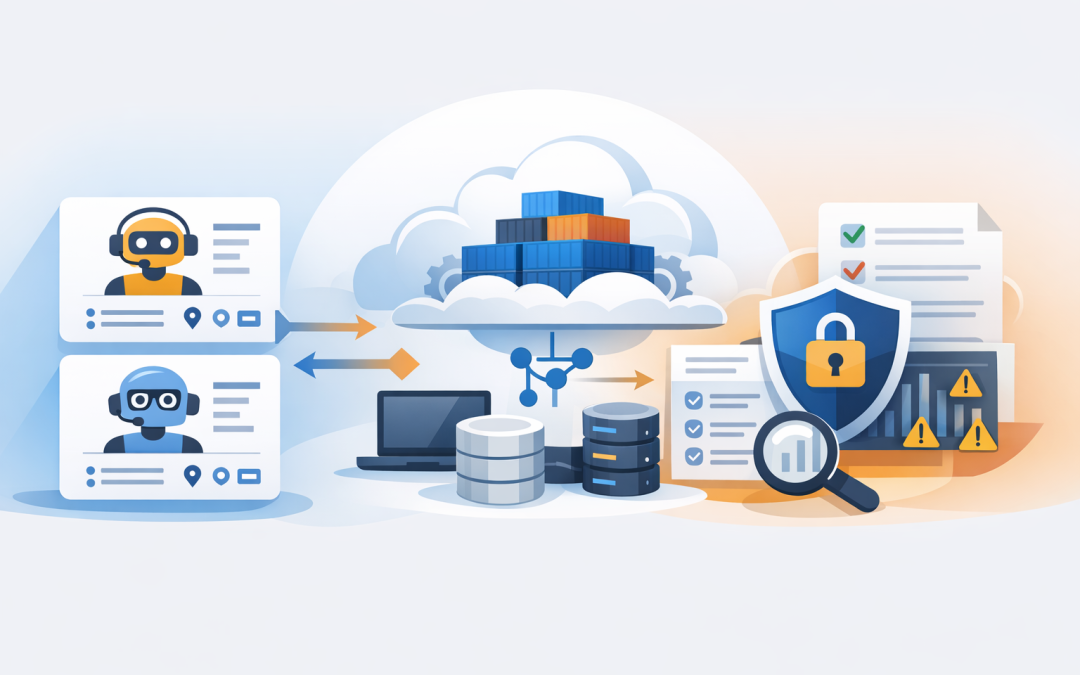
In this blog post Building A2A Agents with ASP.NET Core and Azure Container Apps we will turn an AI agent into a secure, scalable service that other agents can discover and call.


Many organisations can already build an impressive AI demonstration. The harder problem appears when that agent must work reliably with finance, operations, customer service or a business partner’s system without creating another fragile custom integration.
Agent-to-Agent, or A2A, provides a common way for independent AI agents to describe what they do, exchange messages and manage longer-running work. ASP.NET Core provides the reliable web service around the agent, while Azure Container Apps runs that service without requiring your team to manage servers or a Kubernetes cluster.
Why A2A matters to technology leaders
Without a common communication standard, every connection between agents becomes a separate development project. An invoice agent calling a procurement agent may use one format, while a support agent calling the same service uses another.
A2A reduces that duplication by giving agents a shared contract. It supports capability discovery, direct messages, tracked tasks and streamed progress updates, even when the agents use different programming languages or AI platforms.
This does not mean every application should become an agent. A normal application programming interface, or API, remains better for predictable transactions such as retrieving an invoice by number. A2A becomes useful when the receiving service must interpret a goal, choose steps, request clarification or return work over time.
For a broader introduction to the protocol and multi-agent design, see our guide to building interoperable AI agents with A2A.
The technology behind the solution
The A2A agent is hosted as an ASP.NET Core application. ASP.NET Core is Microsoft’s framework for building web services in .NET, giving the agent standard controls for authentication, logging, health checks and request limits.
The official A2A .NET packages handle the protocol details. An agent publishes an Agent Card, which is similar to a digital business card. It tells approved callers what the agent can do, where it is available and which communication options it supports.
Azure Container Apps then runs the packaged application. A container is a portable bundle containing the application and everything it needs to run. Container Apps can add or remove copies based on demand, manage encrypted web traffic and create revisions so a faulty release can be rolled back.
Build a focused ASP.NET Core agent
Start with one narrow business outcome. An agent that “helps with operations” is difficult to test and govern. An order-status agent that checks approved systems and explains delivery risks is much easier to control.
Create the project and add the A2A packages:
dotnet new webapi -n OrderStatusAgent
cd OrderStatusAgent
dotnet add package A2A
dotnet add package A2A.AspNetCore
The current A2A protocol has reached version 1.0, but some .NET implementation packages may still be released as previews. Pin tested package versions rather than accepting automatic upgrades in production.
Next, implement the agent handler. This simplified example keeps the AI reasoning separate from the A2A communication layer:
using A2A;

public sealed class OrderStatusAgent : IAgentHandler
{
 private readonly IOrderService _orders;

 public OrderStatusAgent(IOrderService orders)
 {
 _orders = orders;
 }

 public async Task ExecuteAsync(
 RequestContext context,
 AgentEventQueue events,
 CancellationToken cancellationToken)
 {
 var responder = new MessageResponder(events, context.ContextId);
 var result = await _orders.AnswerAsync(
 context.UserText,
 cancellationToken);

 await responder.ReplyAsync(
 result,
 cancellationToken: cancellationToken);
 }
}
IOrderService should contain the controlled business logic. It might call Azure OpenAI, OpenAI or Anthropic Claude, but it should also enforce which systems can be queried and which actions are allowed.
Register the handler, describe its skill and expose the endpoint:
using A2A;
using A2A.AspNetCore;

var builder = WebApplication.CreateBuilder(args);

var card = new AgentCard
{
 Name = "Order Status Agent",
 Description = "Checks approved order data and explains delivery risks.",
 Version = "1.0.0",
 SupportedInterfaces =
 [
 new AgentInterface
 {
 Url = "https://agent.example.com/a2a",
 ProtocolBinding = "JSONRPC",
 ProtocolVersion = "1.0"
 }
 ],
 DefaultInputModes = ["text/plain"],
 DefaultOutputModes = ["text/plain"]
};

builder.Services.AddA2AAgent<OrderStatusAgent>(card);
builder.Services.AddScoped<IOrderService, OrderService>();

var app = builder.Build();
app.MapA2A("/a2a");
app.MapWellKnownAgentCard();
app.Run();
Treat this as a starting pattern rather than a complete production application. The public URL should come from configuration, and the Agent Card should only advertise capabilities that callers are genuinely authorised to use.
Package and deploy the agent
A small Dockerfile packages the ASP.NET Core service into a container:
FROM mcr.microsoft.com/dotnet/aspnet:8.0 AS runtime
WORKDIR /app
EXPOSE 8080

FROM mcr.microsoft.com/dotnet/sdk:8.0 AS build
WORKDIR /src
COPY . .
RUN dotnet publish -c Release -o /app/publish

FROM runtime
WORKDIR /app
COPY --from=build /app/publish .
ENTRYPOINT ["dotnet", "OrderStatusAgent.dll"]
Push the image to Azure Container Registry, Microsoft’s private storage service for container images, and deploy it to Azure Container Apps. Use internal ingress, meaning private network access, when only company systems need the agent.
For production workloads, consider keeping at least one container running. Scaling to zero can reduce idle costs, but the first request may be slower while a new container starts. That delay can be disruptive when one agent is waiting for another.
Long-running tasks also require durable storage outside the container. Do not rely on a container’s local memory for task history because containers can restart or be replaced. Store task state in an approved service such as Azure SQL, Cosmos DB or a distributed cache.
Do not mistake connectivity for security
The A2A software development kit handles protocol mechanics, but it does not automatically secure your endpoint. Authentication, authorisation, rate limiting, tenant separation and production storage remain the application owner’s responsibility.
- Use Microsoft Entra ID so only approved applications and agents can connect.
- Use managed identity, which gives the container a controlled Azure identity without storing passwords in code.
- Limit each agent’s permissions to the data and actions required for its job.
- Apply request and spending limits so a loop between agents cannot create an unexpected AI bill.
- Filter logs so prompts, personal information, access tokens and customer records are not recorded unnecessarily.
- Scan containers and cloud settings with Microsoft Defender and Wiz to identify vulnerable software or unsafe exposure.
These controls also support the Essential Eight, the Australian Government’s cybersecurity framework that many organisations use to reduce common attack paths. The agent should fit within existing access control, patching, monitoring and incident-response processes rather than sitting outside them.
For deeper guidance, read our article on implementing secure A2A authentication.
A practical business scenario
Consider a 200-person distributor with separate agents for sales enquiries, inventory and delivery scheduling. Previously, staff copied information between three systems whenever a customer requested an urgent order update.
With A2A, the sales agent can ask the inventory agent whether stock is available, then send a defined task to the delivery agent for an estimated dispatch date. The employee receives one answer while each agent remains responsible for a limited function.
The business outcome is not simply “more AI”. It is fewer manual checks, faster customer responses and a clear record of which service supplied each part of the answer.
What to decide before production
- Choose one measurable process, such as reducing order-status handling time.
- Document which agents can call each other and what data they may exchange.
- Decide whether results should be immediate, streamed or managed as tracked tasks.
- Set cost, request, timeout and retry limits before connecting an AI model.
- Test failure cases, including unavailable systems, duplicate requests and incomplete data.
- Use Container Apps revisions to release gradually and roll back safely.
If your core applications already run on .NET, this approach lets you add agent communication without abandoning familiar development, security and support practices. It also keeps the AI model replaceable rather than tying the entire workflow to one provider.
CloudProInc combines more than 20 years of enterprise IT experience with hands-on work across Azure, Microsoft 365, OpenAI, Claude, Defender and Wiz. As a Melbourne-based Microsoft Partner and Wiz Security Integrator, we focus on making new technology useful, secure and supportable.
If you are considering an A2A pilot but are unsure how to host, secure or cost it, we are happy to review the design with you — no strings attached.